25
Pairing a Button and Host
A product set includes a Host and two Buttons, which are paired before shipment. In such a case,
you don’t need to pair them again. However, if you buy two or more product sets, and you want
to pair a Button with a different Host, you need to follow the instruction below. If you buy an
additional Button kit, and you want to pair the new Buttons with your Host, you need to follow the
instruction below as well.
When the Host is placed on a table
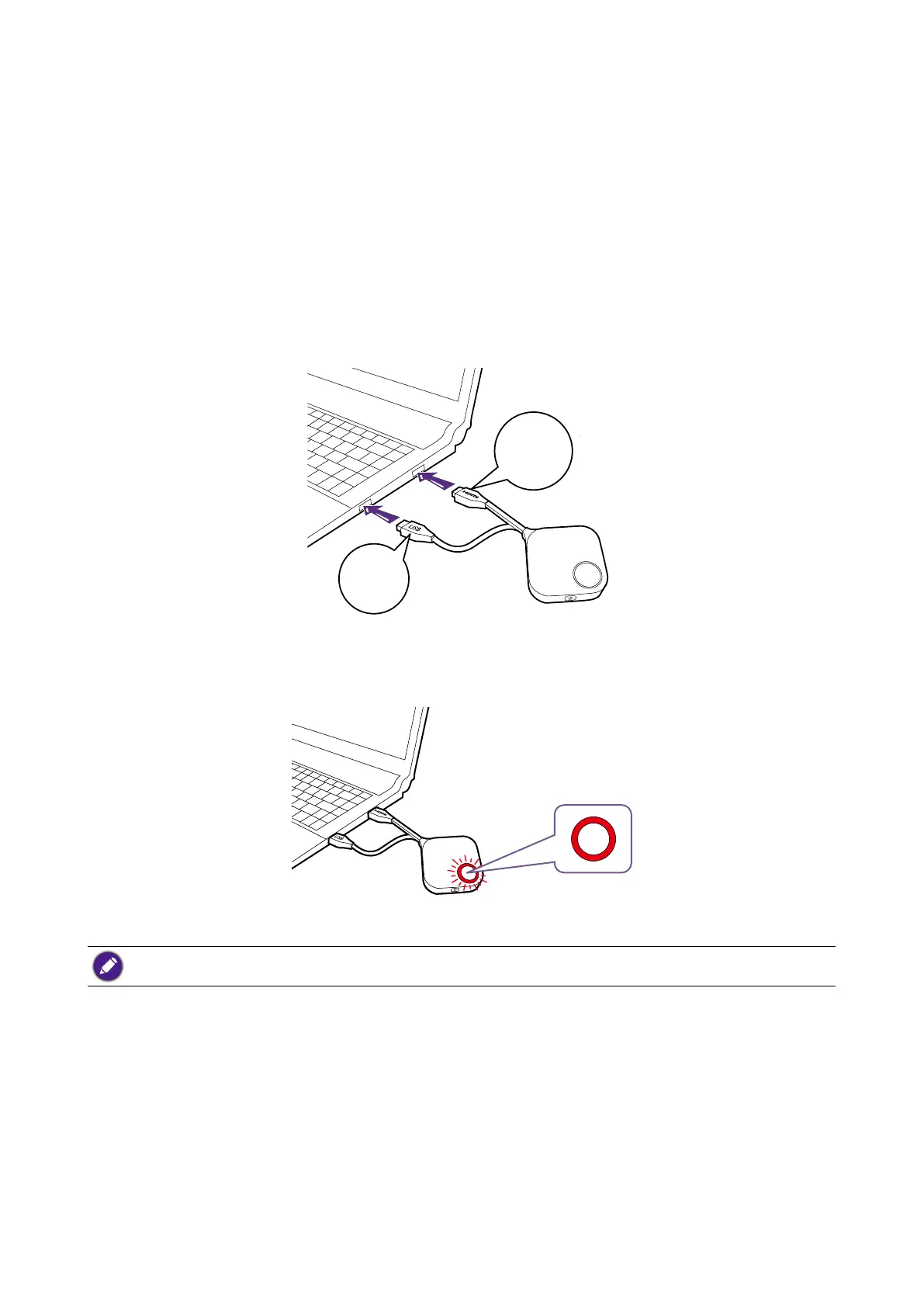
1. Make sure your Host is ready with power supply. Connect the Button’s HDMI and USB jacks to
the corresponding inputs of a laptop.
USB
3.0
HDMI
1.4
2. When the new Button is connected to the laptop, the LED indicator of the Button will ash red.
If a Button nearby has been paired with a Host before, it will turn static green.
3. Press the PAIRING key of the Host for ve seconds, the LED indicator of the Host will blink
blue for two minutes, waiting to pair with a Button.



 To Next Page