53
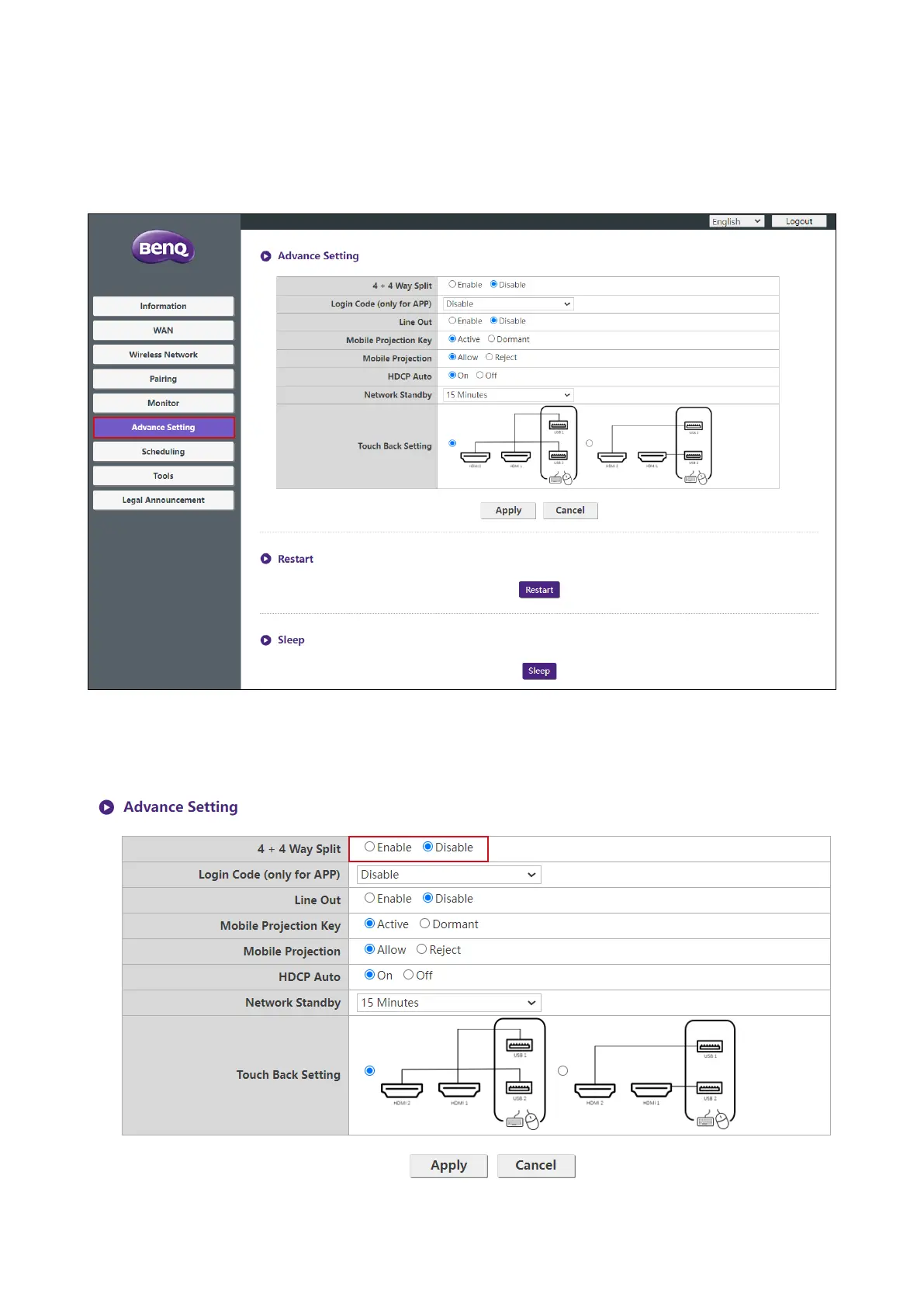
Advance Setting
Click Advance Setting to adjust 4 + 4 Way Split, Login Code (only for APP), Line Out,
Moblie Projection Key, Moblie Projection, HDCP Auto, Network Standby and
Touch Back Setting.
4 + 4 Way Split enables or disables split screen presentations and has the same function as the
split screen button on a Button. See Split screen presentations on page 31 for more information
split screen presentations.



 To Next Page