6
Introduction
InstaShow™ X (or “the product” in this document) is a wireless device for corporate meeting
rooms. Users expect devices to respond instantly, apps to launch and to control at their ngertips,
and information to be available on demand. The product bypasses the complicated steps of IP
addresses, driver installation, app execution, setting selection, etc. to quickly deliver professional,
stable visual quality for teams to collaborate freely and condently. The product is an unique all-
hardware solution without software issues for universal compatibility and display exibility.
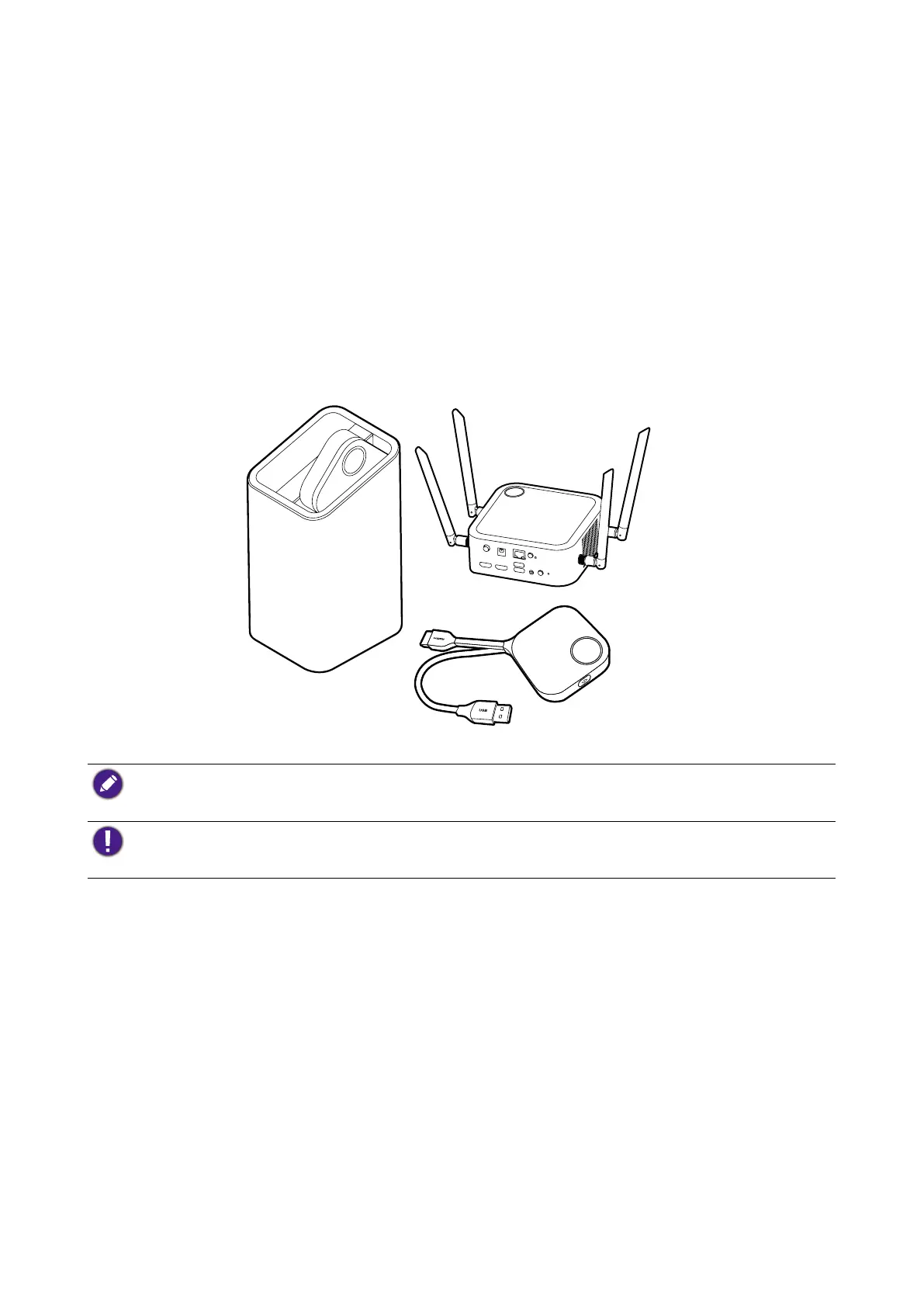
A standard product set consists of an InstaShow™ X Host (or “Host” in this document) and two
InstaShow™ X Buttons (or “Buttons” in this document). Depending on the location where you buy
the product, the software of the base unit can be different. You can buy additional InstaShow™ X
Button kits if needed.
• "InstaShow™ X" will hereinafter be referred to as "the product" in this document.
• "InstaShow™ X Host" will hereinafter be referred to as "Host" in this document.
• "InstaShow™ X Button/Buttons" will hereinafter be referred to as "Button"/"Buttons" in this document.
Your product complies with the local wireless regulations and the warranties are valid in the country/region
where the product is purchased. Using the product outside the purchased country/region does not guarantee
the wireless functionalities. And modication of any part of the product will void the warranties.
The InstaShow™ X is considered as networked equipment with high network availability
(HiNA equipment with HiNA functionality) as it provides wireless network access for wireless
InstaShow™ X Buttons. The detailed operations of standby please refer to Enabling network
standby mode on page 29 for more information.



 To Next Page