22
LAN connection
The Host can be connected to a local network or directly to a laptop. The LAN connection can
be used to congure your product and update the software. Insert a network cable with RJ-45
connectors into the LAN port and connect the other side to a LAN.
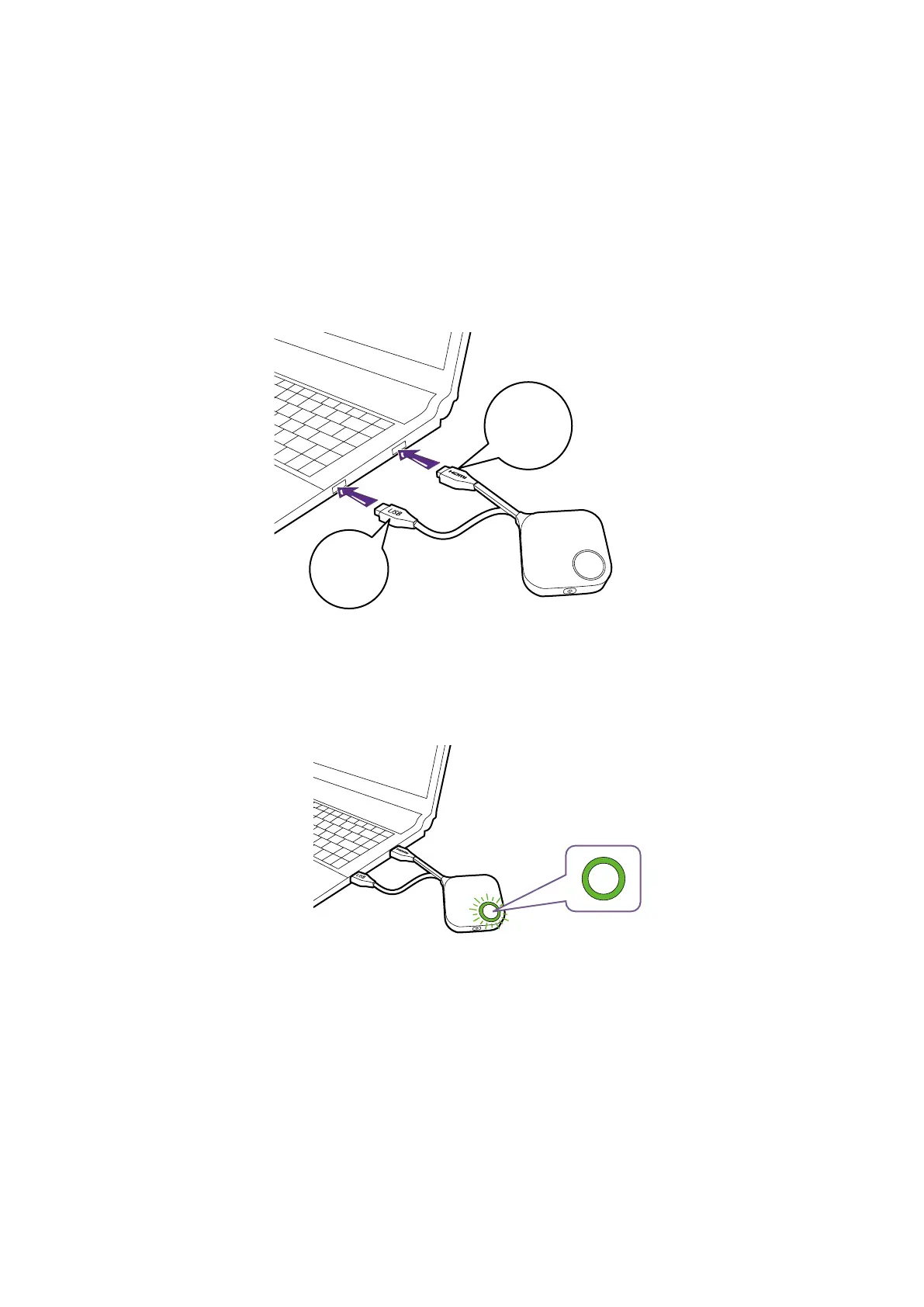
Setting up and powering a Button
1. Connect the Button’s HDMI and USB jacks to the corresponding inputs of a laptop. See the illus-
tration.
USB
3.0
HDMI
1.4
2. The LED indicator of the Button will ash green while the Button is starting up.



 To Next Page