34
Presenting with mobile devices
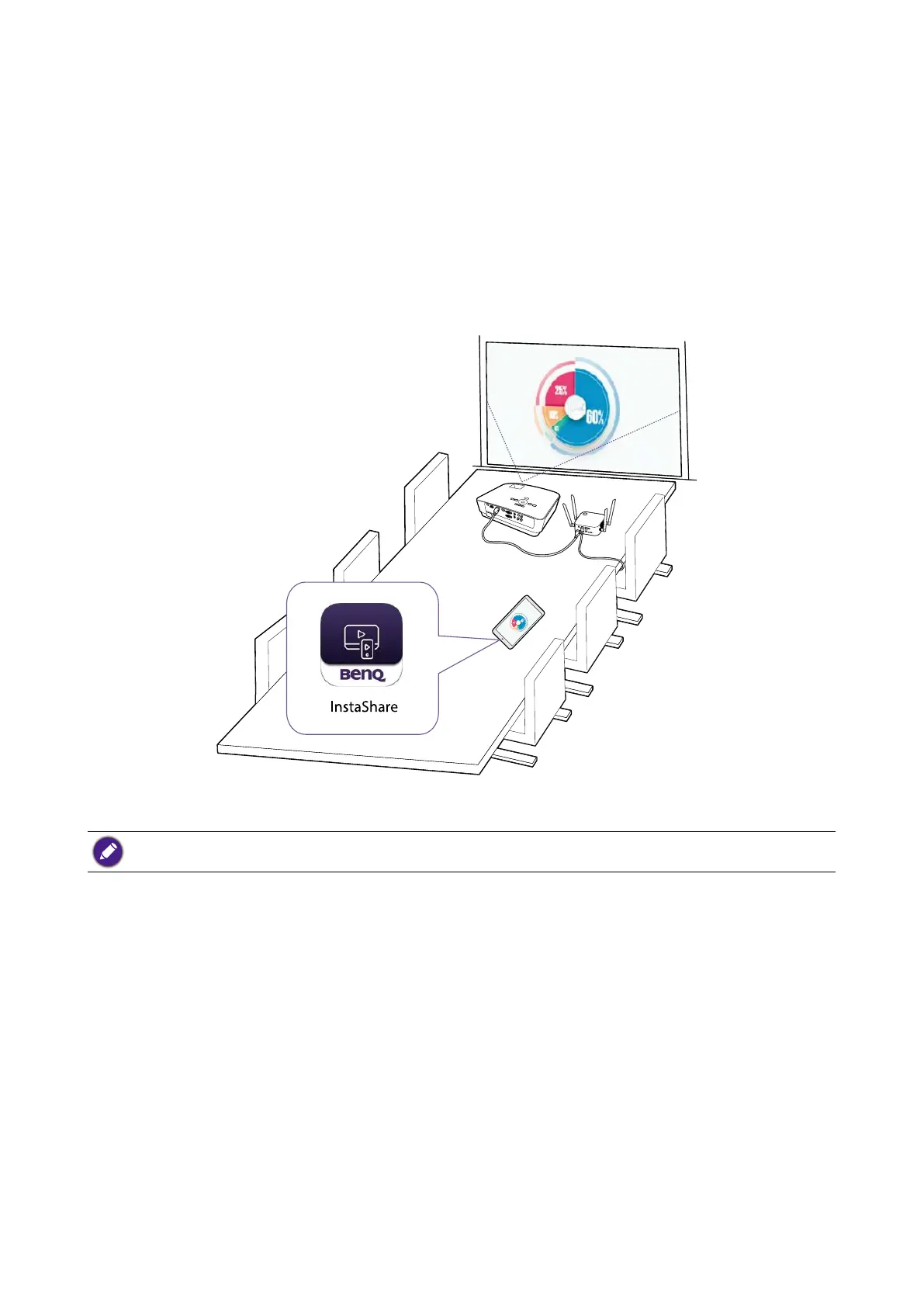
Users with mobile devices can connect their mobile devices to the Host and make a presentation
via the InstaShare app by following the steps below:
1. Install the InstaShare app on your mobile device using the QR code located on the guide screen.
2. The name of the Host is displayed on your mobile device’s Wi-Fi menu, select it to make a Wi-Fi
connection. No password is required.
3. Select a desired function and follow the on-screen instructions to project.
Functions and interface of the app may be updated without prior notice.



 To Next Page