24
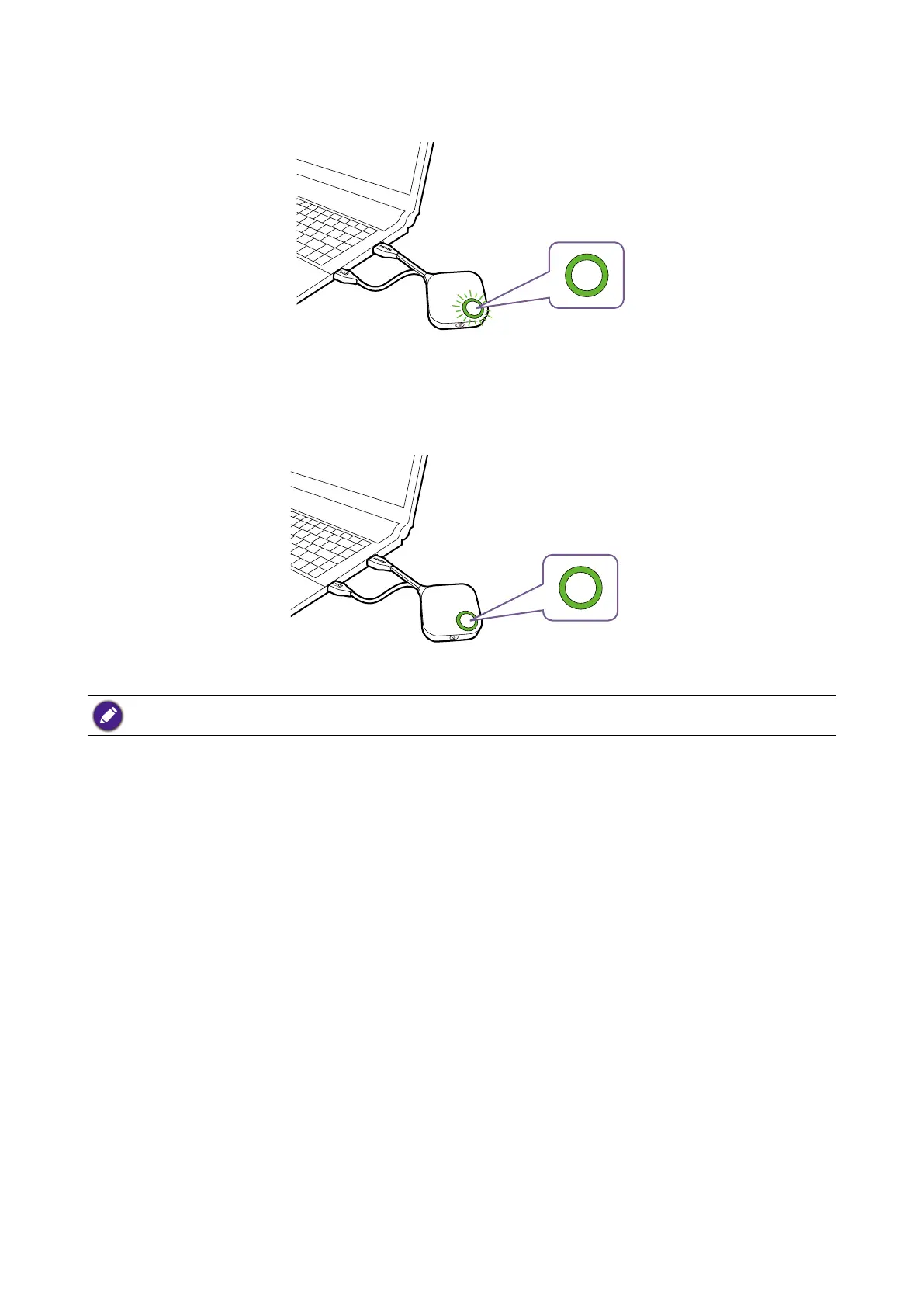
3. The LED indicator of the Button will ash green while the Button is starting up.
4. When the Button is ready to present, the LED indicator will turn solid green. Press the Present
key when the LED indicator turns green.
• Handle the Button cable with care. Rough handling might cause defects.
• Pull/Push the plug instead of the cable when inserting or removing Buttons.



 To Next Page