50
USB
3.0
HDMI
1.4
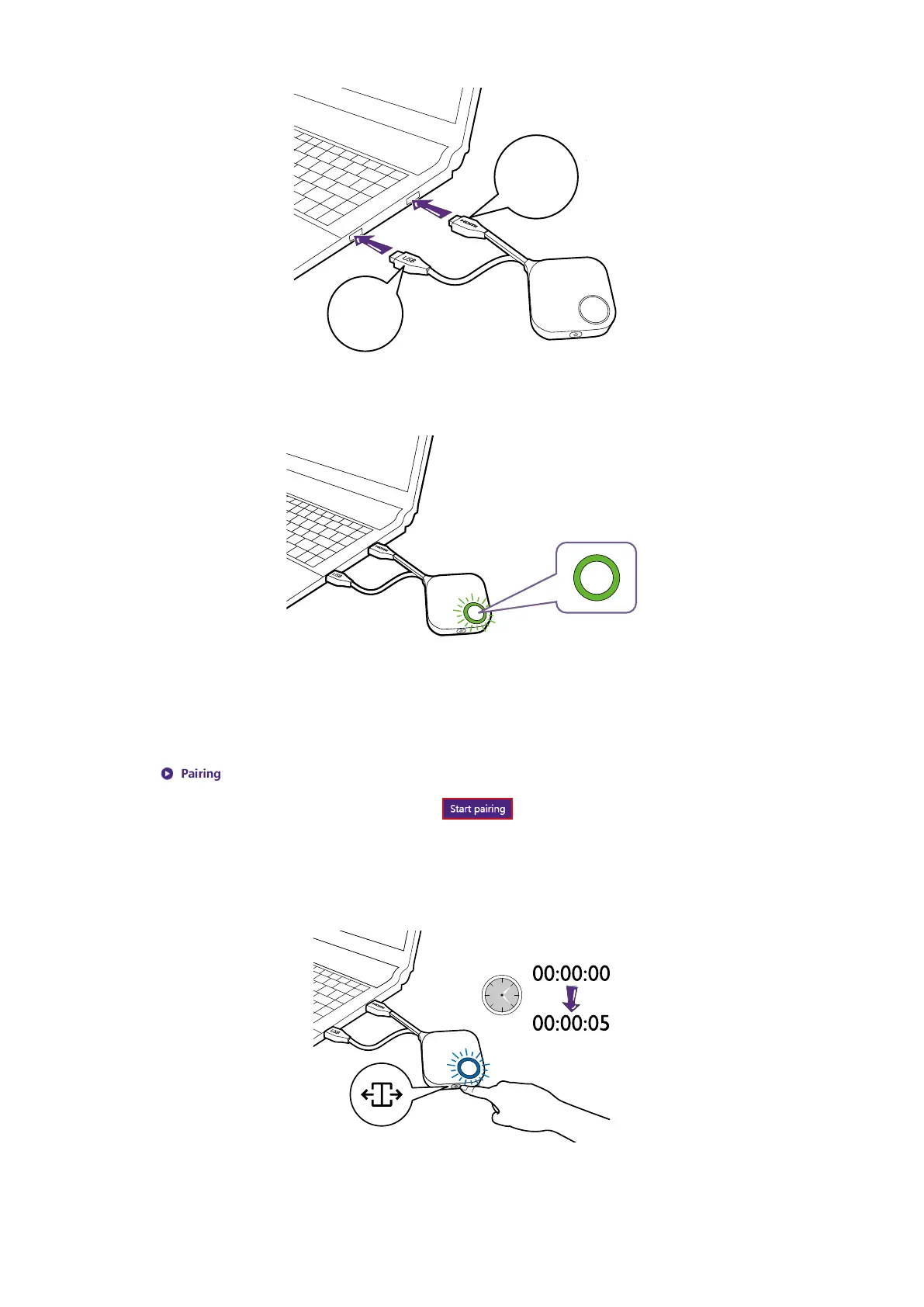
2. When the Button is successfully connected to the laptop, the LED indicator of the Button will
blink green.
3. Make sure the Host is properly connected to a power source.
4. Press Start pairing to pair the Host to the Button via the web management interface, you will
have two minutes to pair with the Button.
5. Press the split screen key on the side of the Button for ve seconds. The LED indicator
of the Button will blink blue for about 10 seconds. The pairing process is ongoing. A
“Pairing in progress” message will be shown on the screen.



 To Next Page