12
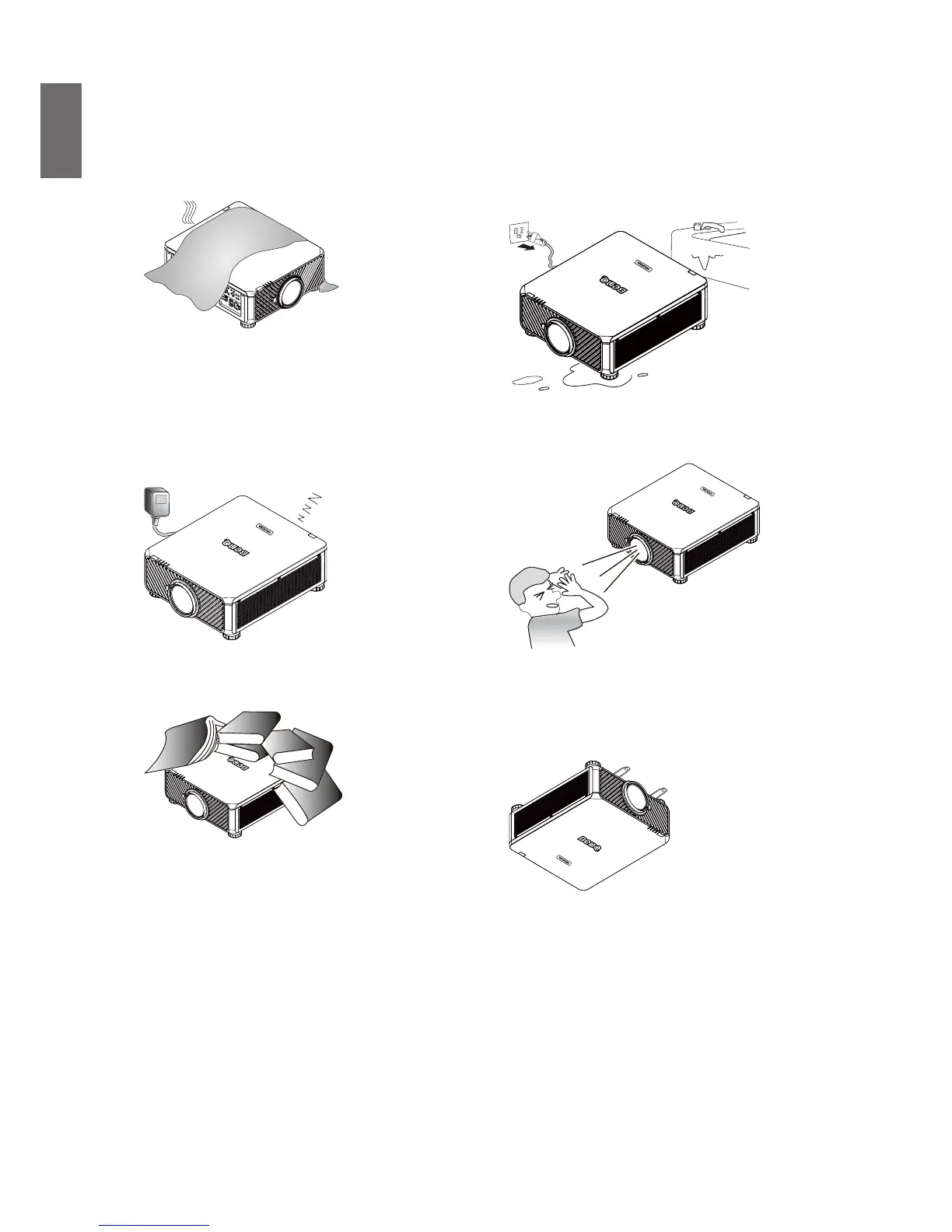
5. Do not block the vents holes while the
projector is on (even in standby mode):
- Do not cover the projector with any item.
- Do not place the projector on a blanket,
bedding or any other soft surface.
6. In areas where the mains power supply
voltage may uctuate by ±10 volts, it is
recommended that you connect your
projector through a power stabilizer, surge
protector or uninterruptible power supply
(UPS) as appropriate to your situation.
UPS
7. Do not step on the projector or place any
objects upon it.
8. Do not place liquids near or on the
projector Liquids spilled into the projector
will void your warranty. If the projector does
become wet, disconnect it from the power
point and call BenQ to have the projector
repaired.
9. Do not look straight to the projector lens
during operation. It may harm your sight.
10. This projector is capable of displaying
inverted images for ceiling mount installation.
Use only BenQ's Ceiling Mount Kit for
mounting.



 To Next Page