38
Using On-Screen Display
Using the Menus
The projector has an On-Screen Display (OSD) that lets you make image adjustments and change
various settings.
Navigating the OSD
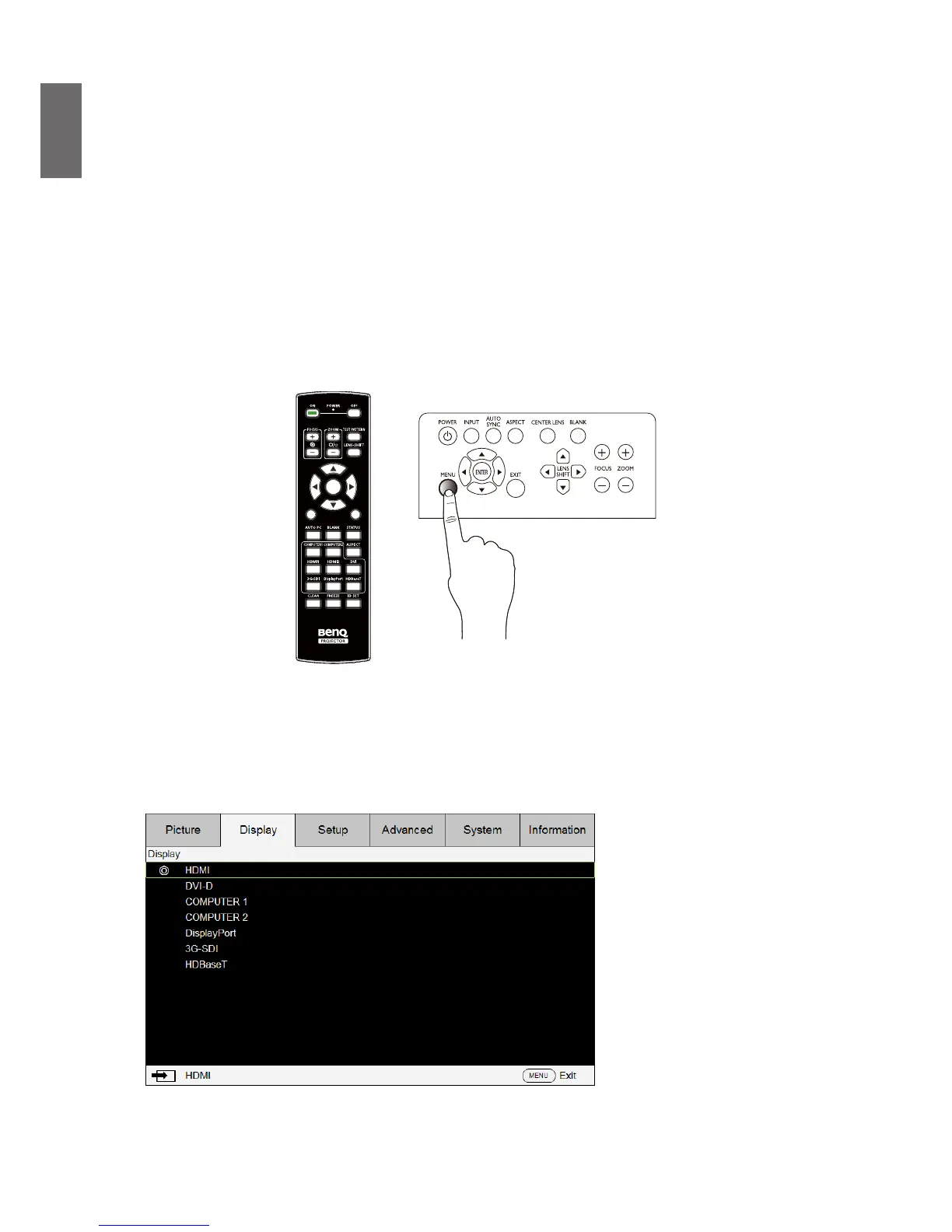
You can use the remote control or the buttons on the top of the projector to navigate and make
changes to the OSD. The following illustration shows the corresponding buttons.
MENU
EXIT
ENTER
1
4
7
0
89
6
3
5
2
1. To open the OSD, press the Menu button on control panel or remote control. There are six
folders on the menu. Press the cursor
◄
or
►
buttons to move through secondary menus.
2. Press
▲
or
▼
to select menu items and
◄
or
►
to change values for settings. Press up or
down, Press Enter to conrm the new setting.
3. Press EXIT or MENU to leave a submenu or MENU to close menu.



 To Next Page