37
Turning off the projector
If the projector is no longer required, it is important to shut it down correctly to avoid damage or
unnecessary wear and tear to the projector. Refer to the following guide to turn the projector Off.
• Do not unplug the power cable from the wall outlet or projector when the projector is
powered on, it may cause damage to the AC IN connector of the projector and (or) the prong
plug of the power cable.
• Do not turn off the AC power supply while making adjustment or setting changes and closing
the menu, it may cause loss of adjustments and settings and return to default.
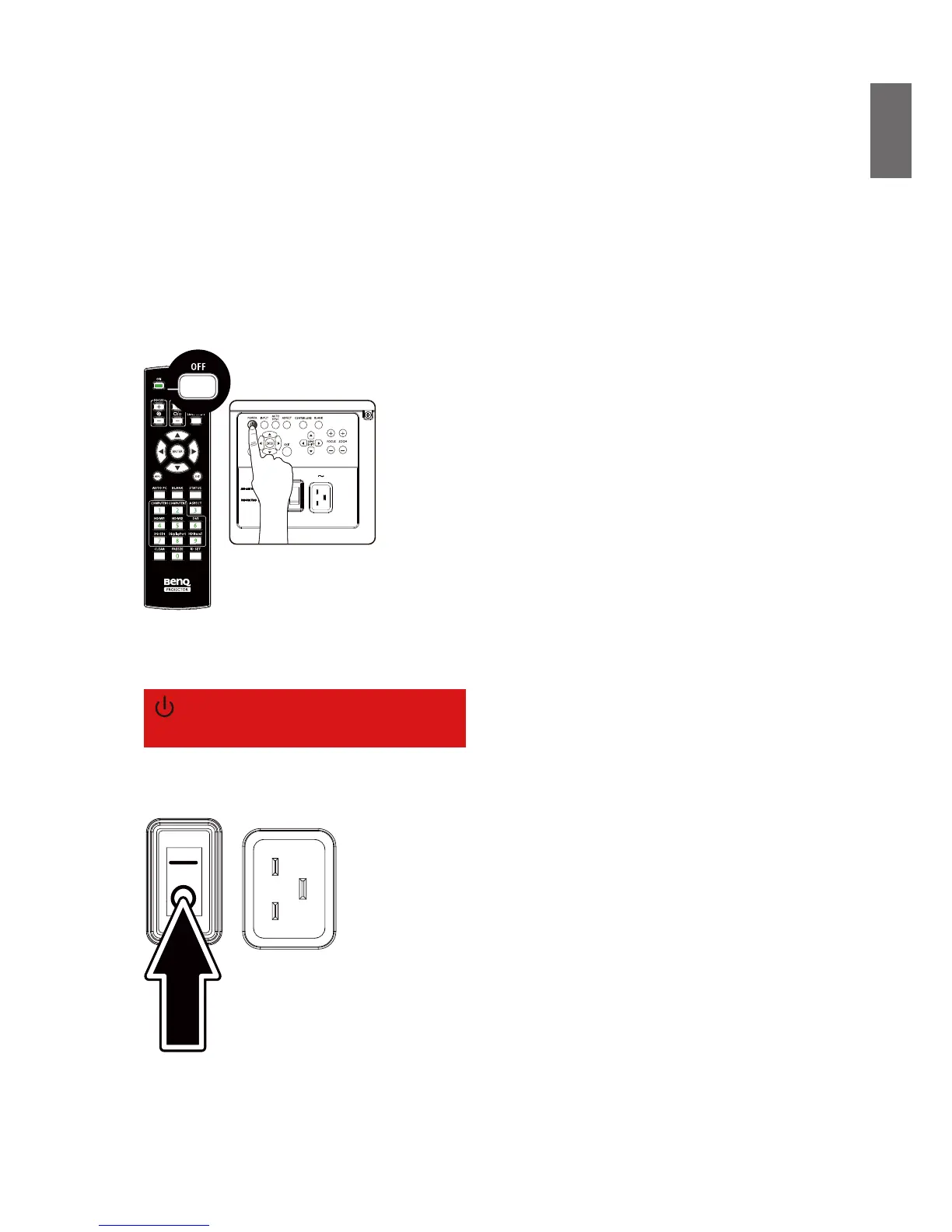
1. Press the POWER button on the control panel or OFF button on the remote control.
2. Press the POWER or OFF button again to conrm power off. The power LED ashes orange
during cooling stage; the power LED ashes solid red when projector returns to standby mode.
Power Off?
Press Power again
3. Press the AC switch to the off position (O) to turn off the main power supply without LED
indication.



 To Next Page