58
projection.
Press
◄►
arrow key to enable/disable dynamic black mode.
• Reset System
Press “Yes” to reset all settings to default in System OSD.
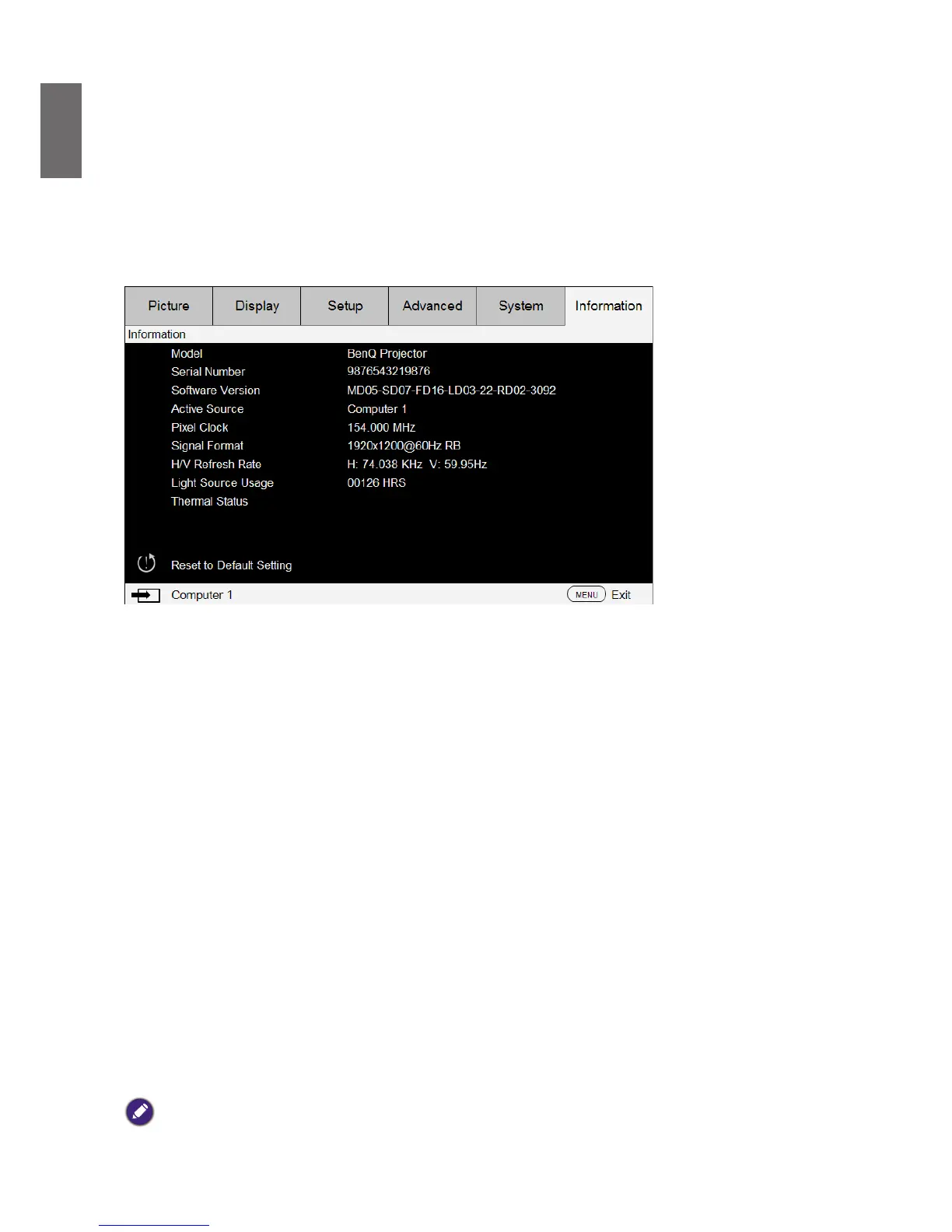
OSD menu - Information
Display basic information of the projector.
• Model
Projector model number.
• Serial Number
Projector serial number.
• Software Version
Version of software installed in the projector.
• Active Source
Display signal source being used.
• Pixel Clock
Display pixel clocking of current input signal.
• Signal Format
Display signal format of current input signal.
• H/V Refresh Rate
Display horizontal and vertical refresh rate of current image.
• Light Source Usage
Display operation hours of the projector.
• Thermal Status
The projector displays thermal detection temperature, also with fan speed RMP.
• Reset to Default Setting
Select this option to reset menu settings, including every user defined value, back to factory
default.
Caution:
Light source usage remain intact when reset settings to factory default.



 To Next Page