21
Projection lens selection and Installation
Note:
When installing the lens into the projector, be sure to remove the lens cap from the back of the optional lens before
installing the optional lens into the projector. Failure to do so will cause damage to the projector.
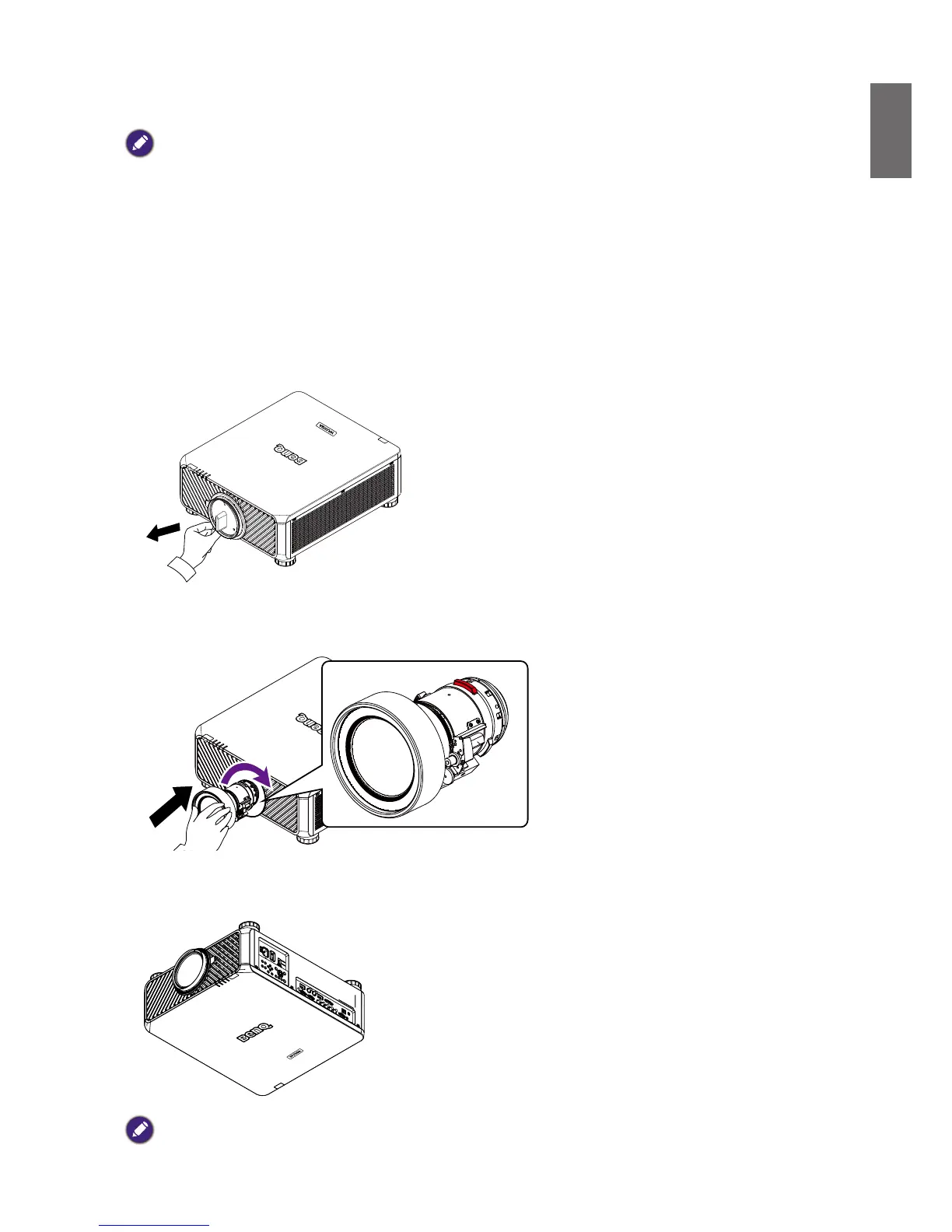
Installing or removing the optional lens
Installing the new lens
1. Remove the lens cap.
2. Insert the lens from the direction as arrow marked below then rotate the lens clockwise until
clicking sound twice.
3. Using the anti-theft screw to prevent theft of the lens. Tighten the supplied anti-theft screw on
the front bottom.
Caution
• Please install lens rst, and then turn on the projector.



 To Next Page