56
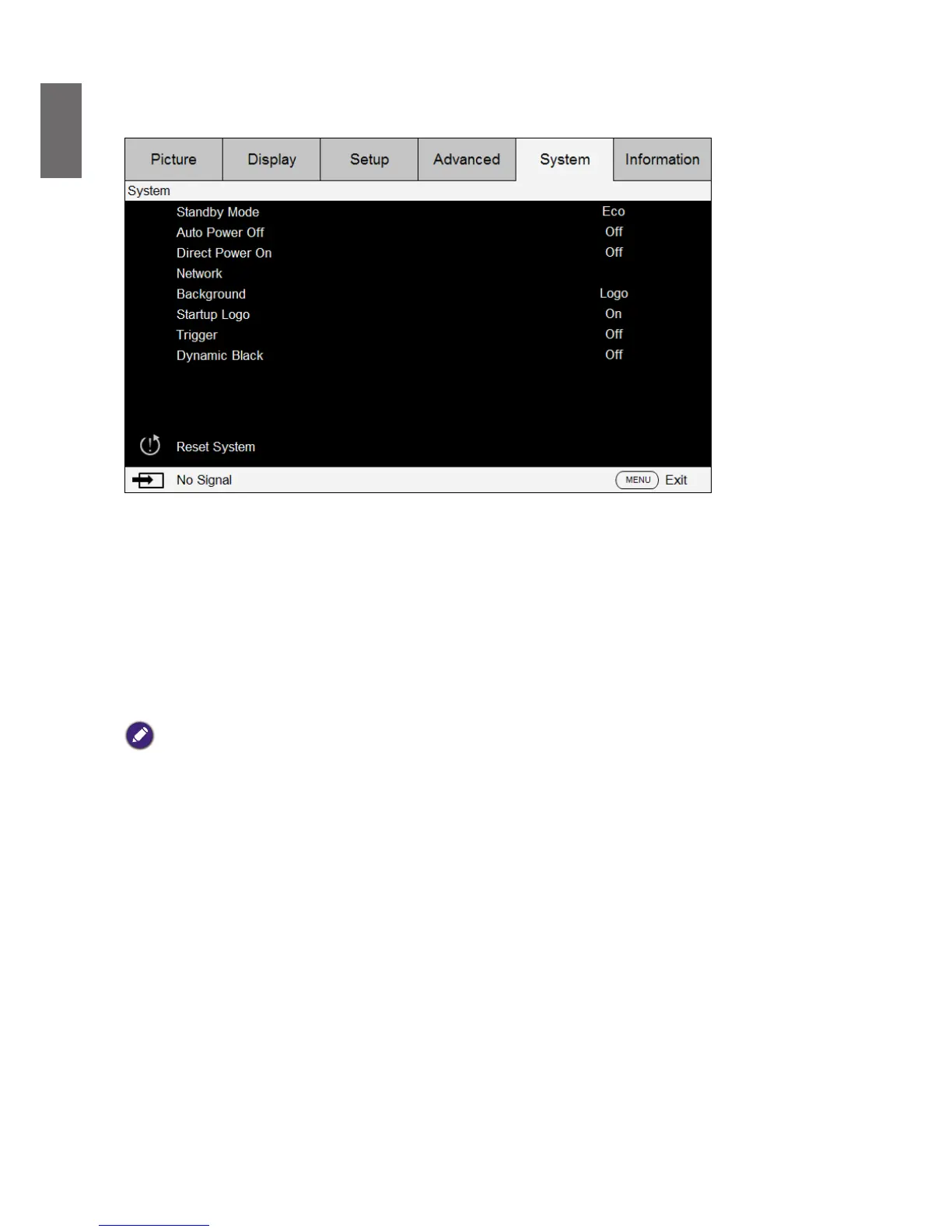
OSD menu - System
• Standby Mode
Press
◄►
arrow key to toggle switch between Standard, ECO and Network mode.
Network: The projector maintains in the standby status at the power consumption under 6W,
the projector can be turned on using the power button or network control only, RS-232 control
command and wired remote control signal via external transmitter through RJ45 cable are not
available.
Eco: The projector maintains in the standby status at the lowest power (<0.5W). In this mode,
the projector can be turned on only using the power button on the remote controller or
projector.
Note:
Some of communication ports are turned off if it is set to ECO or Network mode. Please make sure that the standby
mode is set to proper setting.
• Auto Power off
The default setting is Off. The projector powers off automatically after 20 minutes without
input signal when set to On.
• Direct Power on
The default setting is Off. The projector powers on automatically once it is connected to any
AC power supply if set to On.
• Network
You can use the network function to congure a network for projector control.



 To Next Page