76
Control the projector through web browser
Open a web browser and enter the projector's IP address. Its home page with four options will
display:
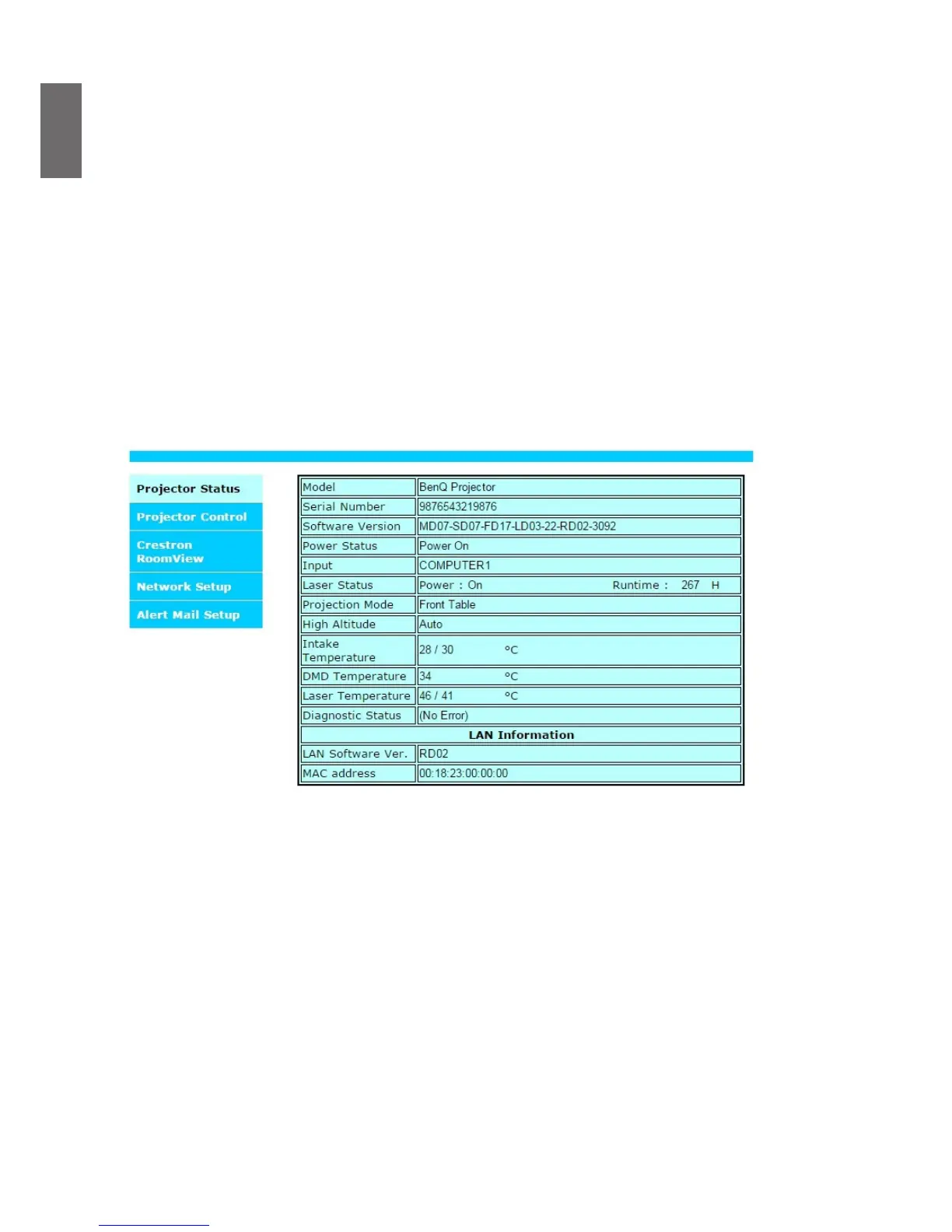
Projector Status: Current projector settings.
Alert Mail Setup: Settings for projector abnormality email reminders. In case of any abnormality the
projector sends emails to preset users.
Crestron: Crestron compatible network browser control page.
PJLink: This page lets you set up a security password for PJLink connection.
Projector status
The following illustrates a projector with IP address "192.168.0.100":
Model : Model number of the projector
Software Version : Version of projector system software
Power Status : Current projector power on status
Input : Current input signal
Diagnostic status : Display projector error messages
Network control setup information (RJ-45 Version)
LAN Software Version : Version of network control software
MAC address : Current IP address



 To Next Page