32
Turning the projector on or off
Once the projector is correctly located and the power cable and other connections are in place, it
is important that the projector is connected and powered on correctly in order to avoid possible
dangers such as electric shock and re. Refer to the following guide to power on the projector.
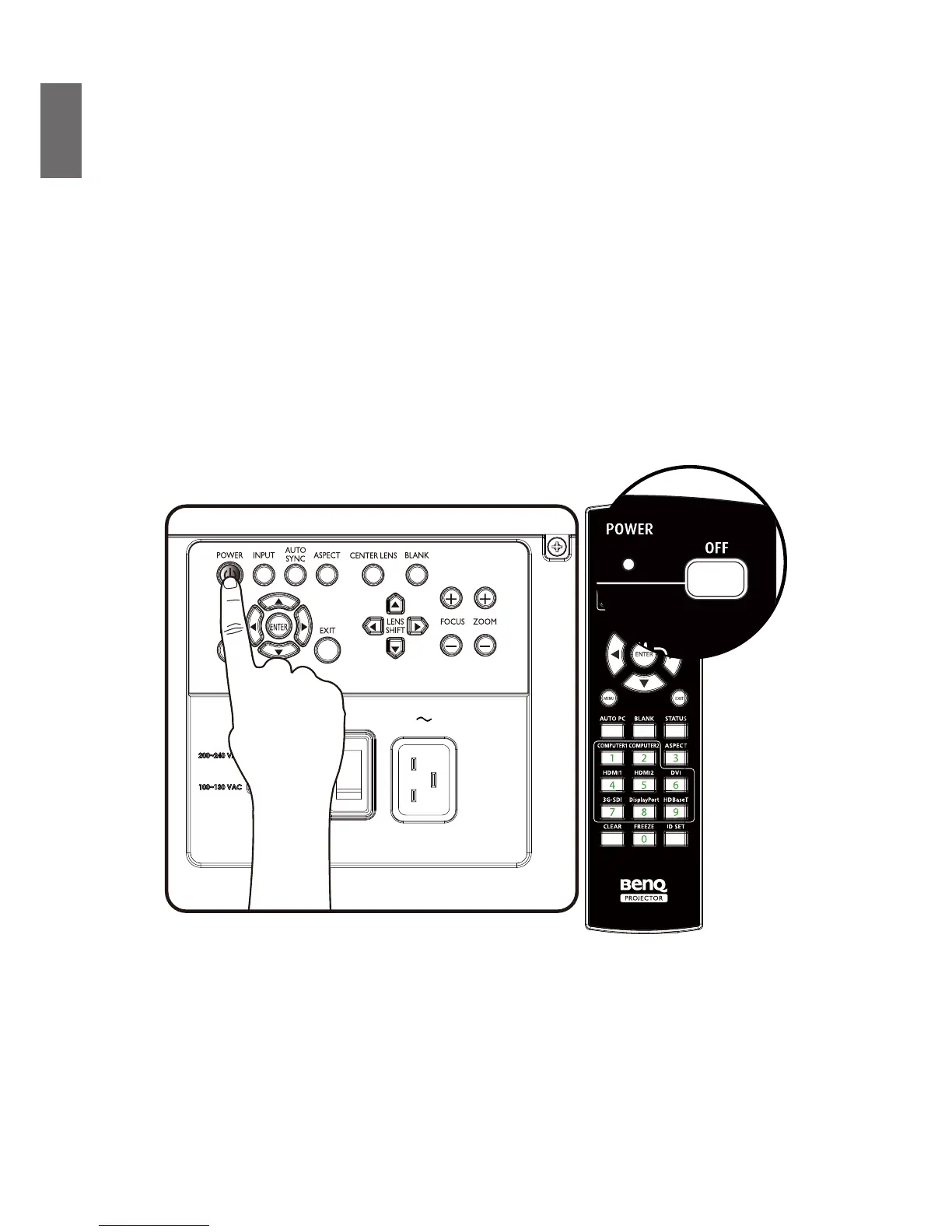
1. Turn on the AC power switch. POWER LED is red after power has been applied.
2. Press the POWER button on the projector or ON button on the remote control to start the
projector. The Power and Light source LED ashes green and the cooling fan start operating.
3. The projected image will be displayed on the screen for a few second while it is warming up.
4. Once the power LED is lit a solid green, the projector is ready for use.
Note: The projector will not respond to further commands while it is warming up.
5. If any of the LEDs remain ashing or blink there may be a problem with the start up. Please refer
to the page 81 Troubleshooting.



 To Next Page