33
Selecting an input source
The projector can be connected to multiple equipment at the same time. When the projector
is rst turned on, it will attempt to reconnect with the input source which was in use when the
projector was last shut down.
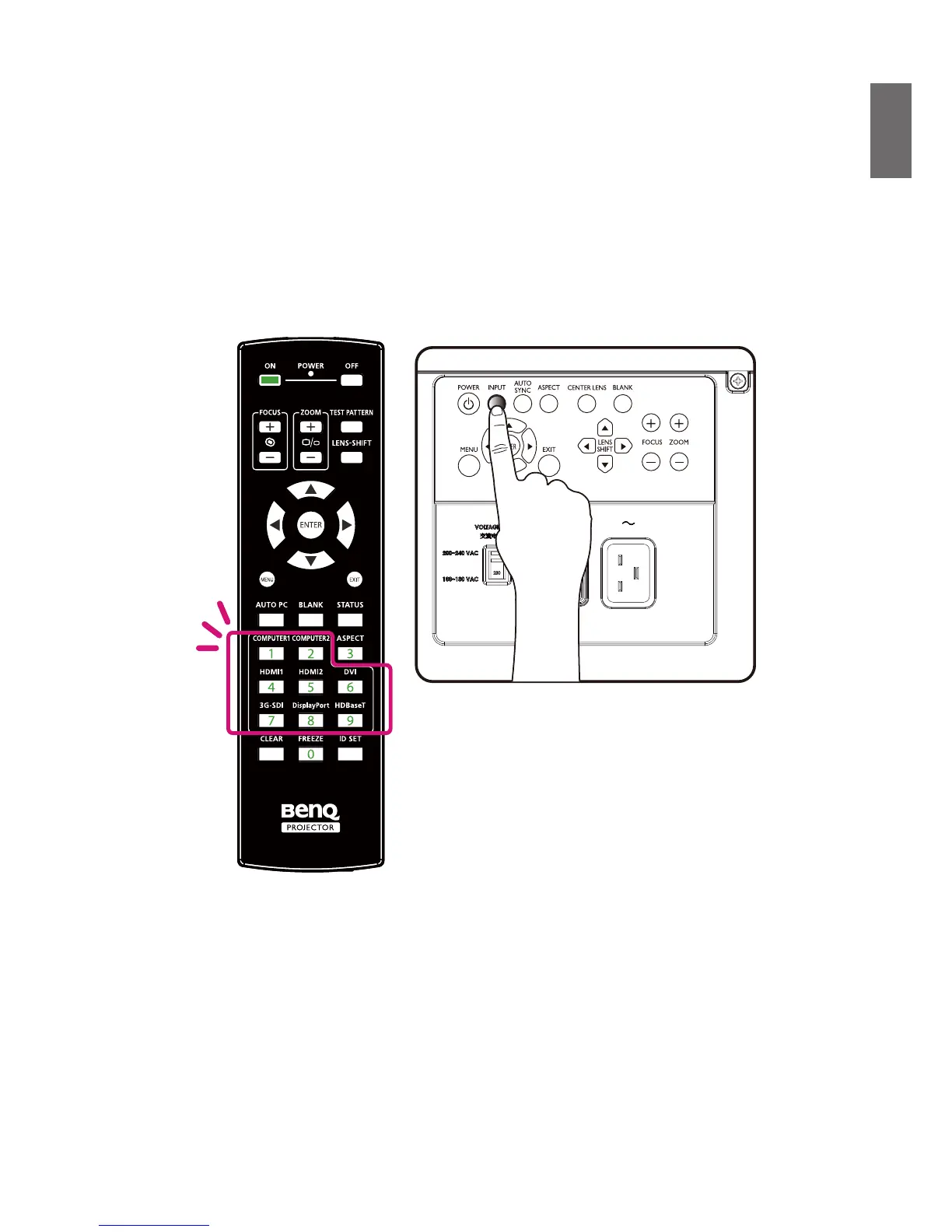
The Input Source can be selected from the projector's control panel or from the remote control.
Refer to the following guide to select the desired input source.
1. Press INPUT key on the control panel or use remote controller to select your desired input
source.
2. Press ENTER key to conrm the input selection, it will take few seconds to detect the desired
input signal and display the projected image.
Press EXIT key to projected image if you want to keep current input source.



 To Next Page