34
Using the menus
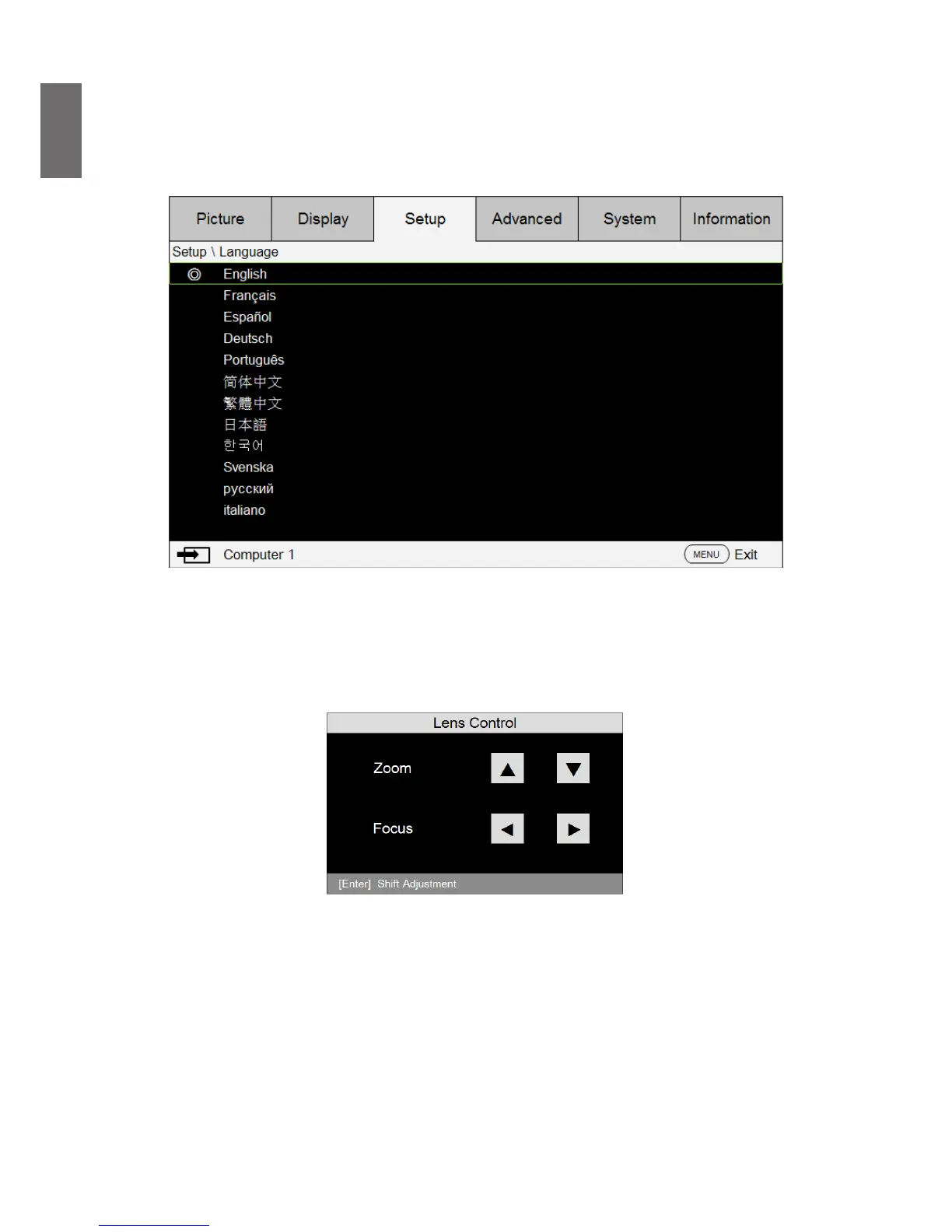
The projector is equipped with multilingual On-Screen Display (OSD) for making various
adjustment and settings. The introduction below is the overview of the OSD menu.
To use the OSD menu, please set the OSD menu to your familiar language.
Adjusting the image position
The projected image position and size can be adjusted manually from the control panel or the
remote control unit. Refer to the following guides to adjust Picture Position manually.
1. Press the LENS SHIFT key on the projector in any direction or LENS SHIFT key on the remote
control to bring up the Lens Shift window.
2. Press the directional key as required to shift the image.



 To Next Page