Position
Top Left: Selected sub source displays at Top Left position.
Top Right: Selected sub source displays at Top Right position
Bottom Left: Selected sub source displays at Bottom Left position.
Bottom Right: Selected sub source displays at Bottom Right position.
PBP: Selected sub source displays on the left-half screen.
• Position and Phase
Set up VGA signal display's V Position, H Position, Phase and Tracking.
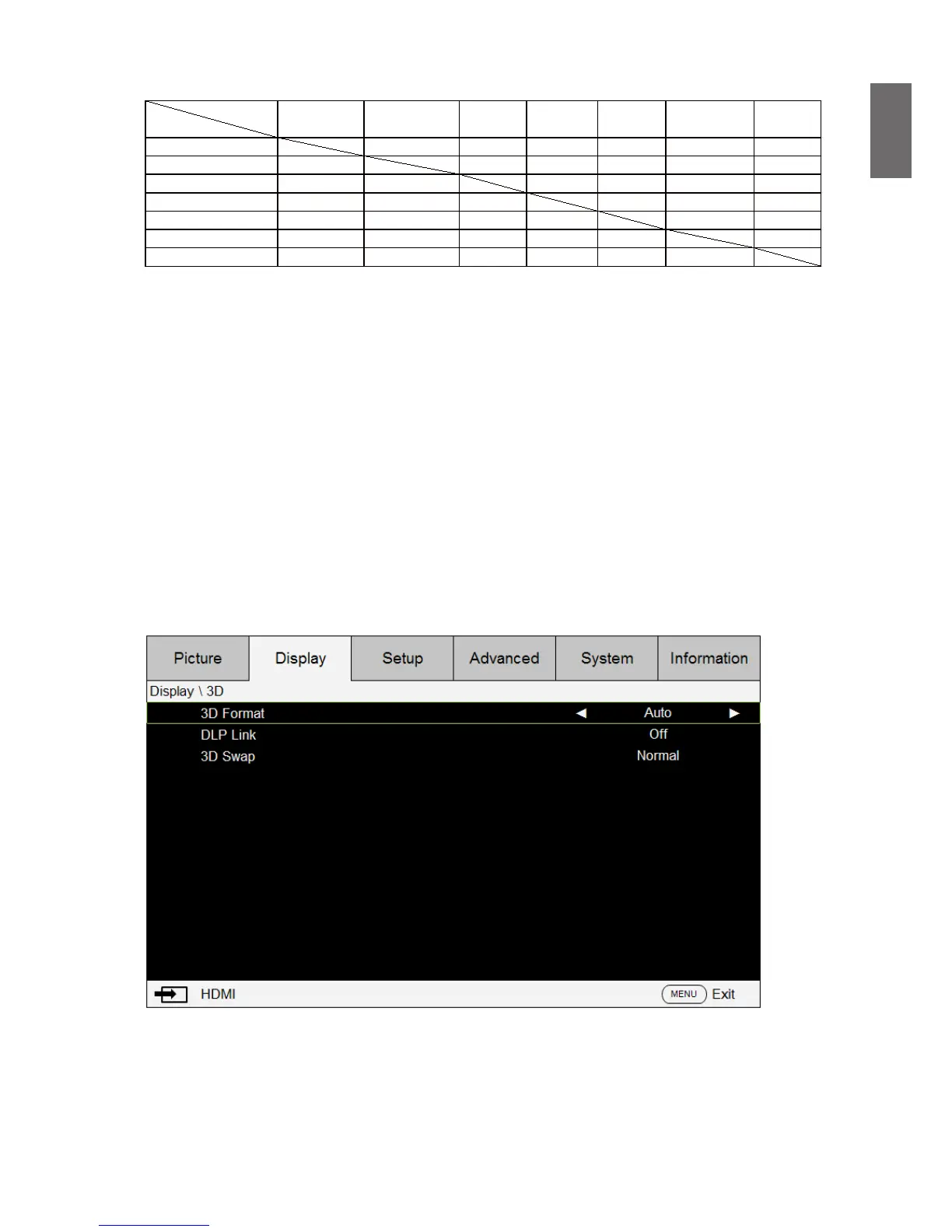
• 3D
Set up 3D format and sync method. The projector displays options available for 3D format. If
there is no 3D signal, this function will not work. Please that ensure you have connected to
input signal before you setup 3D. DO NOT undertake 3D setup without connecting to an input
source.
3D Format: Point to this option and press Enter key to enable 3D playback and set up 3D
options.
Off: Disable 3D display mode. 3D mode is enabled once Auto, Side by Side, Top/Bottom or
Frame Sequential mode is selected. To disable 3D mode, select Off and then press Enter.
Auto: Enable 3D format once Frame Packing, Side by Side, Top / Bottom, or Frame Sequential
input format is detected. This function applies to the following input signal only:



 To Next Page