52
▲▼
arrow keys to select desired memory, and press Enter key again to retrieve and to load
the saved lens settings. The projector can keep 10 groups of lens settings. The memory position
with lens settings will be marked in a different color and you can select only one of those
settings. To add or change lens memory, please select Edit Memory option below.
Save Memory: Edit memory name and save current memory settings including lens shift, zoom
and focus. Press Enter key to display the virtual keyboard. Press
▲▼◄►
and Enter keys to
select or accept setup values.
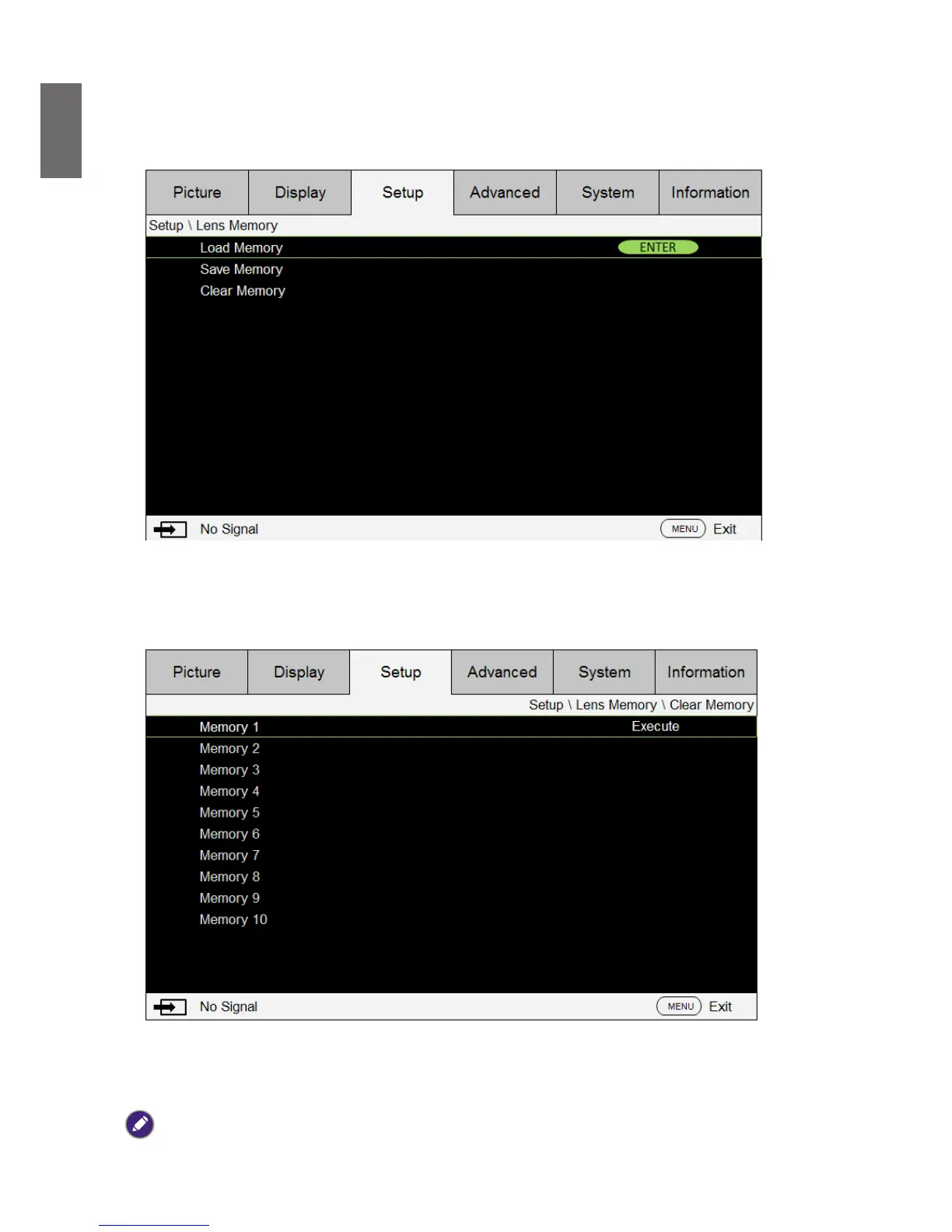
Clear Memory: Select the memory set to be cleared and then press ENTER button to conrm
clearing memory set.
• Center Lens: This is the lens calibration function. The projector calibrates the lens shift, focus
and zoom parameters for the precise lens memory function. After performing this function, the
lens will be moved to the center position as factory default.
Note:



 To Next Page