Setup Program
46
2022-08 EN 5020077.40A.04
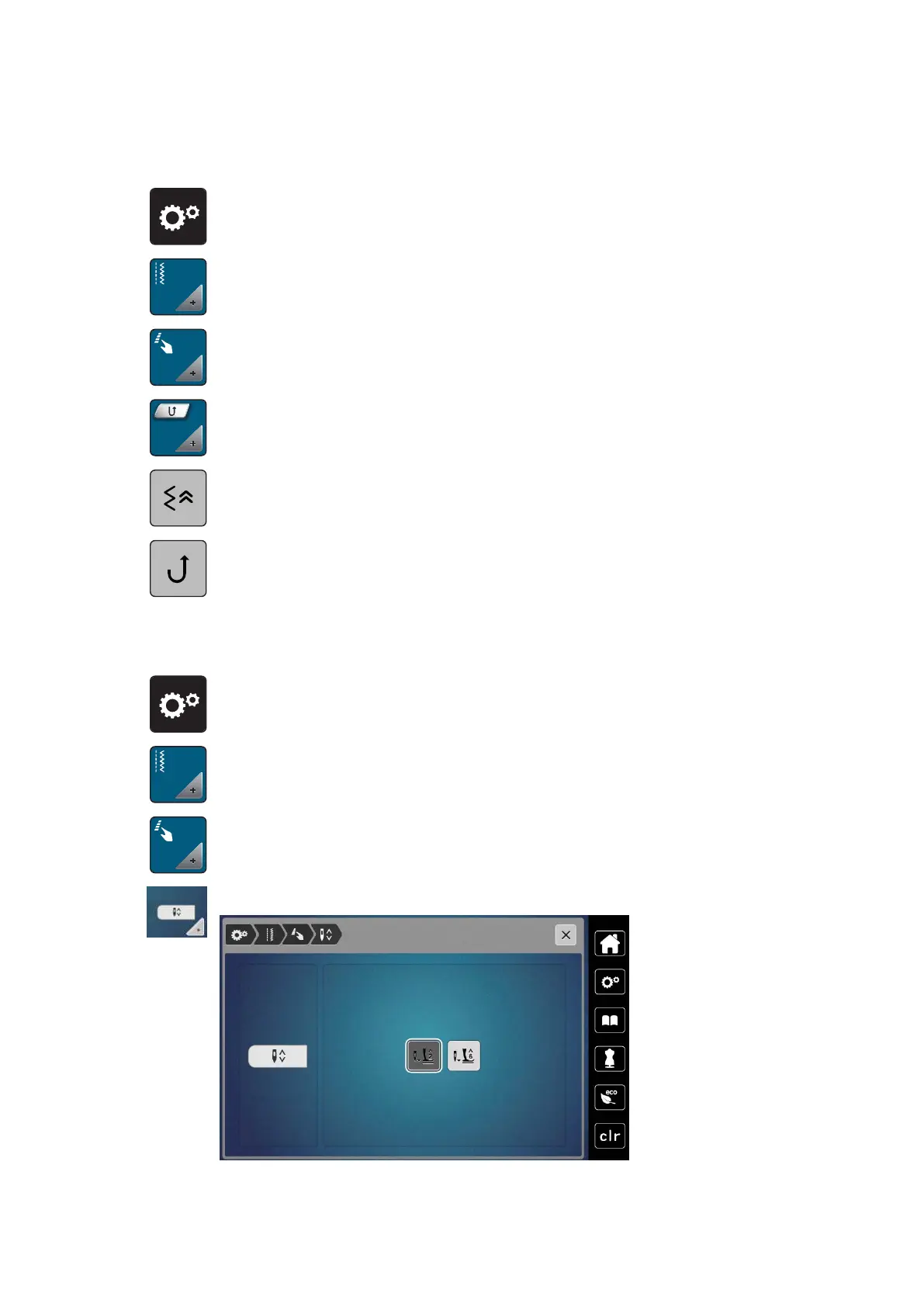
Programming the Button «Quick Reverse»
You can choose between «Reverse Sewing» and «Stitch-specific Reverse Sewing».
> Tap «Setup Program».
> Tap «Sewing Settings».
> Tap «Programming Buttons and Icons».
> Tap «Programming the Button Quick Reverse».
> To activate stitch-precise reverse sewing, tap «Back Stepping».
> To activate reverse sewing, tap «Quick Reverse».
Programming the "Needle Up/Down" Button
The hovering height of the presser foot can be set for the sewing stop with the lower needle.
> Tap «Setup Program».
> Tap «Sewing Settings».
> Tap «Programming Buttons and Icons».
> Tap «Programming the Needle Up/Down Button».



 To Next Page