Creative Sewing
62
2022-08 EN 5020077.40A.04
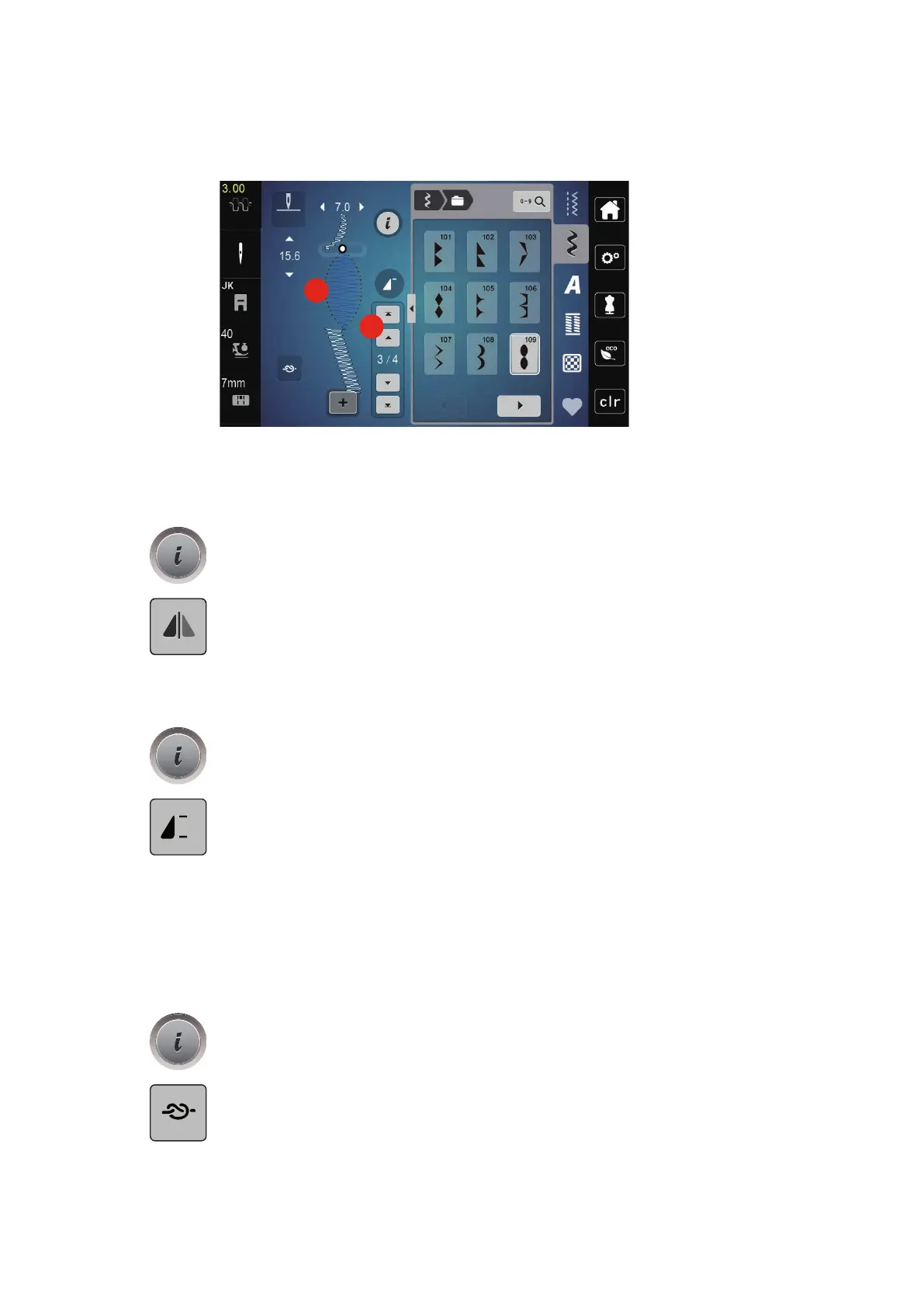
> To select a new stitch pattern according to the selected stitch pattern, tap the desired position(2) within
the stitch pattern combination or use the arrow(3).
Mirroring a Stitch Pattern Combination
Prerequisite:
• A stitch pattern combination has been created.
> Tap «i-Dialog».
> Tap «Edit Entire Combination».
> To mirror the whole stitch pattern combination from left to right, tap, «Mirror Image Left/Right».
> To reset the changes and revert to the default settings, tap «Mirror Image Left/Right».
Programming Pattern Repeat
> Create a stitch pattern combination.
> Tap «i-Dialog».
> Tap «Edit Entire Combination».
> To repeat the stitch pattern combination, tap «Pattern Repeat» once.
– «Securing» at the final end of the combination is activated.
> To repeat the stitch pattern combination up to nine times, tap «Pattern Repeat» again.
> To switch off the pattern repetition, press and hold «Pattern Repeat» until an «X» appears in place of a
number.
Securing a Stitch Pattern Combination
Securing at the end of the stitch pattern combination is deactivated. To activate securing at the end of the
stitch pattern combination:
> Create a stitch pattern combination.
> Tap «i-Dialog».
> Tap «Edit Entire Combination».
> Tap «Securing Stitches».



 To Next Page