Setup Program
50
2022-08 EN 5020077.40A.04
> Tap the switch to switch the sewing light off.
> Tap the switch again to switch the sewing light on.
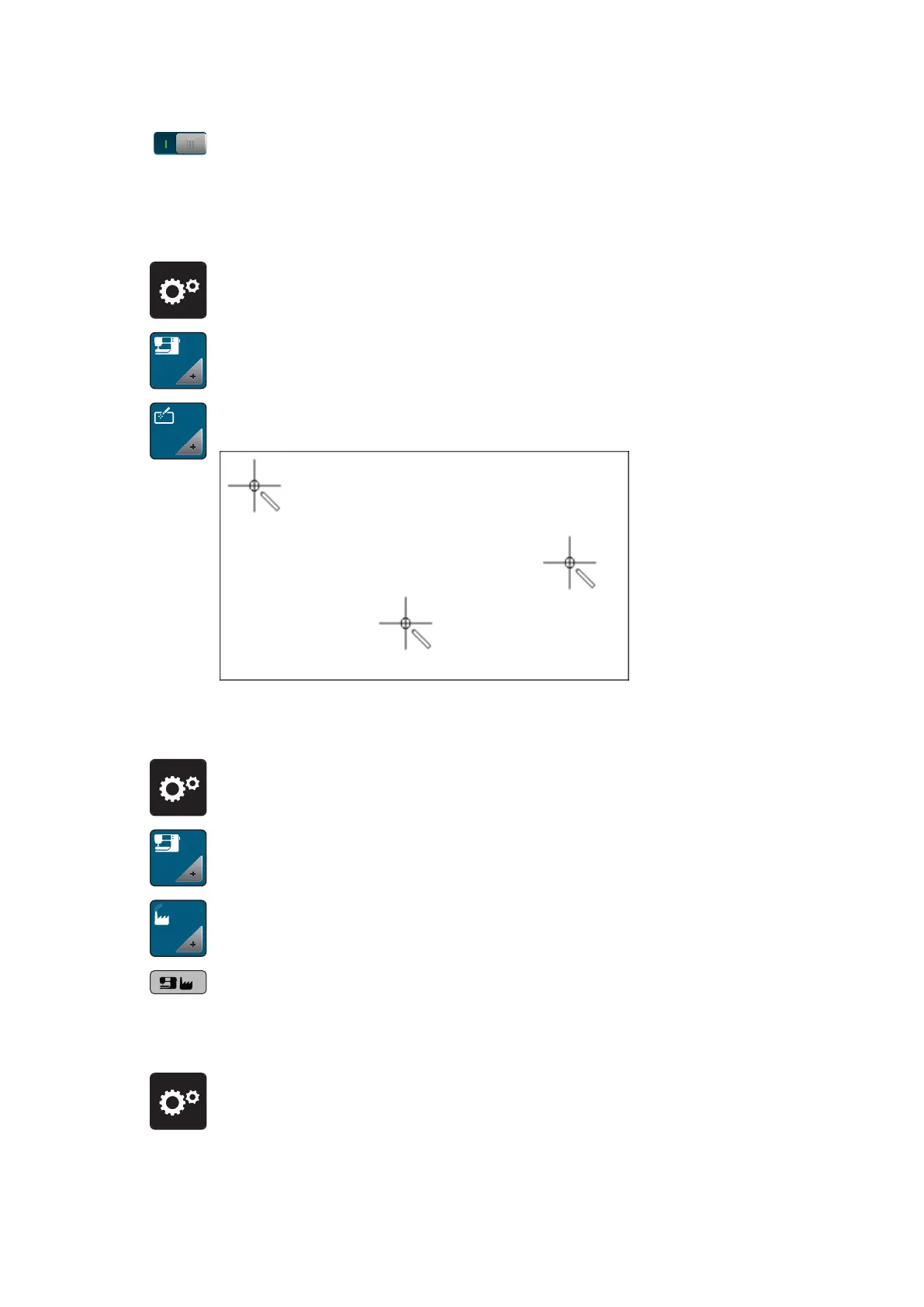
Calibrating the Display
Please find further information on this topic in the chapter attachment below troubleshooting at the end of
the instruction manual.
> Tap «Setup Program».
> Tap «Machine Settings».
> Tap «Calibrating the Screen».
> Touch the crosses in sequence using the touchscreen pen.
Back to basic settings
ATTENTION: Using this function will delete all individually made settings.
> Tap «Setup Program».
> Tap «Machine Settings».
> Tap «Factory Setting».
> Tap the «Default Setting Machine», confirm and start the machine again.
Checking the Firmware Version
The firmware version of the machine is displayed.
> Tap «Setup Program».



 To Next Page