Creative Sewing
58
2022-08 EN 5020077.40A.04
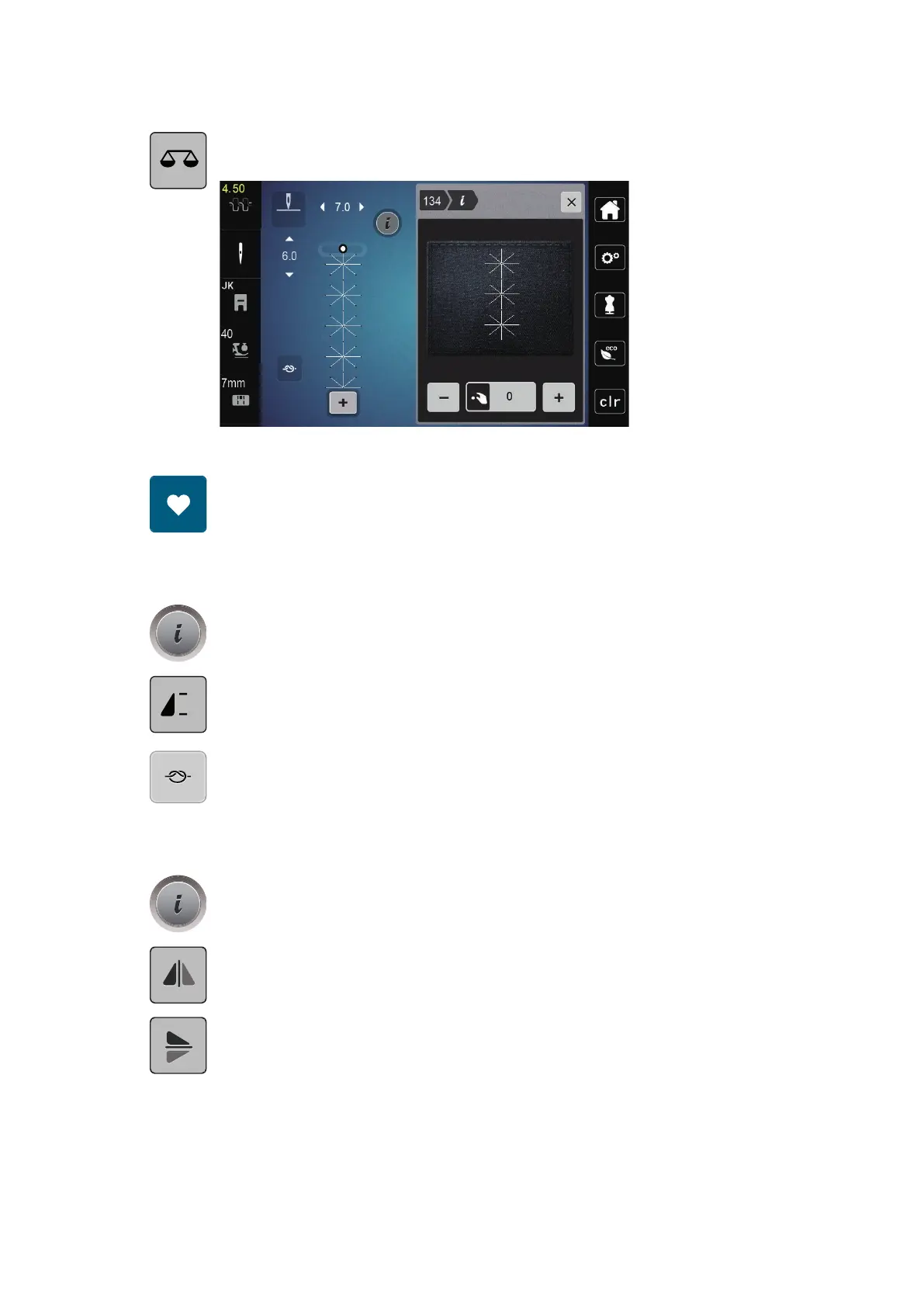
> Tap «Balance».
– A preview of the stitch pattern is displayed.
> To correct the longitudinal direction of the stitch pattern, turn the «Lower Multi-function Knob» until the
preview of the stitch pattern matches the stitch pattern sewn on the fabric.
> Altered Balance settings can be saved for each stitch in the «Personal Memory» .
> Altered Balance settings only remain valid until the «Clear Settings» is pushed or the machine is switched
off.
Programming Pattern Repeat
> Select a stitch pattern or alphabet.
> Tap «i-Dialog».
> To repeat the stitch pattern, tap «Pattern Repeat» once.
> To repeat the stitch pattern up to nine times, tap «Pattern Repeat» two to nine times.
– The machine stops automatically after the programmed number of patterns has been sewn.
> To secure a backstitch at the end of sewing, «Securing Stitches» is activated.
> To deactivate securing, tap «Securing Stitches».
Mirror Image of Stitch Patterns
> Select a stitch pattern or alphabet.
> Tap «i-Dialog».
> To mirror the stitch pattern from left to right, tap «Mirror Image Left/Right».
> To mirror the stitch pattern in sewing direction, tap «Mirror Image Up/Down».
Edit Stitch Pattern Length
Stitches from category satin stitch pattern can be lengthwise extended or shortened.
> Select a stitch pattern.



 To Next Page