Setup Program
48
2022-08 EN 5020077.40A.04
> To activate the automatic foot pressure compensation, tap «Fabric Thickness Measurement».
> To deactivate the automatic foot pressure compensation, tap «Fabric Thickness Measurement» again.
Adjusting the General Balance
Different fabrics, threads and stabilizers can affect the programmed stitch patterns so that they cannot be
sewn out correctly. The electronic balance can correct these deviation and the stitch pattern can be adjusted
optimally to the selected fabric.
> Select a stitch pattern or alphabet.
> Tap «Setup Program».
> Tap «Sewing Settings».
> Tap «Balance».
– A preview of the stitch pattern is displayed.
> To correct the longitudinal direction of the stitch pattern, turn the «Multi-function Knob» until the
preview of the stitch pattern matches the stitch pattern sewn on the fabric.
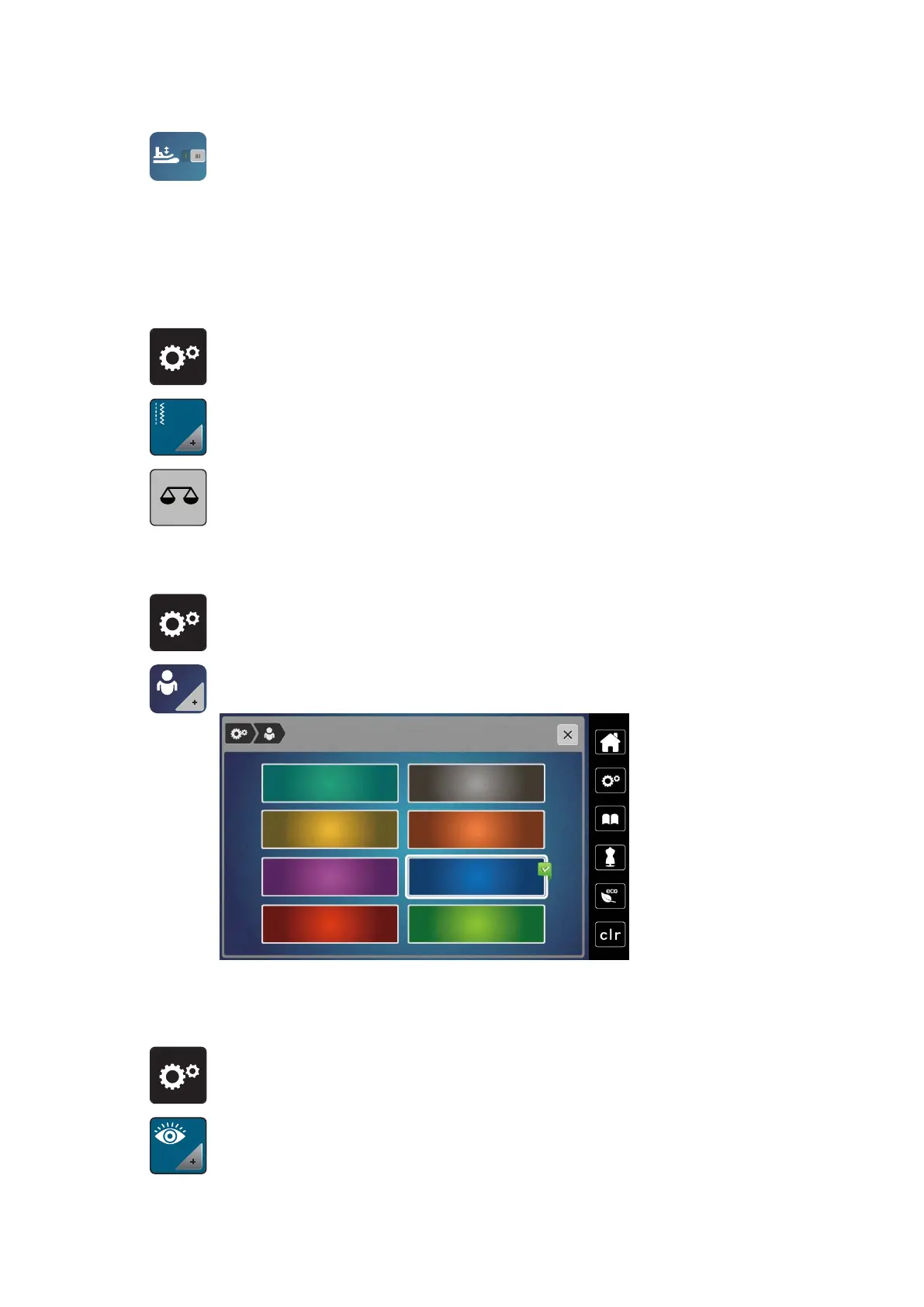
3.2 Selecting Personal Settings
> Tap «Setup Program».
> Tap «Personal Settings».
> Select the desired display color.
3.3 Monitoring Functions
Activating the Upper Thread Indicator
> Tap «Setup Program».
> Tap «Monitoring Functions».



 To Next Page