Errors and Faults
98
2022-08 EN 5020077.40A.04
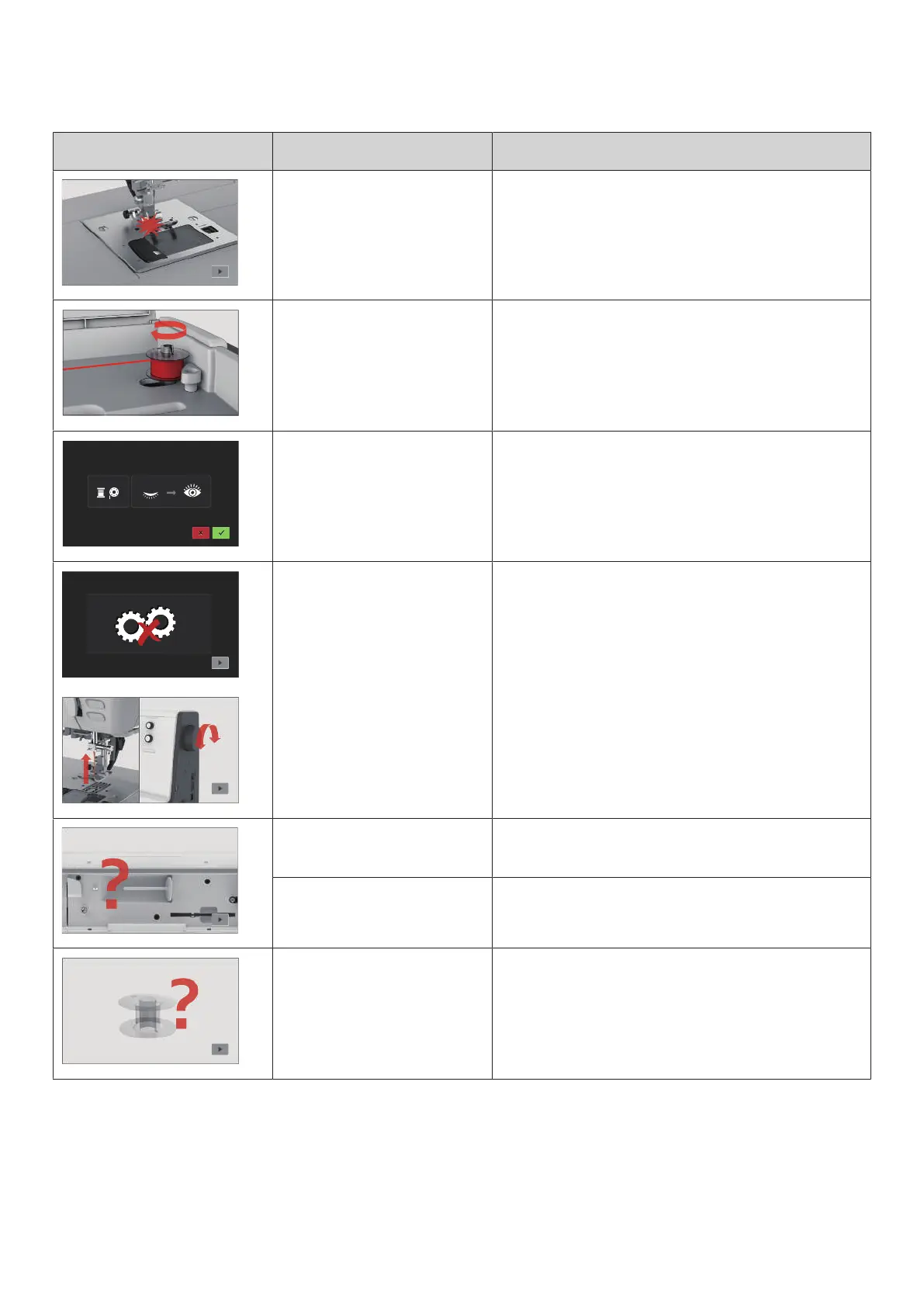
Message on the Display Cause Repair
The selected needle and stitch
plate cannot be used in
combination.
> Check whether the correct needle and stitch plate are
attached.
> Exchange the needle and select it in the user interface.
> Exchange the stitch plate and select it in the user
interface.
The winding unit is activated. > Deactivate the winding unit.
The thread indicator is
deactivated.
> To switch on both thread indicators, tap «Confirm».
> To keep the thread indicators switched off, tap
«Cancel».
The main motor is not running. > Turn the handwheel clockwise until the needle is at its
top position.
> Remove the stitch plate.
> Remove the thread remnants.
> Clean the hook.
> Remove the hook and make sure that there are no
pieces of broken needle points on the magnetic back of
the hook.
The upper thread is used up. > Insert a new thread spool.
> Rethread.
The upper thread has broken. > Rethread.
The bobbin thread is used up. > Remove the empty bobbin, wind it again and reinsert it.



 To Next Page