135
Overview Display
Motif center
The exact motif center is indicated by the cursor.
The embroidery hoop is moved until the needle is
positioned exactly in the center of the embroidery motif
when the function «Virtual positioning» is activated.
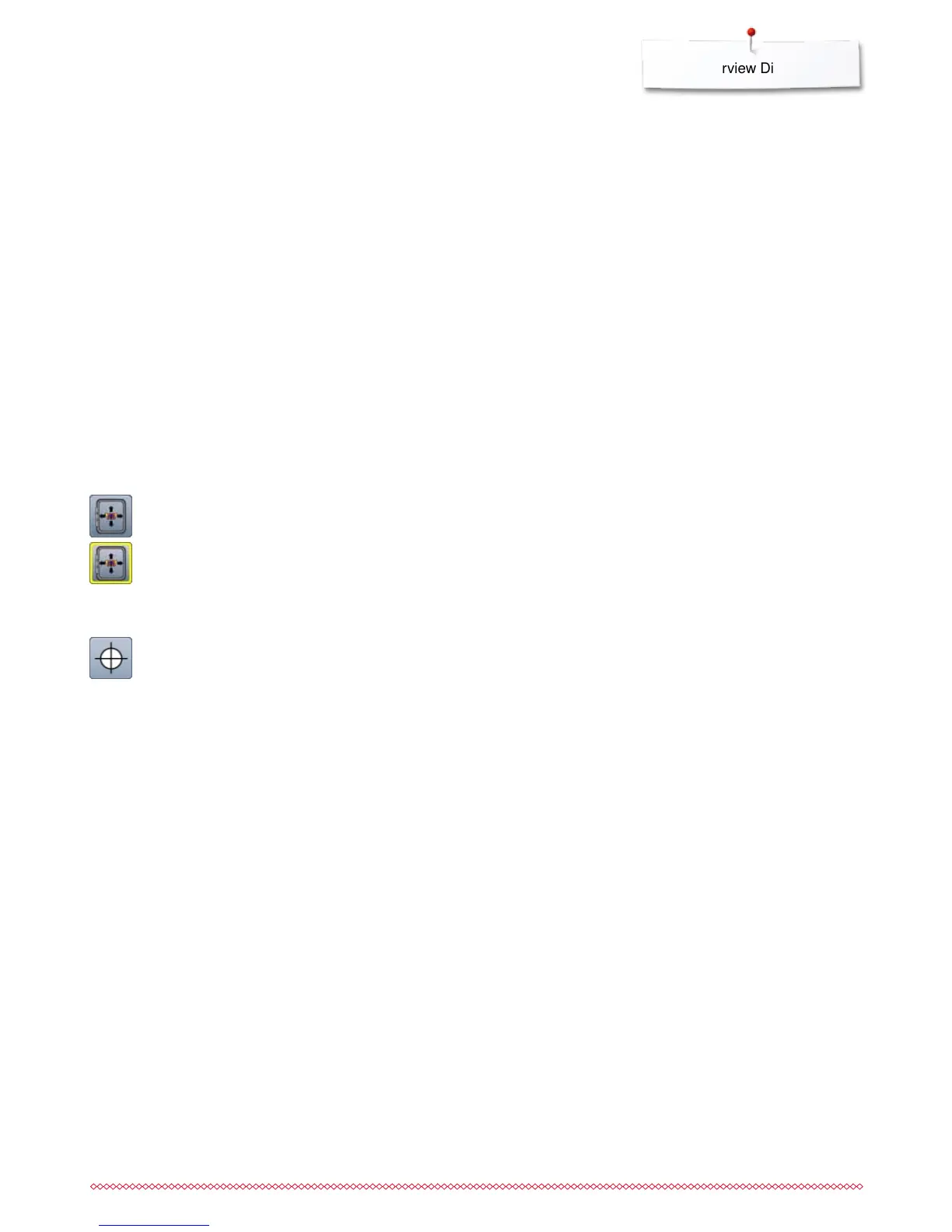
Virtual Positioning
Icon is inactive = if the motif is repositioned, the hoop
does not move.
⦁
touch the button
If the motif is repositioned, the hoop simultaneously
moves along with it to the new position.
This function is only visible when an embroidery hoop
is attached.



 To Next Page