38
Edit
Mode
1 2 3 4
5 6 7 8
Designs
Hoop Size A(F): 126
X
110mm
AZ
Cancel
Edit
Mode OK
Edit
AZ
B: 140x200mm
Size
Edit
Edit
AZ
B: 140x200mm
Mode
Cancel
OK
Size
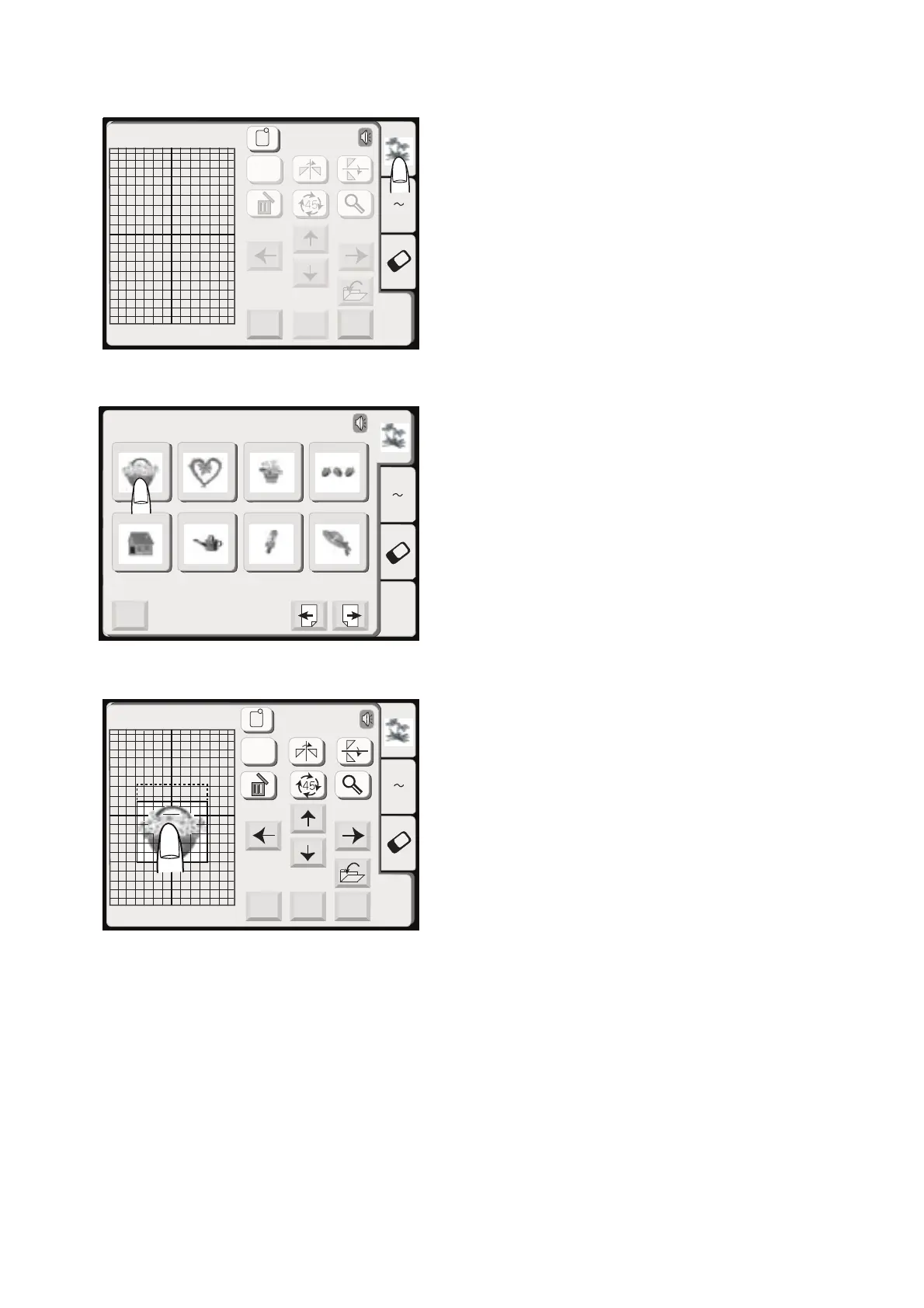
Selecting the pattern on the editing screen
To select the pattern to edit, press the image of the
desired pattern on the editing screen. The frame the
pattern will be framed when it is selected.
Moving the selected pattern
To move the embroidery pattern on the editing screen,
press and drag the pattern to a desired location with
your ngertip.
CAUTION:
Do not drag the pattern on the screen with a sharp
pointed object.









 To Next Page