01/10 347 LB 444 K-40
13
5.2 Evaluation Unit LB 444 K-40
5.2.1 General Description
The evaluation electronics is
designed as a 19” module in
the format 3 HE, 21 TE. It
includes the microprocessor-
controlled evaluation electro-
nics and the power supply
for the required operating
voltage. A 32 bit microproc-
essor is used for signal
processing.
enter
clear run
BERTHOLD
LB 444 - 1 V 1.0
Density -Meter
more
enter enter
enter
clear
run
LCD display
Softkeys
Function keys
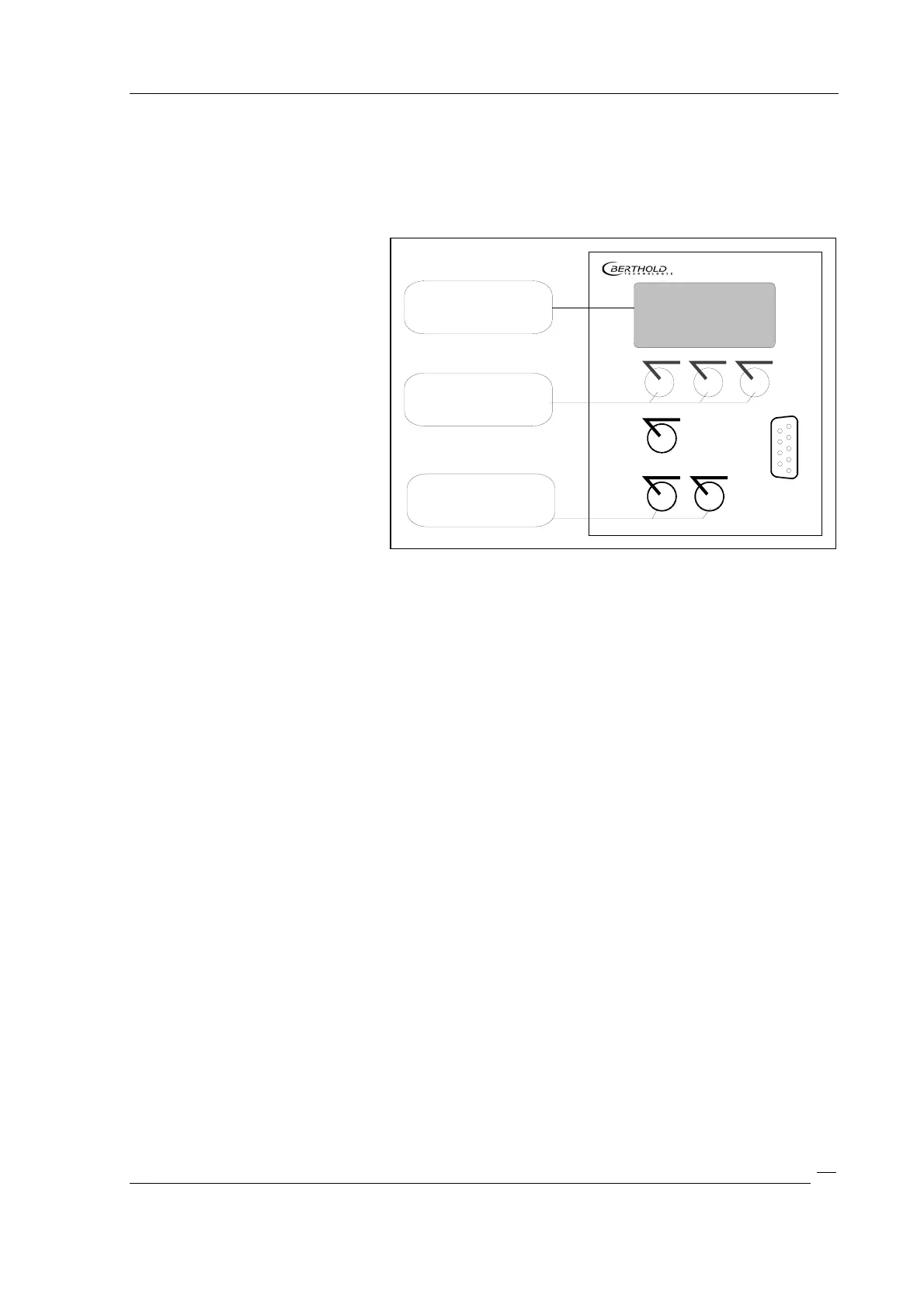
Figure 9: Operating elements of the evaluation unit
The instrument is operated via six foil keys:
Three keys work as softkeys which allow user-guided definition of all instrument settings
and input of the required parameters.
Three more keys serve as function keys.
The front panel includes a RS 232 interface port. Data can be transferred to a PC using a
terminal program.
The terminal strip on the instrument rear panel includes all terminals for power supply,
for the detector, and for the analog and digital output signals. The current output is
isolated. The built-in relays for max.-min.-indication and for error messages include an
isolated contact.
System malfunctions are signaled by error messages.
Calibration data is stored in a FLASH memory and saved, so they will not be lost in case
of power failure.
5.2.2 Display
The instrument’s illuminated display comprises four lines. The first three lines show the
menu titles, the currently selected parameters or the current measurement value. The
bottom line shows the current function of the respective softkey button. If a measure-
ment is running, the “run” status is displayed.
5.2.3 Keypad Function
The Potassium Meter is operated via the softkeys and function keys described below.
With these keys you can select the operating level you want within a menu structure in
order to select a function or enter parameters.



 To Next Page