01/10 347 LB 444 K-40
19
6 Software Functions and System
Configuration
Depending on the selected configuration, some input dialog boxes are dimmed. In
chapter 5.2.5 you find an overview of the menu structure
After commissioning, enter the final operating settings in the Configuration list in the
Appendix.
Individual options are selected by pushing the <^^^>. Push <enter> to accept the
selected value.
After the last entry, the instrument has to be connected to mains for at least
5 minutes to ensure that all values entered have been stored in the FLASH
memory and will not be lost if power failure occurs.
6.1 General Data
Password:
You can enter a 6-digit number. Upon confirmation with <enter>, the system is
protected against unauthorized manipulation of the parameters.
Display: Keyboard locked.
All parameters can still be viewed, however. Password protection is revoked as soon as
you enter the correct numerical value and confirm your entry with <enter>.
To change the password, enter a new password while the keyboard is unlocked.
Date:
Enter the current date in the format DD.MM.YY.
Time:
Enter the current time in the format HH.MM.
System/Version:
Shows the instrument type and software program version. Please have this data handy if
you need to consult with the manufacturer.
Detector Software:
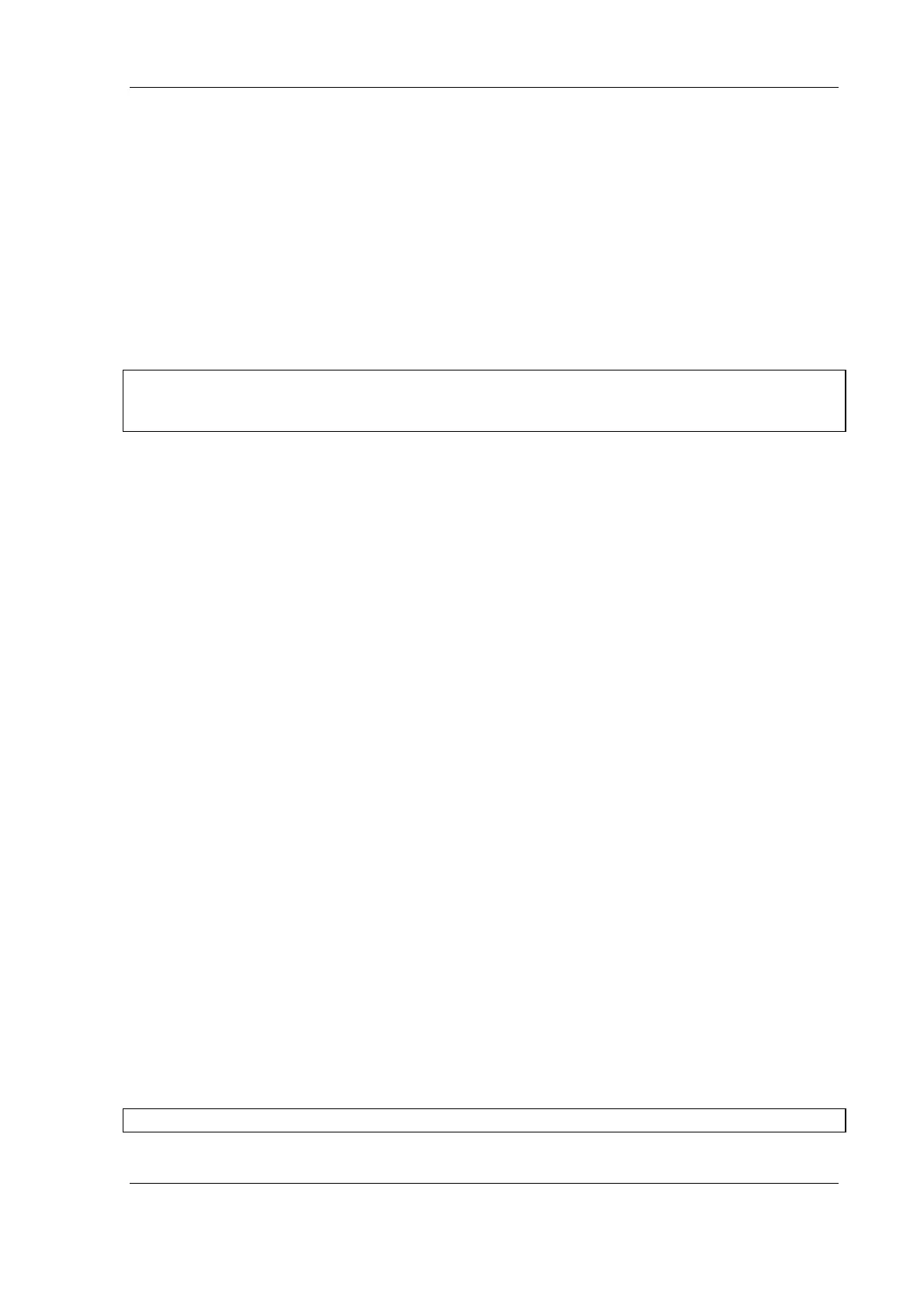
Shows the software version installed in the detector. Please have this data handy if you
need to consult with the manufacturer.
Language:
German, English, French and Spanish can be chosen as dialog language by pressing the
<^^^> key.
Print Parameter:
A printer with serial interface can be connected on the front panel. Push <enter> to
print all parameters for documentation. You may also connect a PC and transfer the data
to a PC for processing using a terminal program. See also 6.2
Factory setting:
Push <sk1> to reset all parameters to the factory setting.
The current calibration data is lost when the instrument is reset!


 To Next Page