6.8 Printers
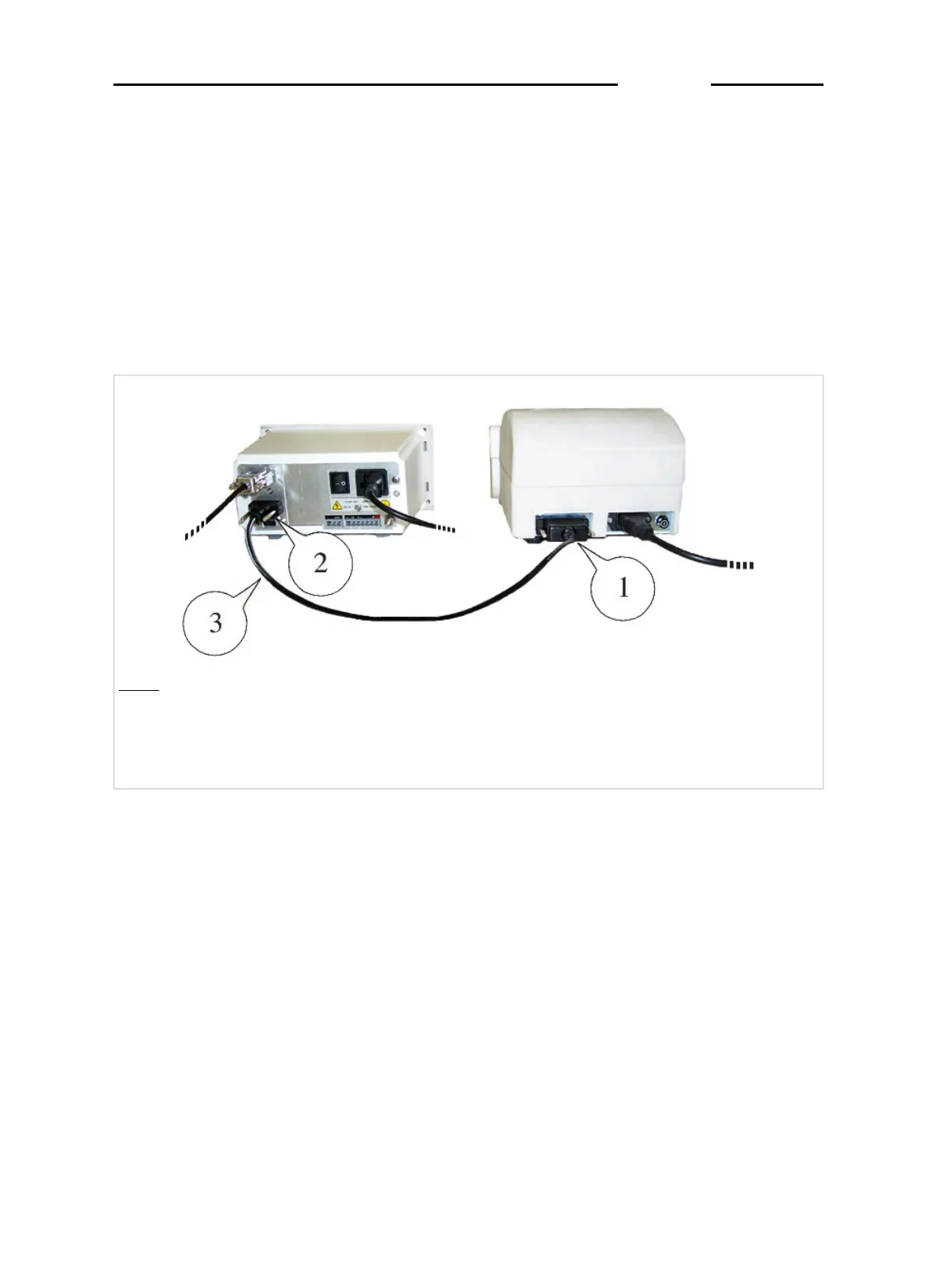
The printer is usually connected to the terminal by way of the
COM1serial port ( Figure 6.12 on page 1-76 ), although in some
exceptional cases it may be connected to the COM2 port .
For special connections, refer to the order documentation.
For information regarding the printer characteristics and maintenance,
replacement of paper, ribbon, fuses, etc., refer to the printer instruction
manual.
Key
1.
Connector for printer connection
2.
Connector for connection to the COM 1 serial port on the terminal
3. Printer-terminal connection cable
Figure 6.12 Example of printer connection to COM1. (log0128.jpg)
D410
1-76



 To Next Page