Calibrating and adjusting the temperature and humidity control
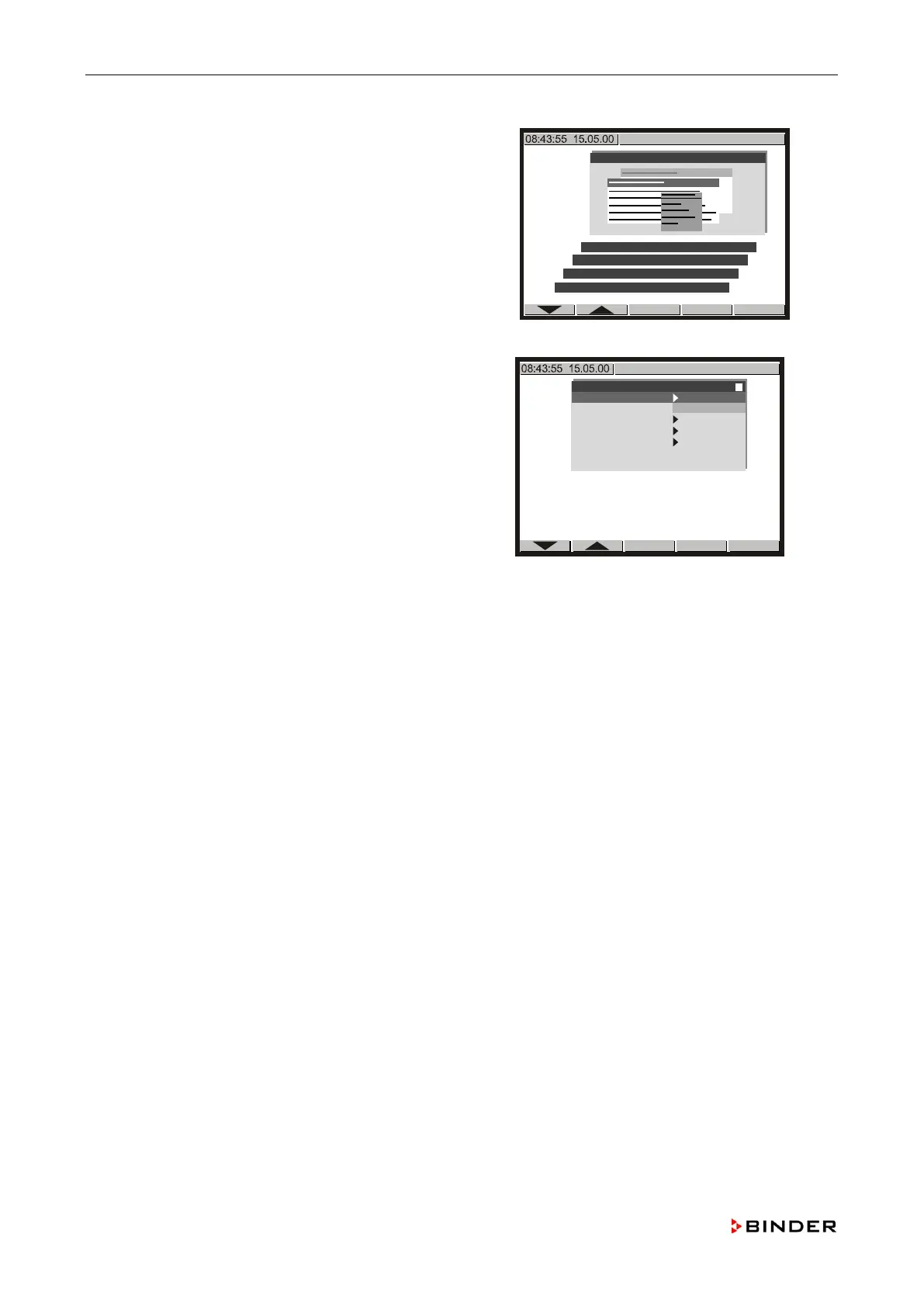
Use the buttons or to select the menu
“User-Settings” and confirm with <ENTER>.
User-Settings
Choose variation
Parameters
Configuration 1
Configuration 2
Note down the actual value of
“Safety control.Act” (e.g.
+22.7).
User-Settings
Instrument data
Contrast 22
Displ. power down
Contin. operation
User level
Safety controller.Set + 55.0 °C
Safety controller.Act + 22.7 °C
Note down the displayed temperature value of the reference measuring instrument (e.g. +21.6).
Compare the values of the noted controller parameters “1.” (KBF 720: also “2.”) and
“Safety control.Act” with the displayed temperatur
e value of the reference measuring instrument.
Adjust the main and the safety temperature controller if the deviation of the values of the
controller parameters “1.”, (KBF 720: also “2.”) resp. “Safety control.Act” and the reference
is found to be larger than +/-0.5 K (confidence criteria).
In case the reference measuring instrument has a measuring uncertainty larger than +/
-0.5 K
(see its calibration certificate), this is the confidence criteria (e.g. +/
-0.75 K).
is found to be larger than +/-2 K replace the Pt100 temperature sensor.
126 Service Manual KBF (E5.2) 04-2015



 To Next Page