Repair work at electric and electronic components
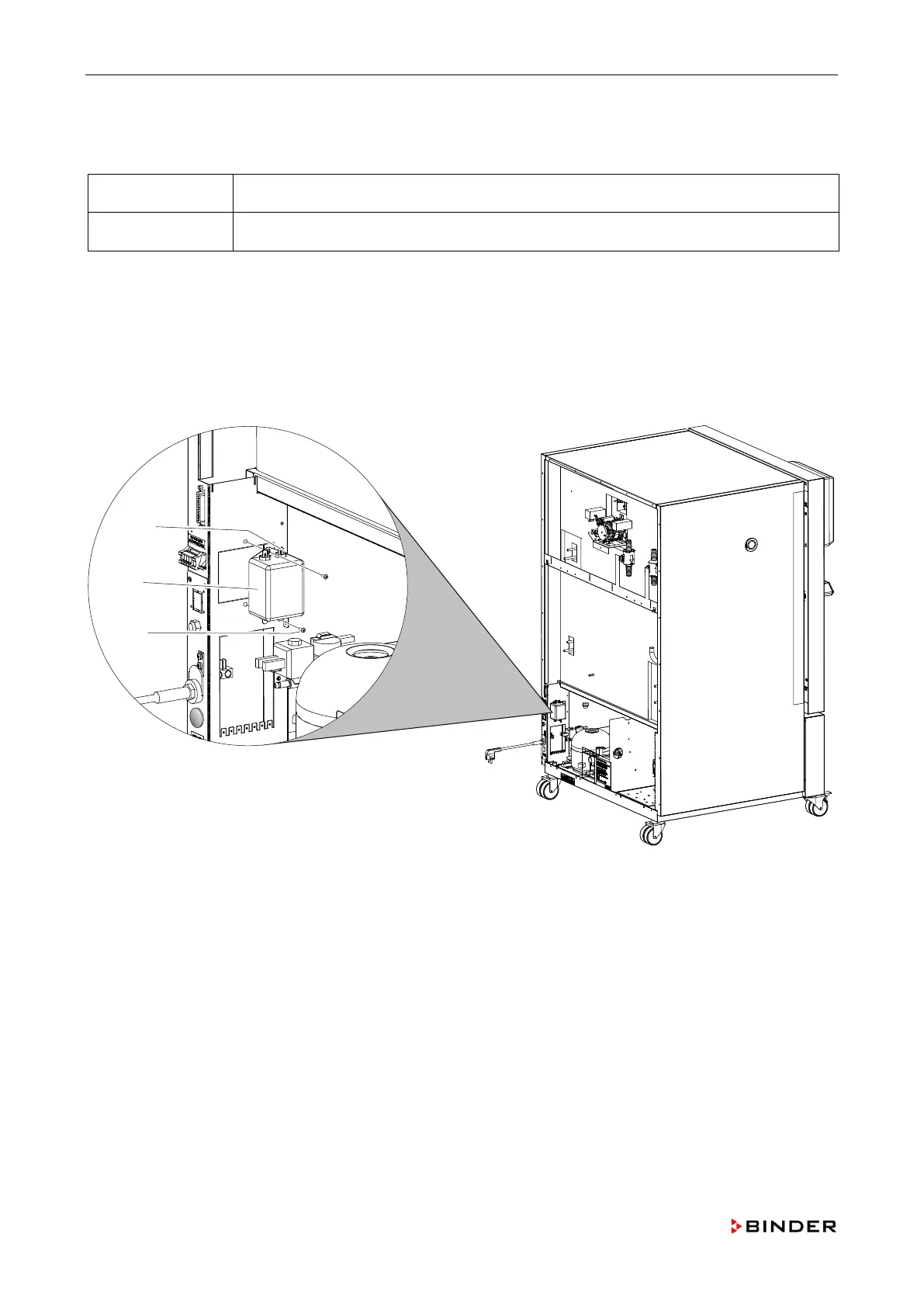
8.3 Replacing the line filter (-1Z1)
Spare parts: Line filter (order no. 5026-0016)
Necessary tools Crosstip screwdriver, size 2
1. Disconnect the unit from the power supply and remove the rear panel (chap. 5.3).
2. Mark the position of the connections.
3. Pull the contactors from the connections (A).
4. Remove the fixing screws (C).
5. Install the new line filter (B) by following steps 1 to 4 in reverse order.
Figure 35: Replacing the line filter (-1Z1)
A Connections
B Line filter
C Fixing screws
78 Service Manual KBF (E5.2) 04-2015



 To Next Page