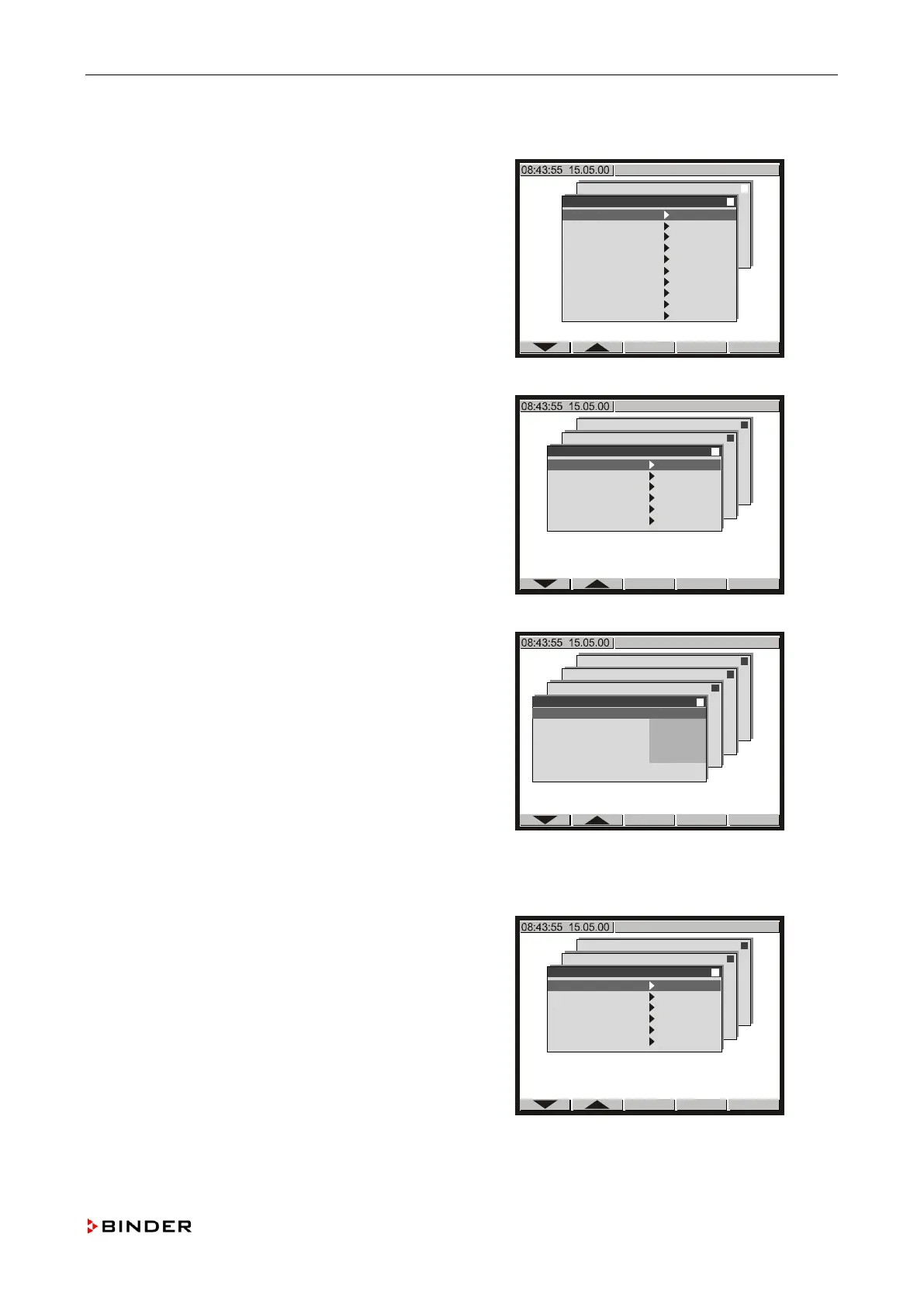
Calibrating and adjusting the temperature and humidity control
11.3.3 Adjusting the temperature controller
1. Enter the menu “Inp.Val. correct.“
(see steps 1 to 0, chap. 11.3.1).
Configuration 2
Analogue inputs
Analogue outputs
Limit comperators
Donor-functions
Controller
Service Level
Service Level
Inp.Val. correct.
Analogue Inputs
Analogue Outputs
Bin. Inputs
Bin. Outputs
Anal. Inp. mTRON
Anal. Out. mTRON
Bin. Inp. mTRON
Bin. Out. mTRON
Memory Display
Use the buttons or to select the menu item
“Analogue Input 1” and confirm with <ENTER>.
Configuration 2
Analogue inputs
Analogue outputs
Limit comperators
Donor-functions
Controller
Service Level
Service Level
Inp.Val. correct.
Analogue input 1
Analogue input 2
Analogue input 3
Analogue input 4
Analogue input 5
Safety controller
Use the buttons or to select a menu item and confirm
with <ENTER>.
For each menu item a submenu will be
, , and to key in the values given
below and confirm with <ENTER>.
State: On
Start value X: 0.0
Start value W: 0.0
End value X: Value of “Analogue Inputs.“/“1.” (e.g.
+20.8) (step 0, chap. 11.3.2).
End value W: Value of reference measuring in-
strument (e.g. +21.6) (step 0, chap. 11.3.2).
Configuration 2
Analogue inputs
Analogue outputs
Limit comperators
Donor-functions
Controller
Service Level
Service Level
Inp.Val. correct.
Analogue input 1
Analogue input 2
Analogue input 3
Analogue input 4
Analogue input 5
Safety controller
Analogue input 1
State On
Start Value X +
0.0
Start Value W + 0.0
End Value X
+ 20.8
End Value W + 21.6
Push <EXIT> to return to the menu “Inp.Val. correct.“
Use the buttons
or to select the menu item
“Safety controller” and confirm with <ENTER>.
Configuration 2
Analogue inputs
Analogue outputs
Limit comperators
Donor-functions
Controller
Service Level
Service Level
Inp.Val. correct.
Analogue input 1
Analogue input 2
Analogue input 3
Analogue input 4
Analogue input 5
Safety controller
Service Manual KBF (E5.2) 04-2015 127



 To Next Page