MK / MKT (E5) 03/2019 page 28/158
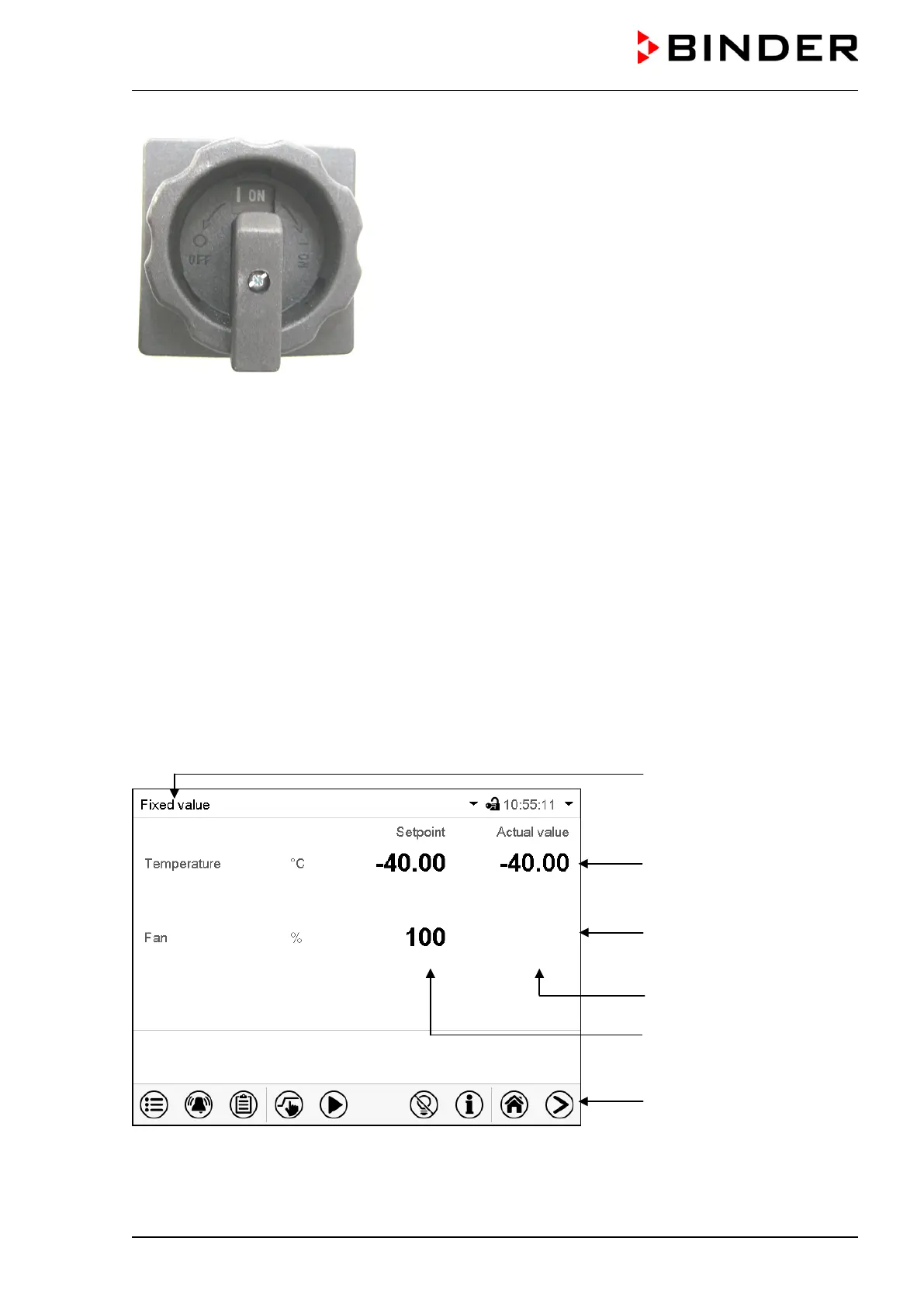
Figure 13: Power switch (H) of the voltage and frequency chang-
er in position “ON”
In position “OFF” the switch can be locked, e.g. with a padlock.
5. Functional overview of the MB2 chamber controller
The MB2 chamber controller controls the temperature (closed loop control), and the fan speed (adjustable
only with MK 56) inside the chamber.
You can enter the desired set point values in fixed value operation mode directly on the display surface or
via the setpoint menu. For program operation the controller offers programming week and time programs.
In addition there is a timer program available (stopwatch function).
The controller offers various notifications and alarm messages with visual and audible indication and re-
mote alarms via e-mail, an event list (trace file) and the graphical display of the measuring values in the in
der chart recorder view. The MB2 program controller permits programming temperature cycles and speci-
fying the fan speed (with MK 56) and special controller functions for each program section. You can enter
values or programs directly at the controller or use the APT-COM™ 4 Multi Management Software (op-
tion) specially developed by BINDER.
Temperature values
Fan speed value
Actual values
Set-point values
Functional icons
Figure 14: Normal display of the MB2 program controller (sample values with MK 56)



 To Next Page