MK / MKT (E5) 03/2019 page 78/158
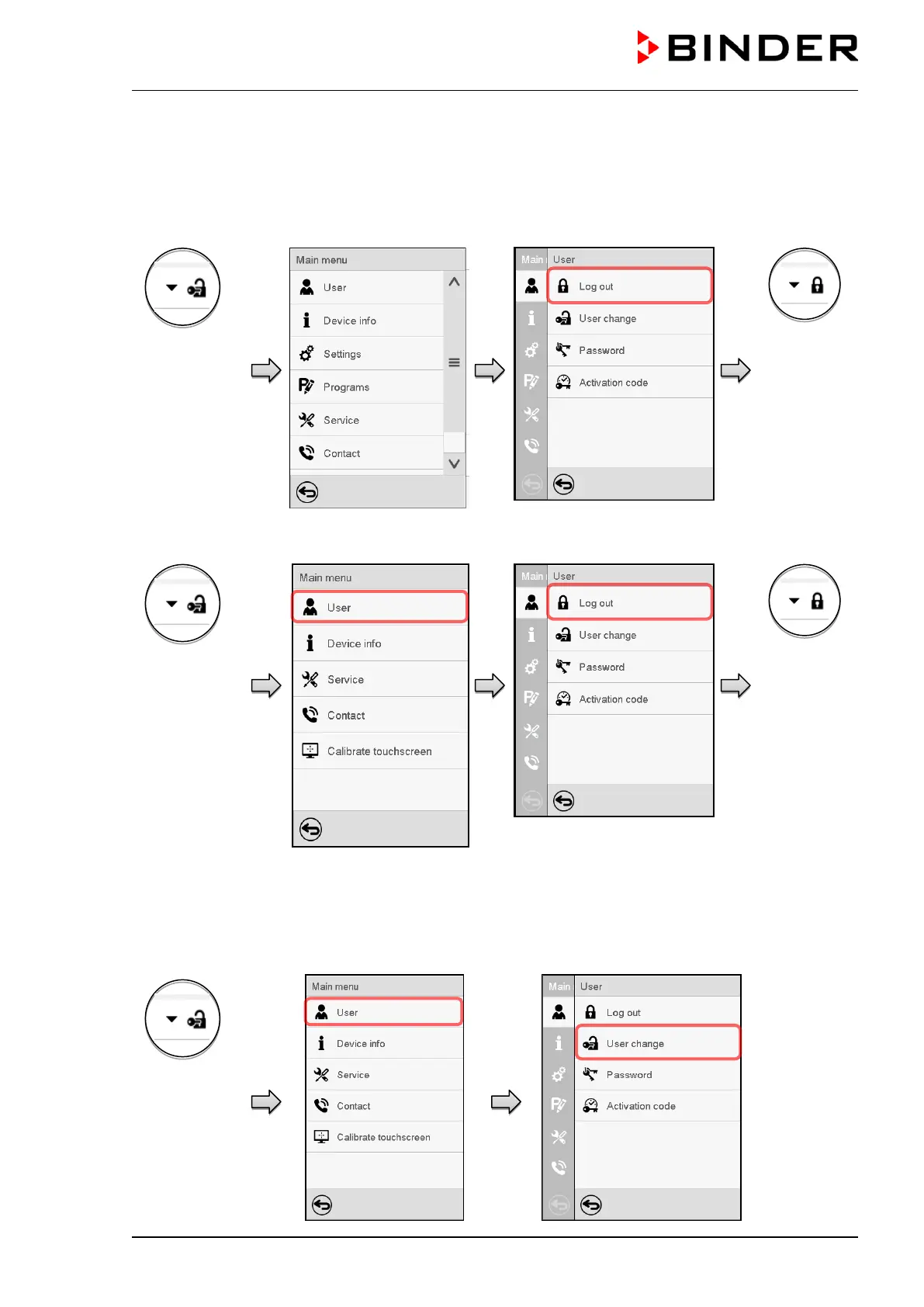
13.3 Log out
Path: Main menu > User > Log out
User logoff with “Admin” authorization
Controller with
logged-in user
Controller
without a
user logged-
in
User logoff with “User” authorization
Controller with
logged-in user
Controller
without a
user logged-
in
13.4 User change
If the password function has been deactivated (chap.13.5.2) this function is not available.
Path: Main menu > User > User change
Controller with
logged-in user



 To Next Page