724-746-5500 | blackbox.com
Page 56
LES301A user manual
724-746-5500 | blackbox.com
Appendix C: Using SerialManager Utility
SNMP
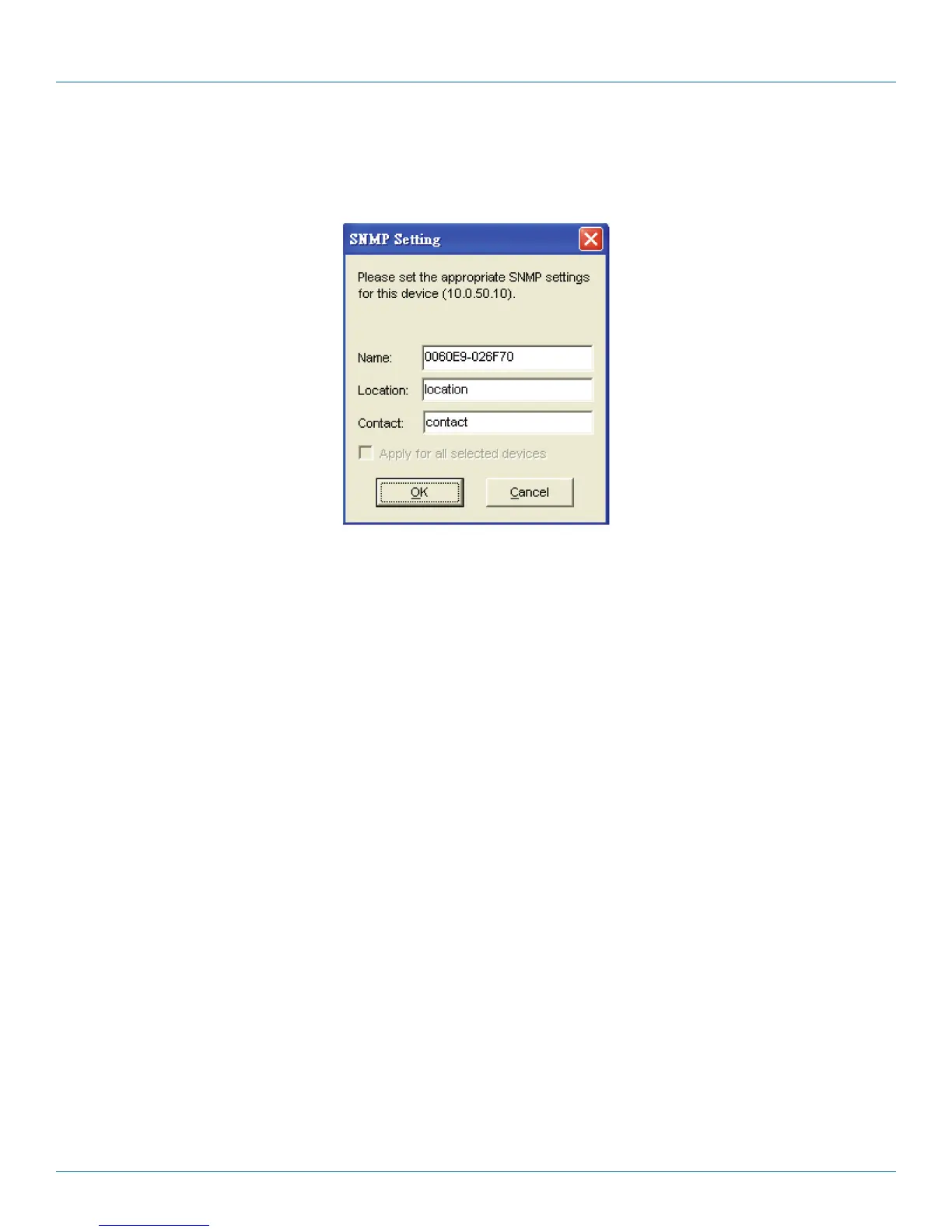
You can modify SNMP settings of any selected device. The supported SNMP fields are Name, Location, and Contact.
NOTE: This function will be enabled after a successful login.
Figure C-12. SNMP Setting screen.
COM Port
This function is applied to the configuration of COM port parameters only. The COM Port setting dialog is shown in Figure C-13.
NOTE: This function will be enabled after a successful login.











 To Next Page