724-746-5500 | blackbox.com
724-746-5500 | blackbox.com
Page 63
LES301A user manual
Appendix C: Using SerialManager Utility
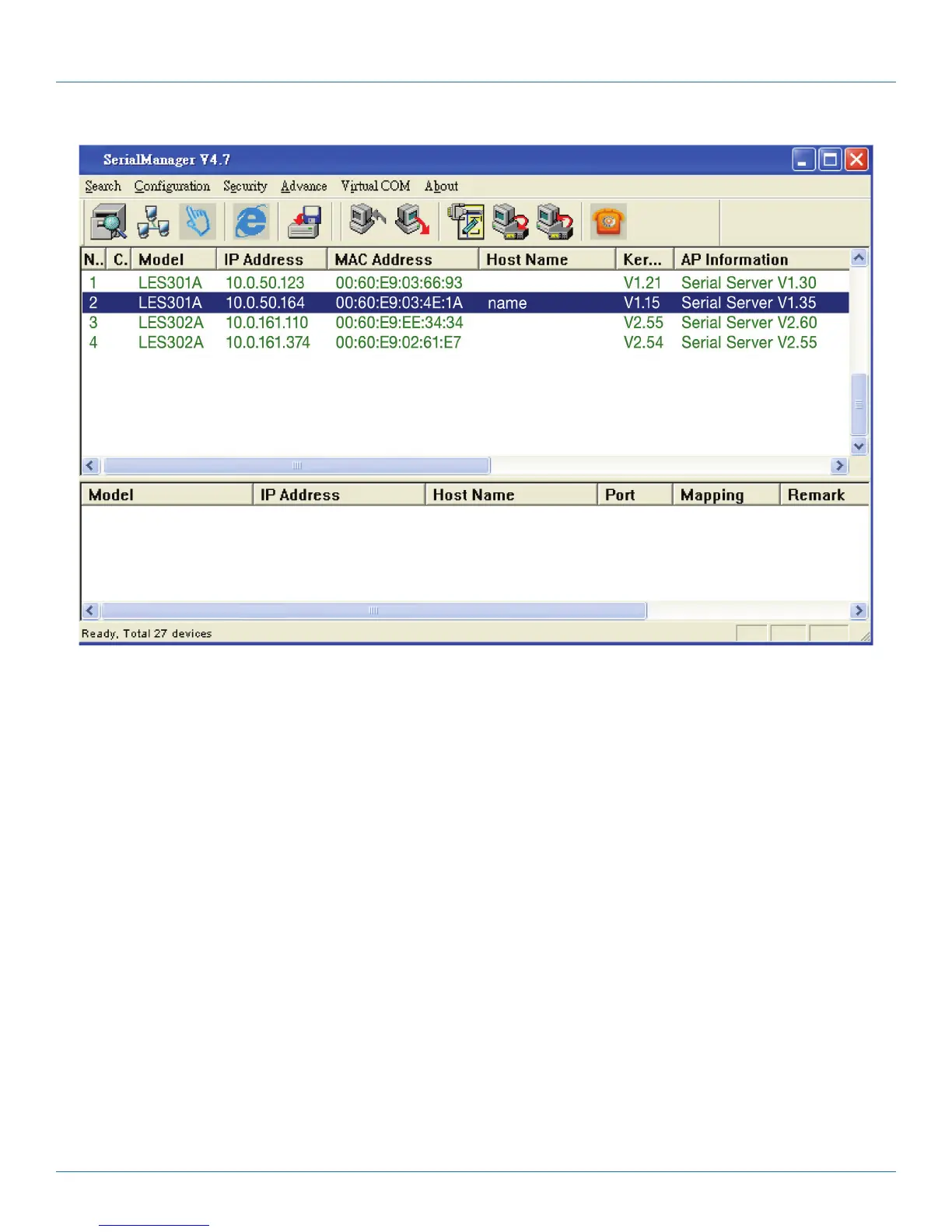
Figure C-22. Virtual COM working area.
Select the device you want to establish a Virtual COM connection with—you can select multiple devices. After the device is
selected, right click in the blank working area and select “Add devices.”











 To Next Page