724-746-5500 | blackbox.com
Page 64
LES301A user manual
724-746-5500 | blackbox.com
Appendix C: Using SerialManager Utility
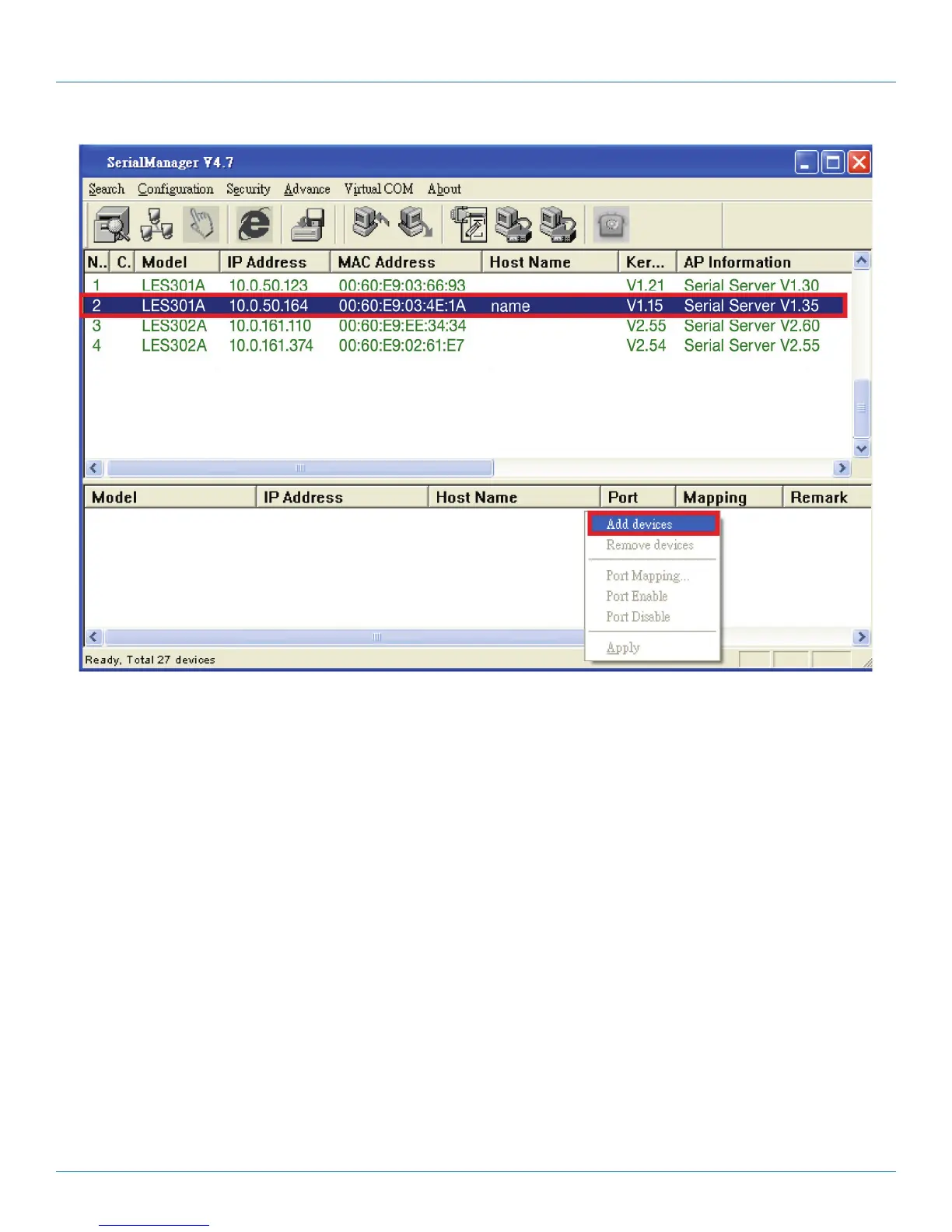
Figure C-23. Add devices.
The device is added. Right-click on any port and a menu will appear. You can remove the device from the Virtual COM working
area by selecting “Remove devices.” You can disable Virtual COM for a specific port by selecting “Port Disable.” Remember to
click “Apply” to apply any changes.











 To Next Page