24
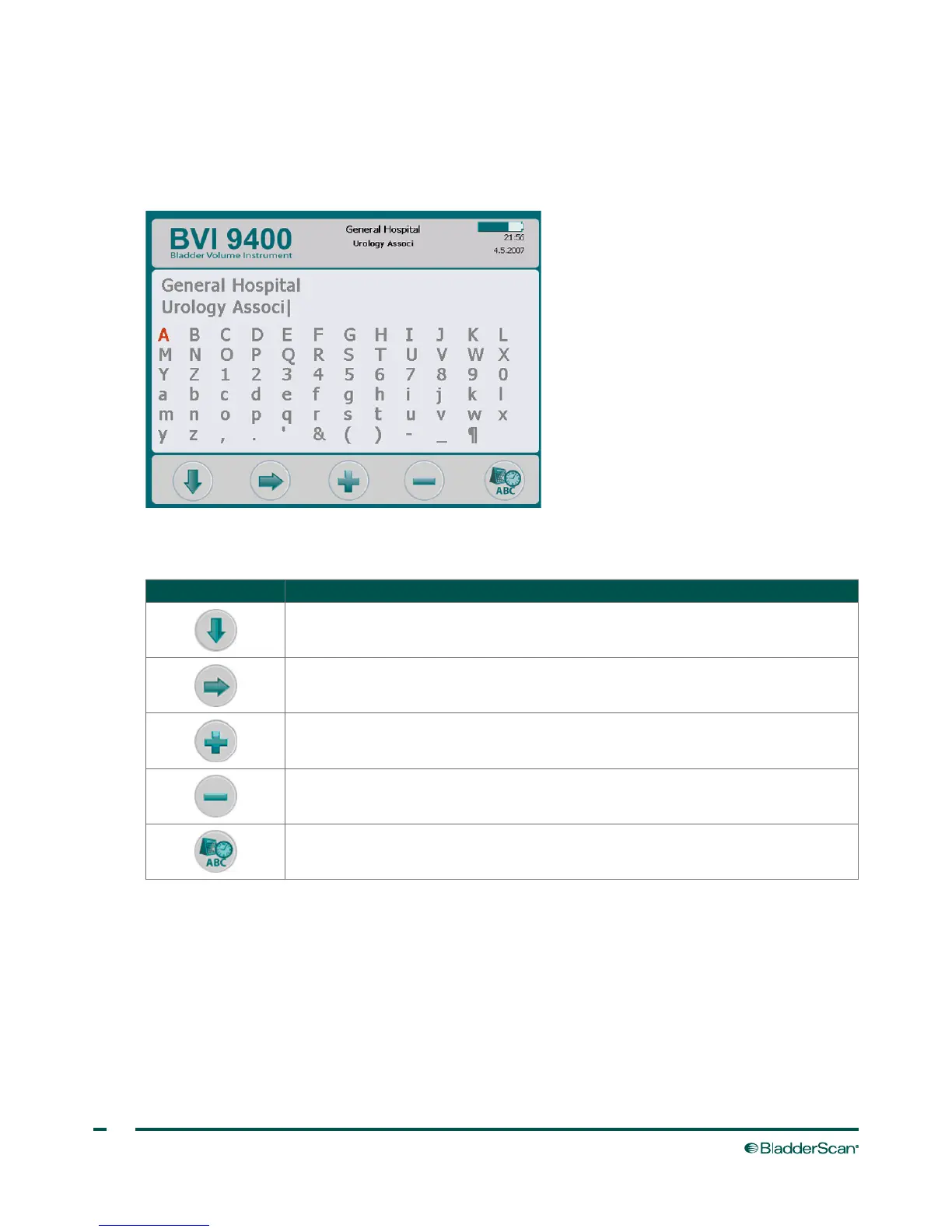
NAME SCREEN
This screen allows you to select the appropriate alpha numeric characters for entering your facility's name.
For more information, see the procedure Program the Facility Name on page38.
Table 13. Name Screen Button Functions
BUTTON FUNCTION
Move to the character below.
Move to the character to the right.
Add the highlighted character to the name.
Delete the last character from the name.
Save the settings and return to main Settings screen.



 To Next Page