25
Operations & Maintenance Manual: Introduction
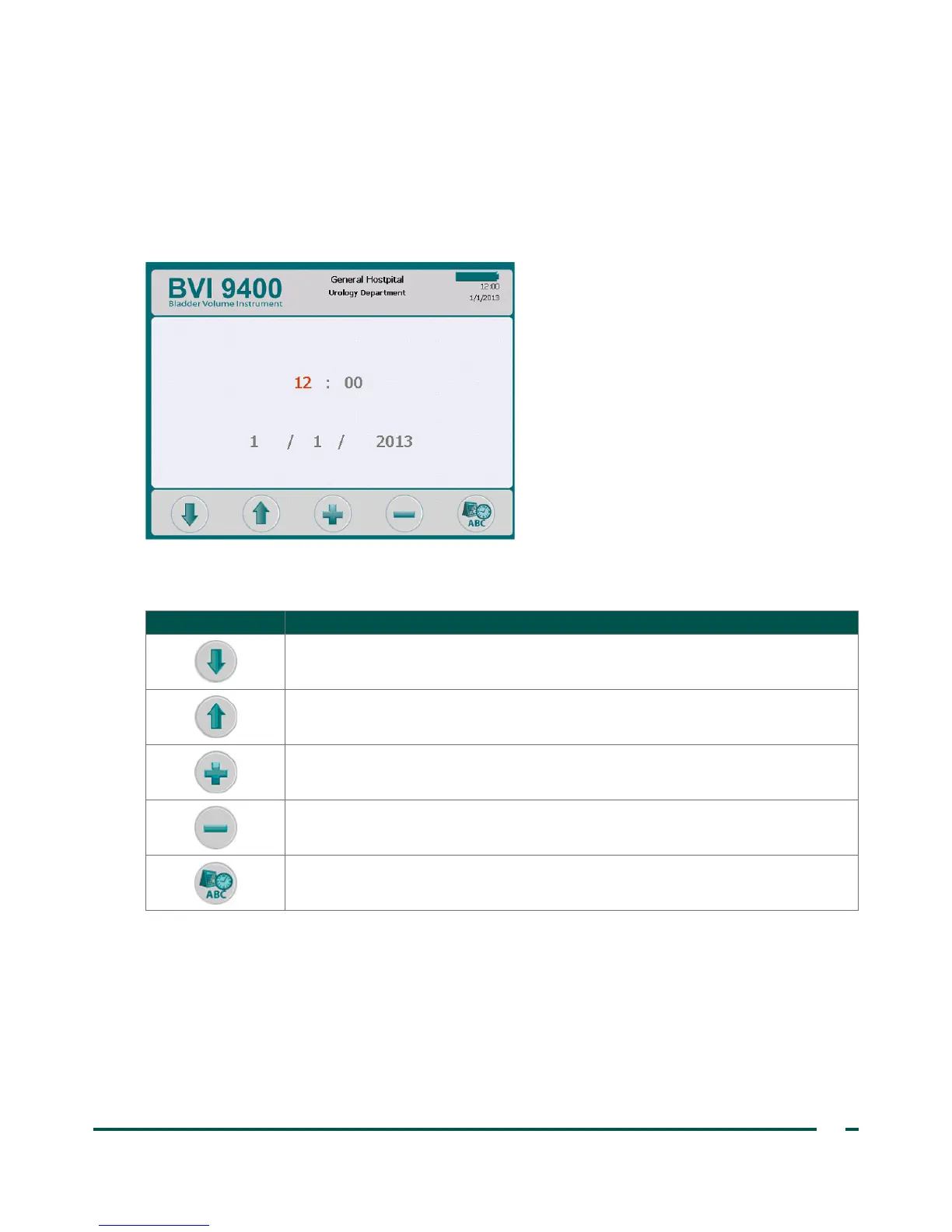
DATE & TIME SCREEN
This screen allows you to set the date and time.
For more information, see the procedure Set the Date and Time on page40.
Note: If the time display is set to show a 24‑hour clock, the hour units are 0–23. If the clock is set to show a
12‑hour clock, the hour units are 1–12 followed by AM or PM.
Table 14. Date & Time Screen Button Functions
BUTTON FUNCTION
Move forward to the next changeable unit.
Move back to the previous changeable unit.
Increase the selected value by one.
Decrease the selected value by one.
Save the settings and return to main Settings screen.



 To Next Page