3 Safety Precautions
07
3
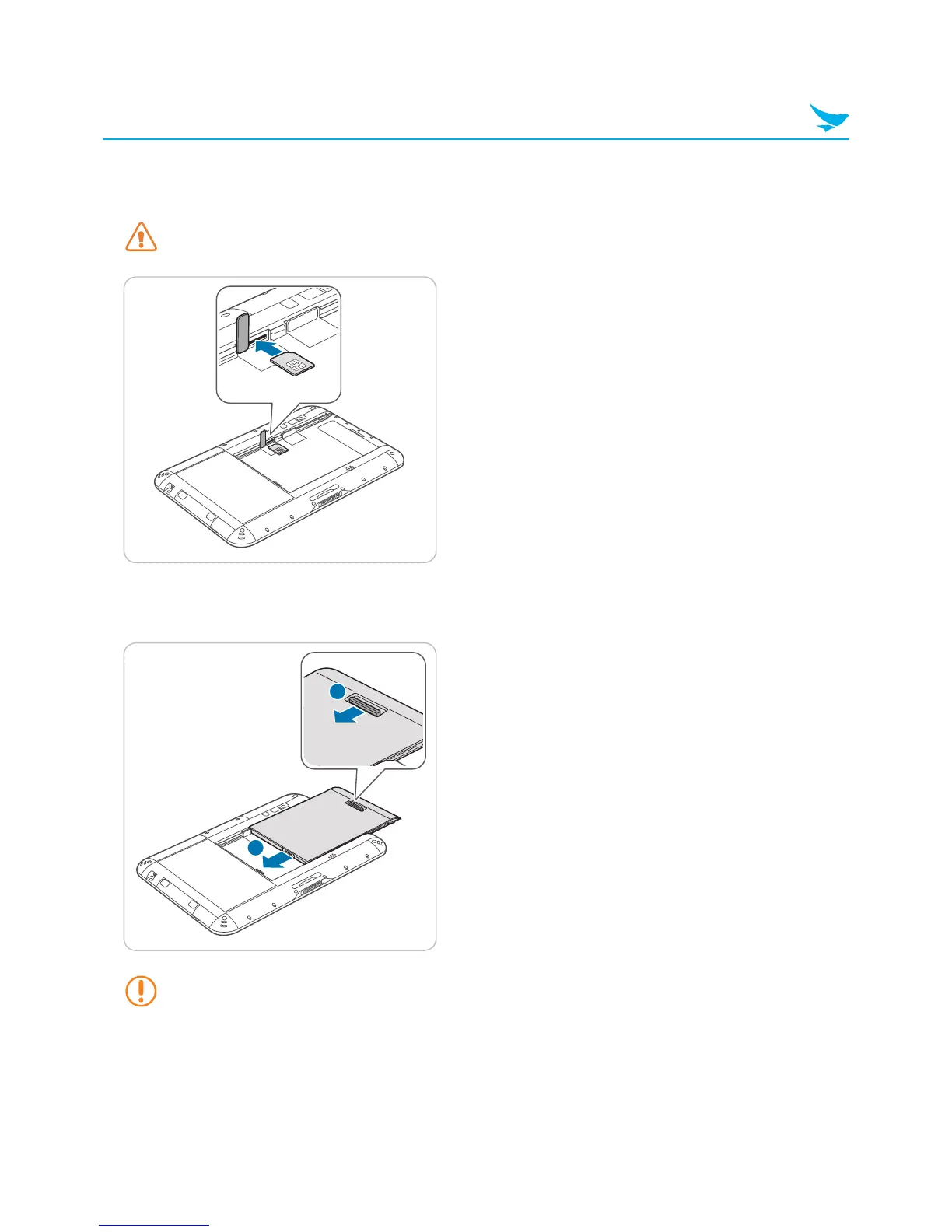
Insert a micro USIM card into the slot until you hear a click.
• Make sure that the gold-colored contacts are facing up.
Do not insert the USIM card into an incorrect slot. Check the shape and orientation of the slot to
ensure that it is designed for a USIM card.
4
Close the cover of the USIM card slot.
5
Replace the battery and push the battery locker to lock the battery.
1



 To Next Page