7 Connecting to External Devices
23
7.3 Connecting to USB Devices
1
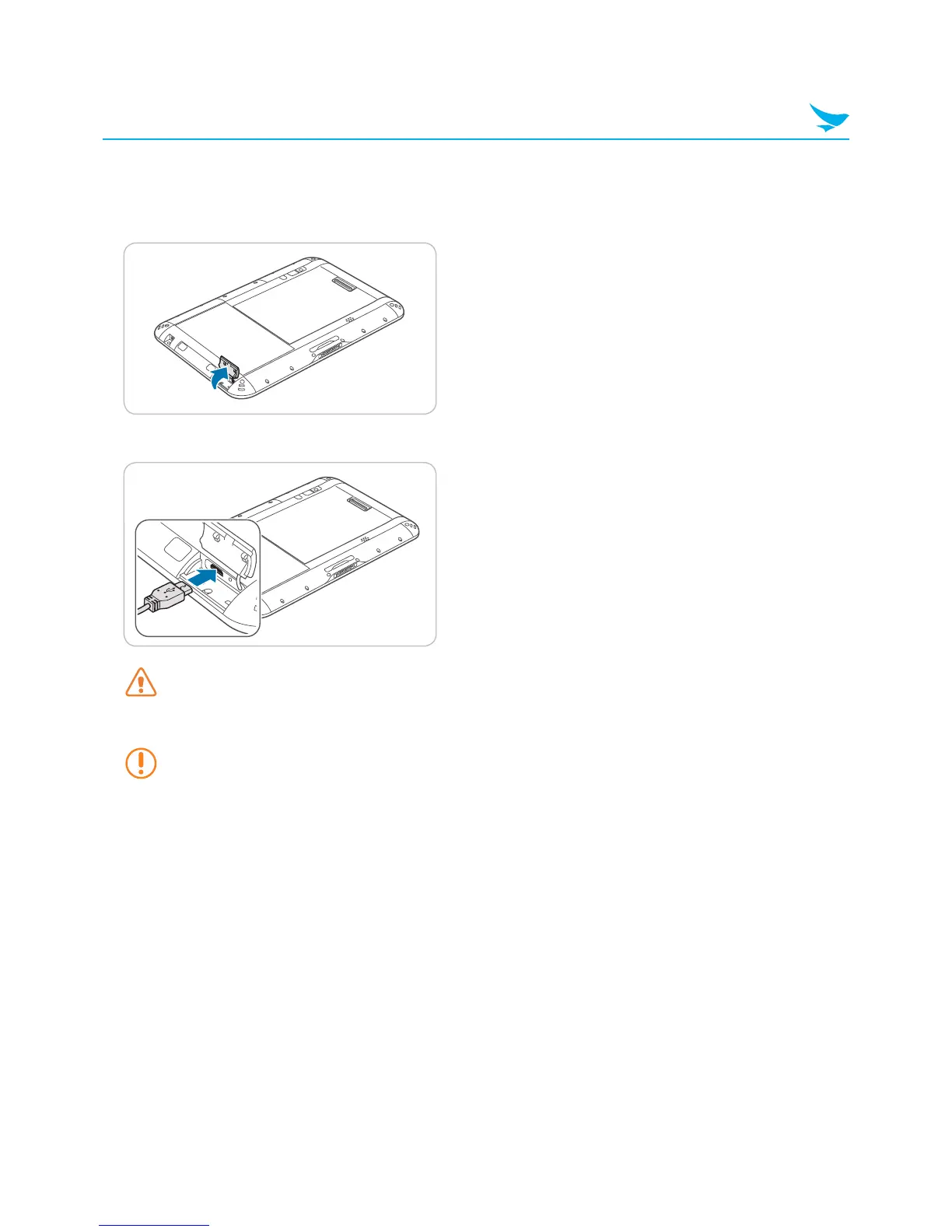
Open the cover on the right side of the device.
2
Plug the USB cable into the port.
Before you connect a USB device, make sure that the connector is oriented correctly and that it can
physically fit into the port.
3
When the notification appears, the device is ready to use.
The USB port supports USB 2.0 devices, such as mice, keyboards, and portable hard disks. However,
the USB device may not function properly if it requires a current of more than 0.5 A.



 To Next Page