11 Using the Camera (Windows)
35
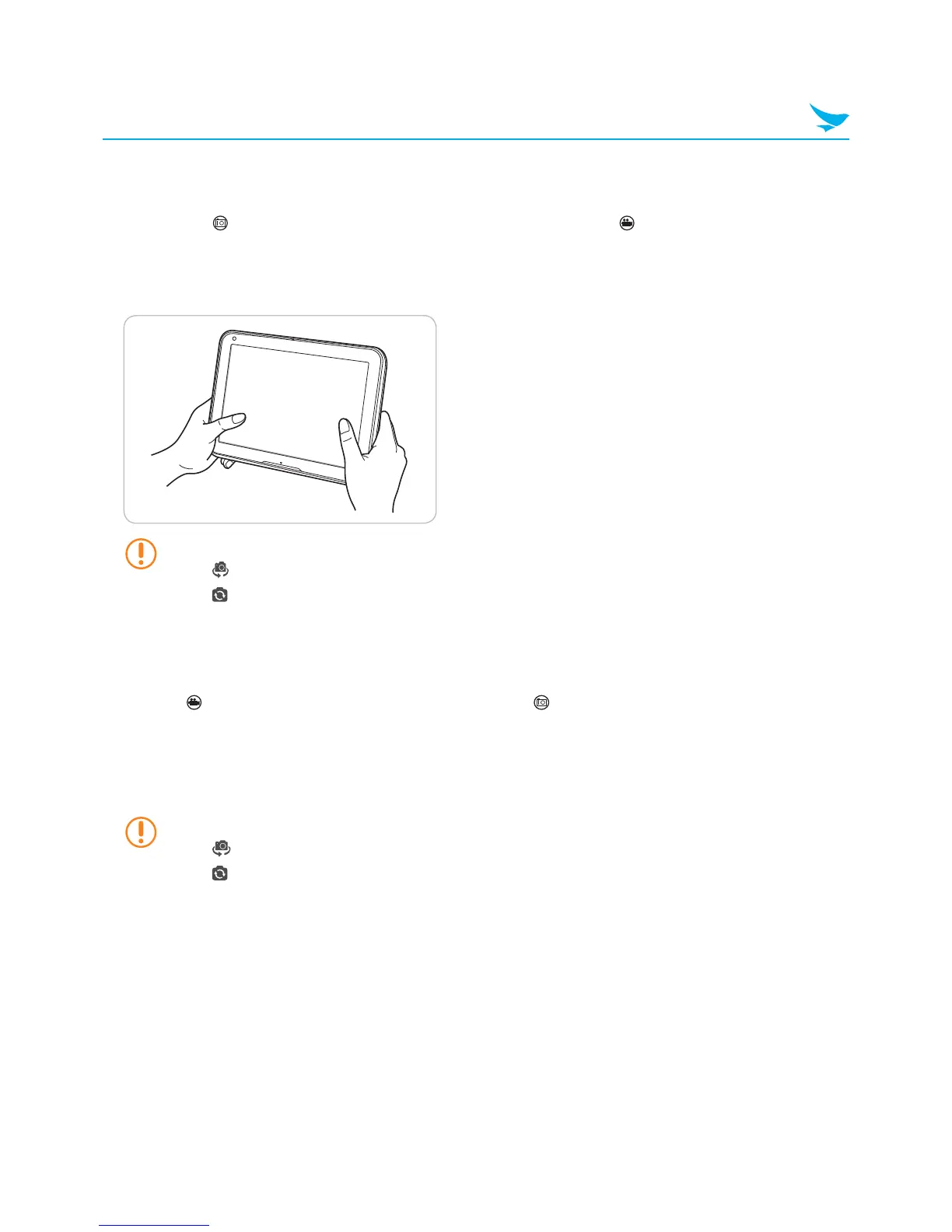
11.3 Taking Pictures
Ensure that the icon appears in the top right corner of the screen. If the appears instead, tap the icon
to switch to photo mode.
Tap the Capture button to take the picture.
• Tap the resolution button in the lower right corner of the screen to change the resolution of the image.
• Tap
to reverse the image horizontally.
• Tap
to switch between the front and rear cameras on the device.
11.4 Recording Video
Ensure that appears in the top right corner of the screen. If appears instead, tap the icon to switch to
video mode.
1
Tap StartRecord to start recording the video.
2
Tap StopRecord to stop recording the video and save it on the device.
• Tap the resolution button in the lower right corner of the screen to change the resolution of the video.
• Tap
to reverse the video image horizontally.
• Tap
to switch between the front and rear cameras on the device.



 To Next Page