34
11 Using the Camera (Windows)
The Bluebird Camera app allows you to capture photos and record videos using either of the cameras on
the device. After capturing photos or recording videos, you can then view the photos or videos stored on
the device.
11.1 Installing the Camera App
1
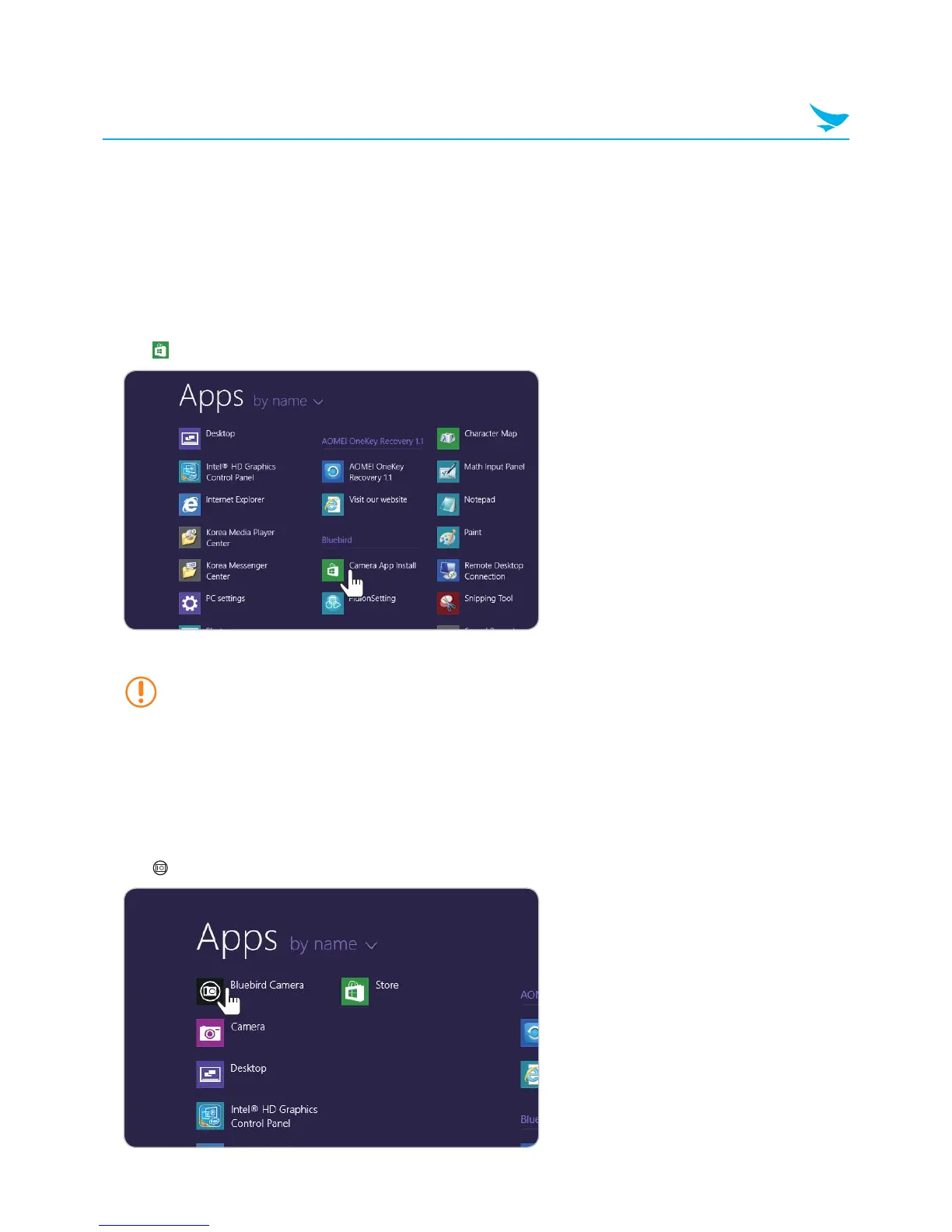
Swipe upward on the Start screen to display the list of apps.
2
Tap Camera App Install to open the link to the Windows Store.
3
Tap Install to install the app.
• When you tap the Install button, you must enter your ID (email address) and password if you
haven't logged in to your Microsoft account.
• The device must be connected to a network in order to install the Camera app.
11.2 Opening the Camera App
1
Swipe upward on the Start screen to see the list of apps.
2
Tap Bluebird Camera to open the app.



 To Next Page