4 Windows 8.1 Tutorials
18
4.8 Closing Active Apps
1
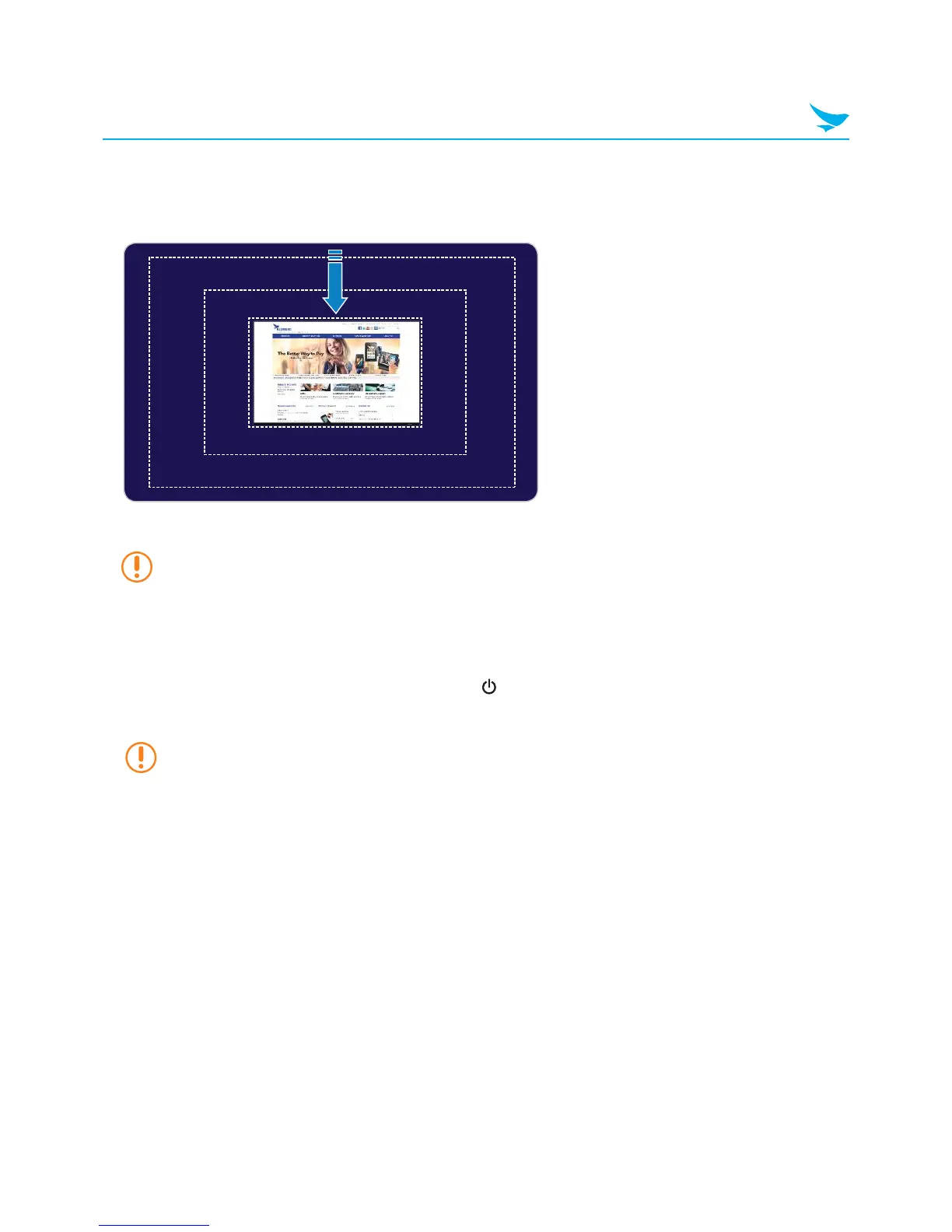
From the app, slide your finger downwards from the top edge of the screen.
2
When the app snaps to the bottom of the screen, release it.
If the app appears in the window, tap the close button in the top right corner of the window.
4.9 Turning Off the Device
1
In the top right corner of the Charms screen, tap the button.
2
Tap Shut Down.
If the device is not responding, press and hold the power button on the top left edge of the device
for about five seconds to turn off the device manually.



 To Next Page