31
10 Using the Card Slots
This chapter explains how to insert cards into the device.
10.1 Inserting a USIM card
See 3.1 Inserting a USIM Card on page 06.
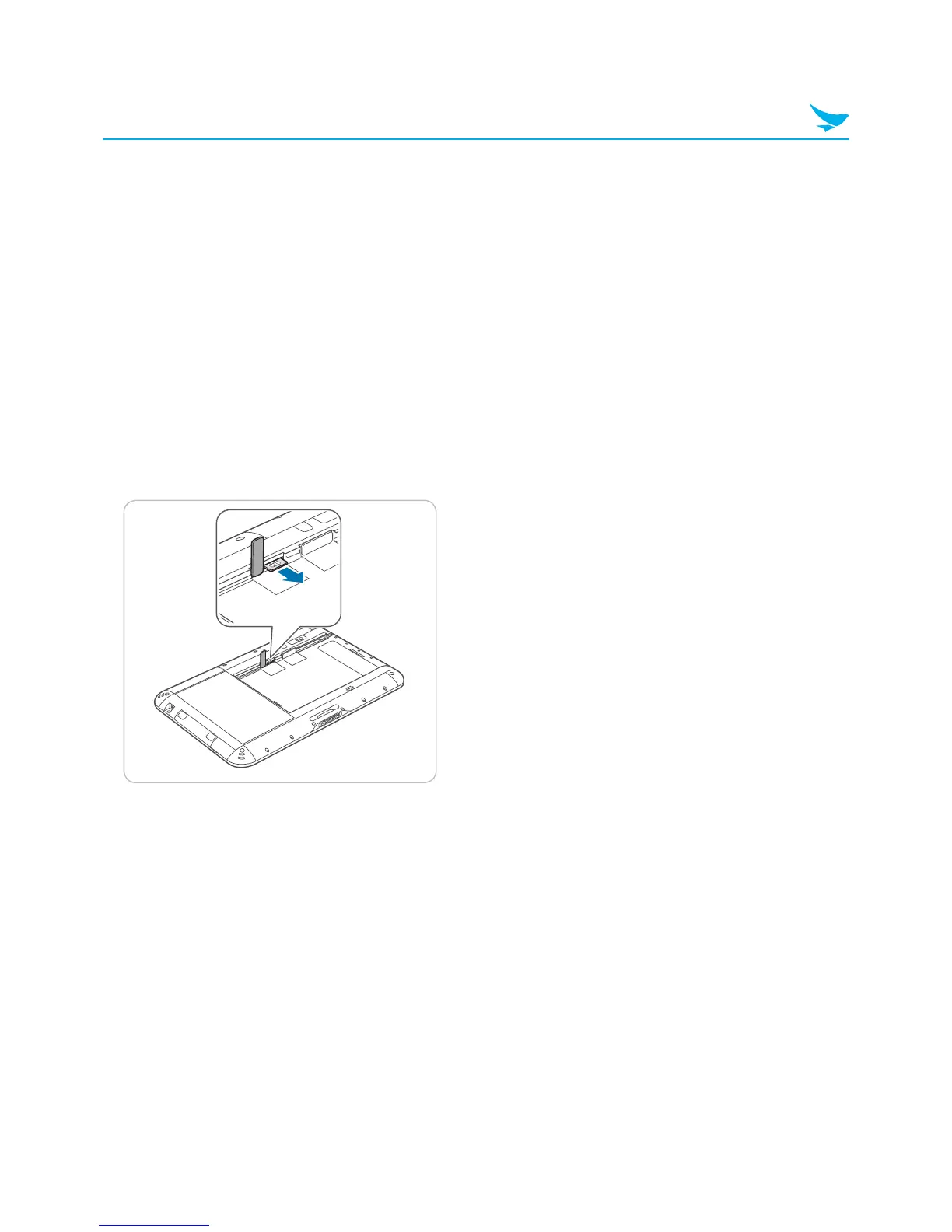
10.2 Removing a USIM Card
1
Push the battery locker to unlock the battery and remove the battery.
2
Open the cover to the USIM card slot on the left.
3
Press the USIM card into the slot to release it.
4
Pull the USIM card to remove it.
5
Close the cover of the USIM card slot.
6
Replace the battery and push the battery locker to lock the battery.



 To Next Page