9 Customizing the Device (Android)
30
1
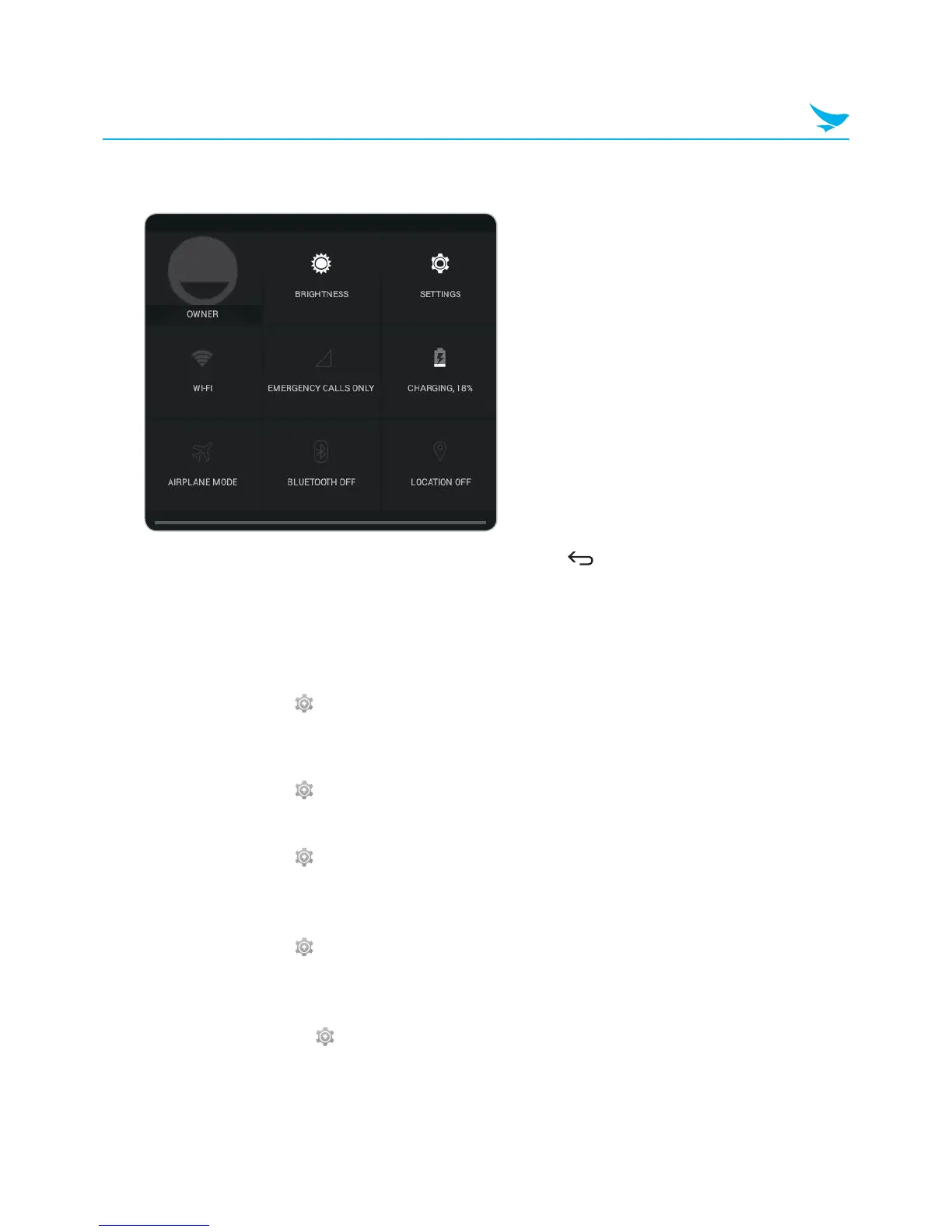
Drag down from the top right of the screen at any time from any app and tap a quick action button to
turn it on or off.
2
Drag up from the bottom of the screen or tap the Back button .
Setting Date and Time
The date and time are automatically set based on the network you are connected to.
To set the date and time manually
On the Apps screen, tap > Date & time, then disable Automatic date & time. If you turn off this option,
the options for setting date and time will be activated.
To set the date and time automatically
On the Apps screen, tap > Date & time, then enable Automatic date & time.
To set the date and time format
On the Apps screen, tap > Date & time, then turn Use 24-hour format on or off.
Setting the Keyboard and Language
On the Apps screen, tap > Language & input to change the language and the keyboard you use.
Adjusting the Screen Brightness
1
On the Apps screen, tap > Display > Brightness.
2
Tap and move the slider to adjust the screen brightness.



 To Next Page