13
4 Windows 8.1 Tutorials
Windows 8.1 includes features optimized for touch screens, such as the new Start screen, Charms menu,
and gestures for switching and closing apps. The next few sections will teach you about these features and
help you feel comfortable in this new environment.
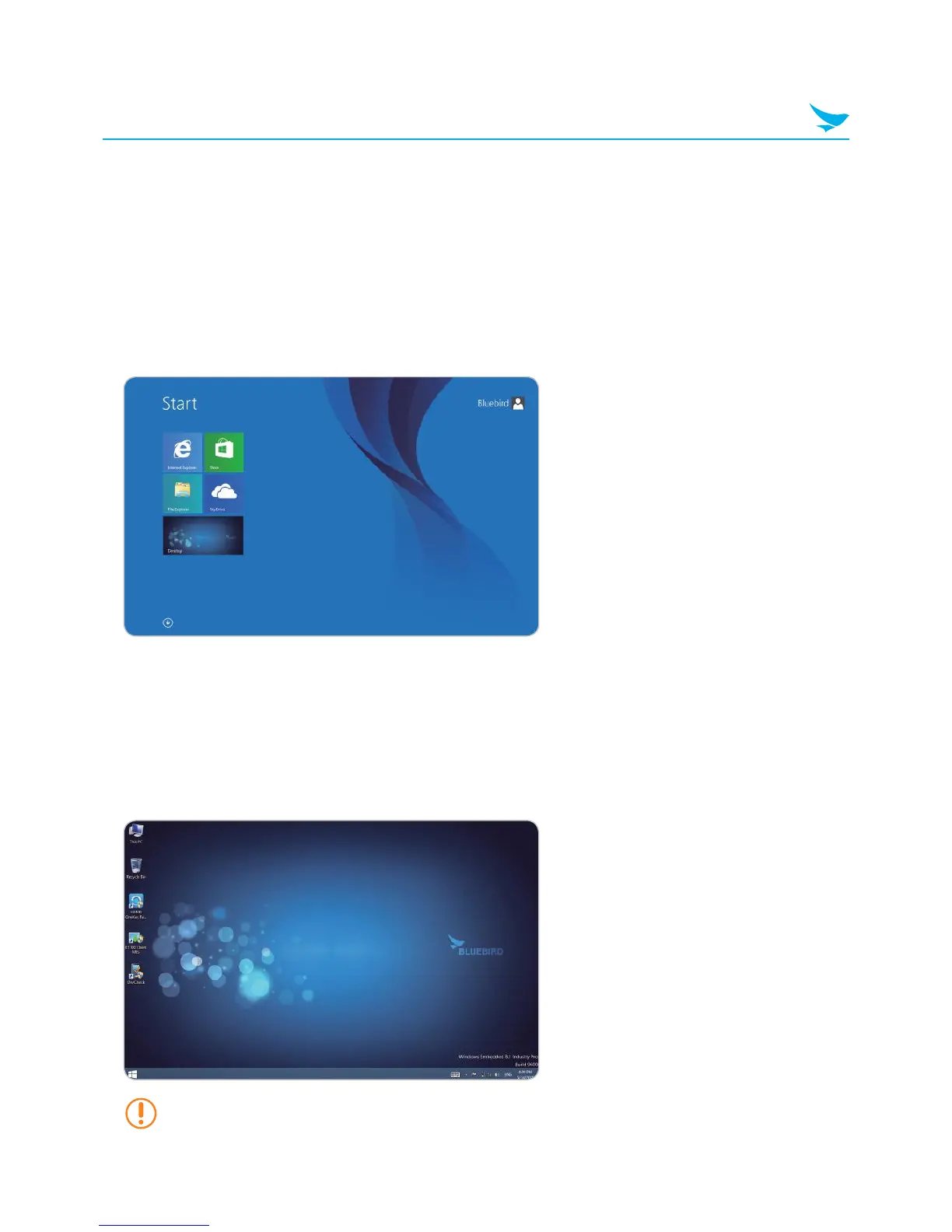
4.1 Start Screen
The Start screen provides easy access to the apps and information most important to you. From the Start
screen, you can see your calendar, email, and favorite websites, search for apps or content on the web, or
log in and out of the device.
You can customize the Start screen by re-sizing the tile or adding a new tile. For more information, see
Configuring the 8.1 Configuring the Start Screen on page 24.
4.2 Desktop
The desktop provides a familiar experience to those who have used previous versions of Windows. It is also
where you will use certain apps, such as the File Explorer and Office applications.
If you want to boot directly into the desktop, see 8.5 Booting to the Desktop on page 28.



 To Next Page