3 Safety Precautions
10
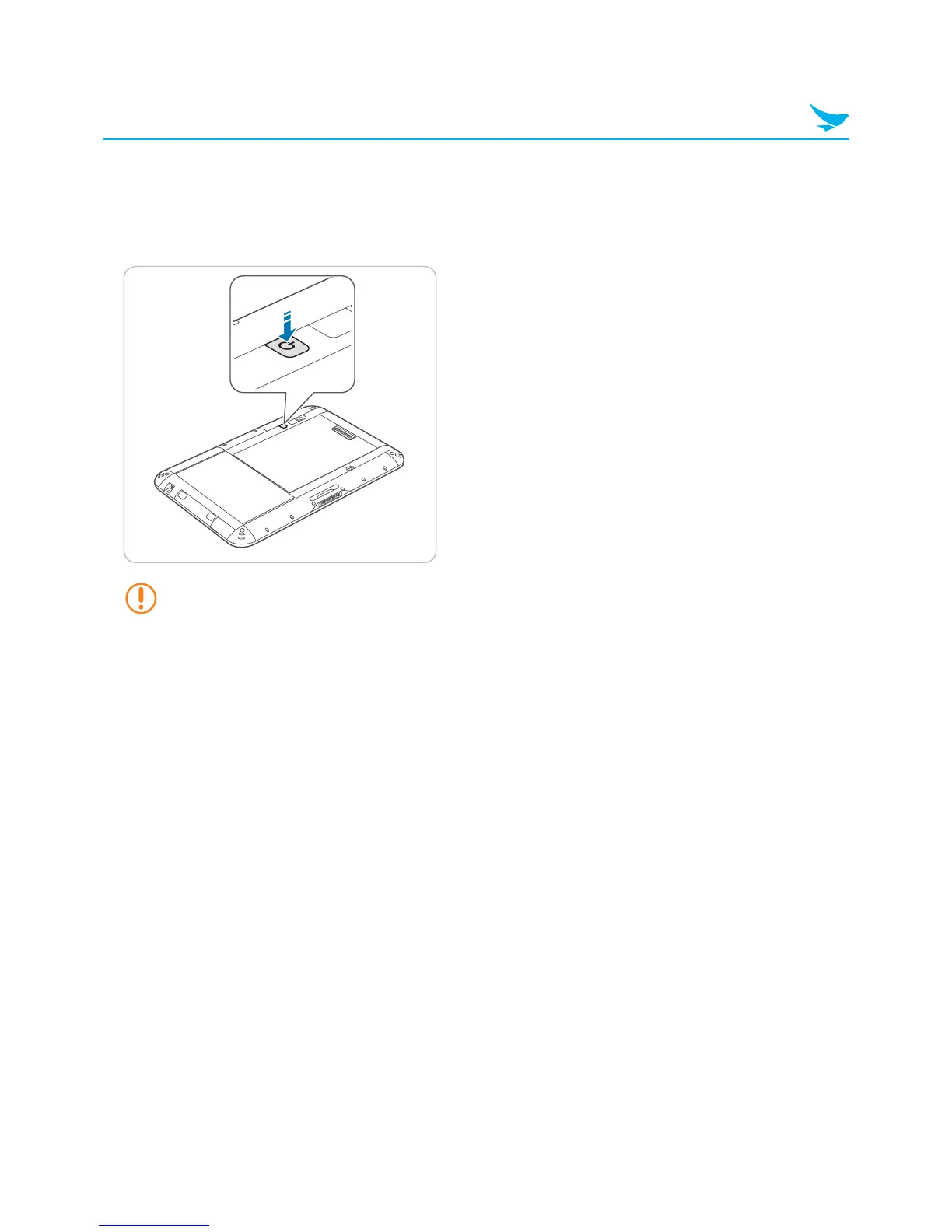
3.3 Turning On the Device
For Windows device, press and hold the power button on the back of the device.
For Android device, press the power button on the back of the device.
To turn off the device, see 4.9 Turning Off the Device on page 18.
The power button is also used:
• To turn off the screen without turning off the device.
To turn the screen back on, press the power button again.
• To turn off the device manually by pressing and holding the power button for about five seconds.



 To Next Page