24
8 Customizing the Device (Windows)
After learning how to navigate Windows and getting a feel for the device, you will probably want to
customize its style and functionality. You can customize the Start screen, and lock screen easily by following
the instructions in this section.
8.1 Configuring the Start Screen
The Start screen is where it all begins, so you should add your own flair to make it your own. In this section,
you’ll learn how to change the background and color scheme of Windows, add, delete, and resize tiles, and
arrange the Start screen to suit your preferences.
Changing the Background
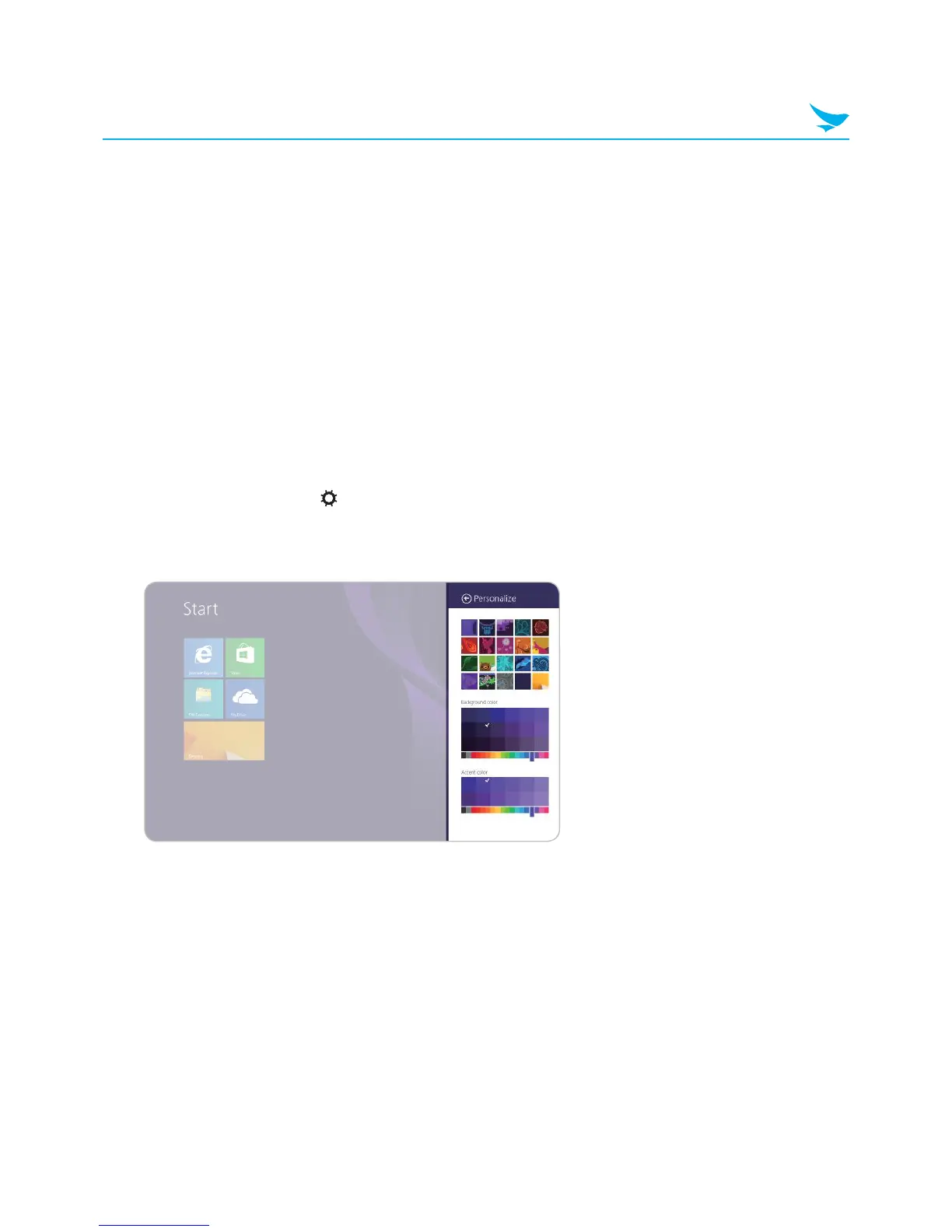
To change the background of the Start screen:
1
Swipe in from the right edge of the screen
2
In the Charms menu, tap Settings.
3
In the Settings menu, tap Personalize.
4
Tap the desired background, Background color, and Accent color.



 To Next Page